Auxiliary Software
CS210 Rev. B4 Feb 2015 107
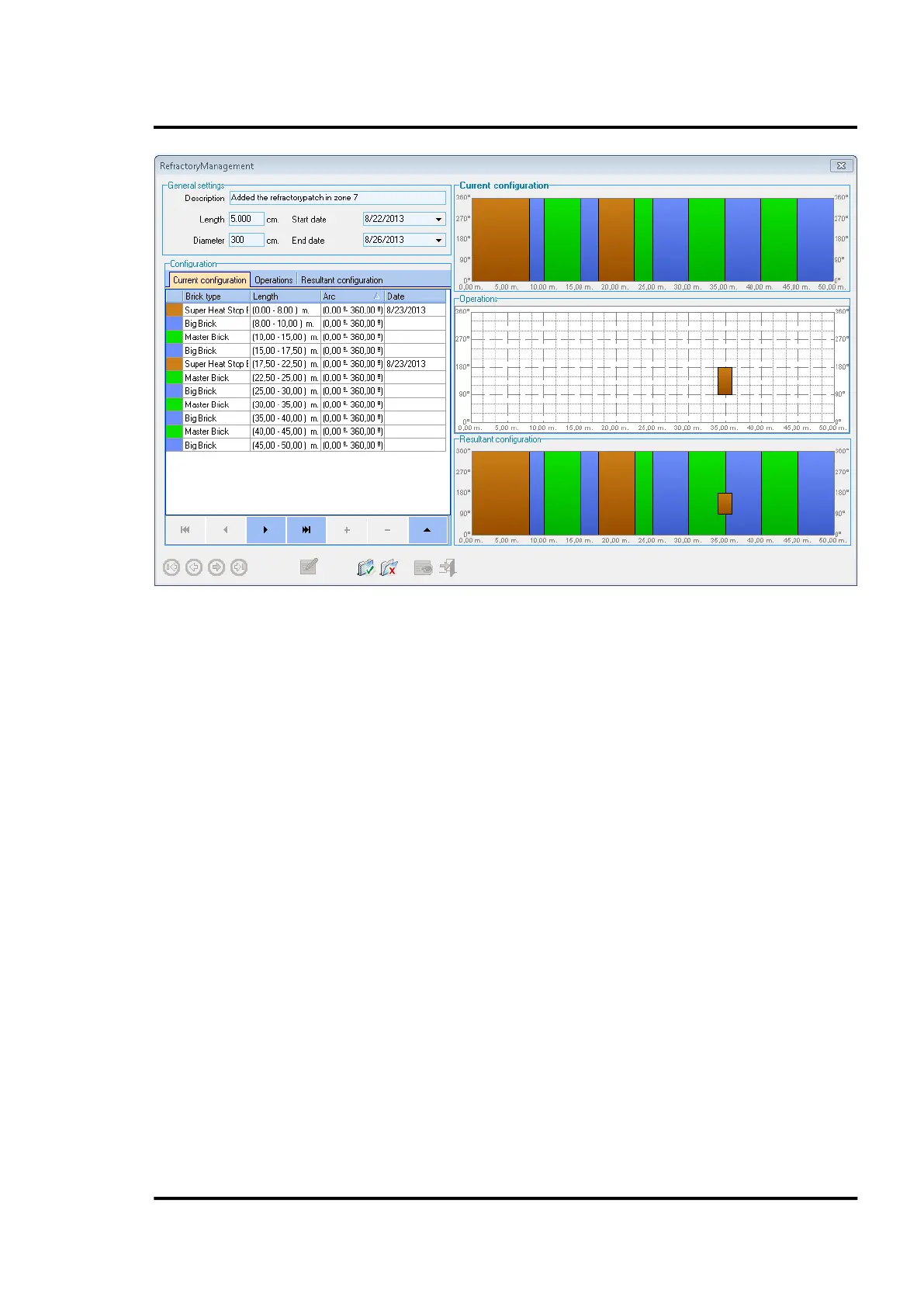
Figure 102: <Current Configuration> Tab of the Refractory Management Dialog
<Operations> Tab
Under the <Operations> tab, there are categories for <Zone Changes> <Drillings> <Shell Repair>.
<Operations> Tab / <Zone Changes>
The following dialog allows you to review the existing refractory zones. The lower tool bar provides
an intuitive navigation within the list of refractory zones, as well as an addition, deletion, and review
of them.
It is possible to adjust the size and position of a refractory zone directly on the right hand review area
under the <Operations> screen.



 To Next Page