Auxiliary Software
108 Rev. B4 Feb 2015 CS210
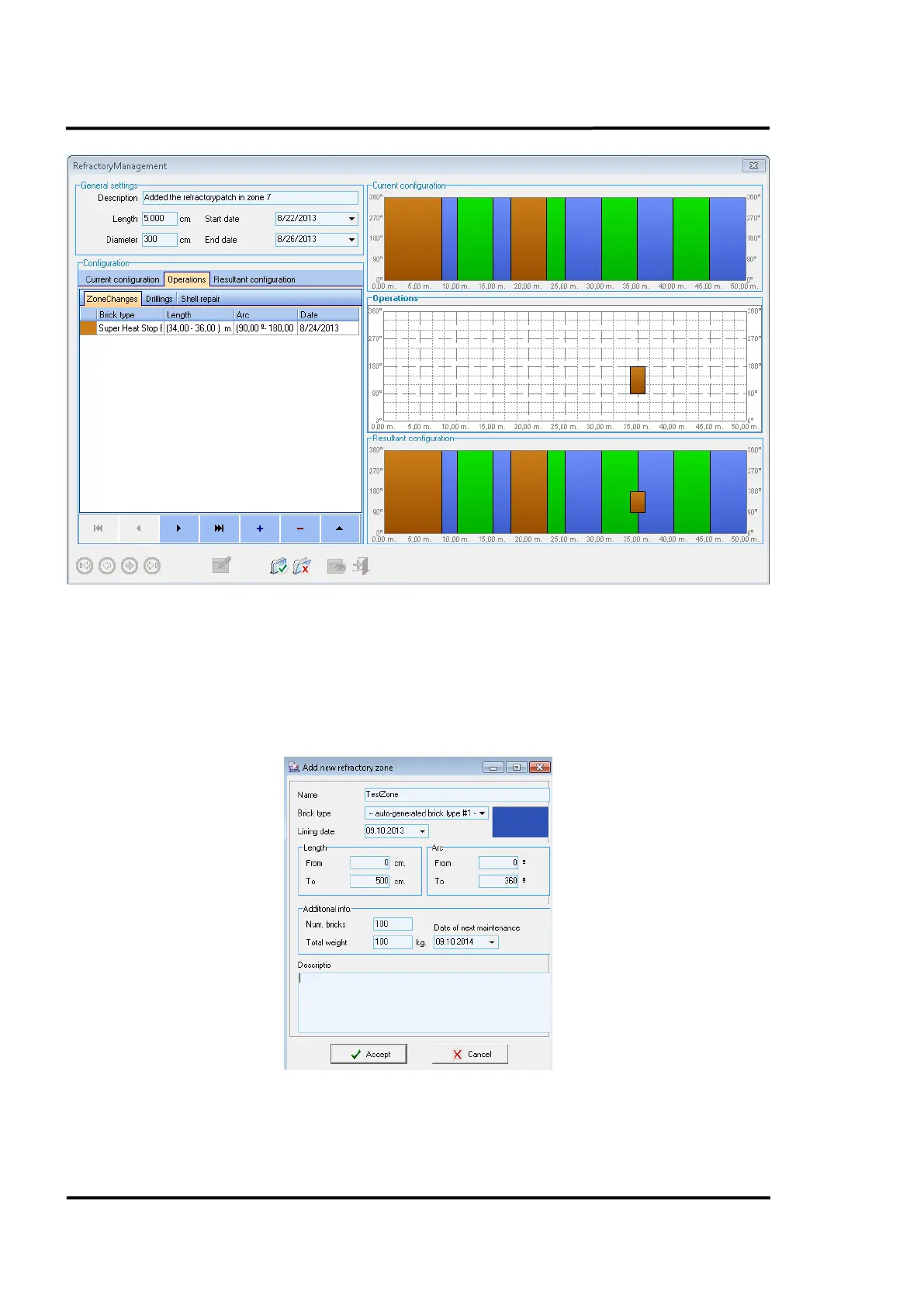
Figure 103: <Operations> Tab / <Zone Changes>
Within the dialog for adding/reviewing refractory zones, the user can define the beginning and end of
each zone, as well as the brick type, the date of the lining and the date of the next scheduled
maintenance. A newly entered zone will take precedence over all existing zones that it might overlap.
Thus, the overlapped area is cropped from the existing zones and the new zones parameters will take
effect.
Figure 104: Adding a Refractory Zone



 To Next Page