Fax Unit B404
FAX UNIT
SM 1-3 B404
1.2.2 INSTALLATION PROCEDURE
!
CAUTION
1. If there is a printer option in the machine, print out all data in the printer
buffer.
2. If a printer option is already installed, remove it first, then install the fax
option. After that, re-install the printer option in the machine.
3. Turn off the main switch and disconnect the power cord and the printer
network cable.
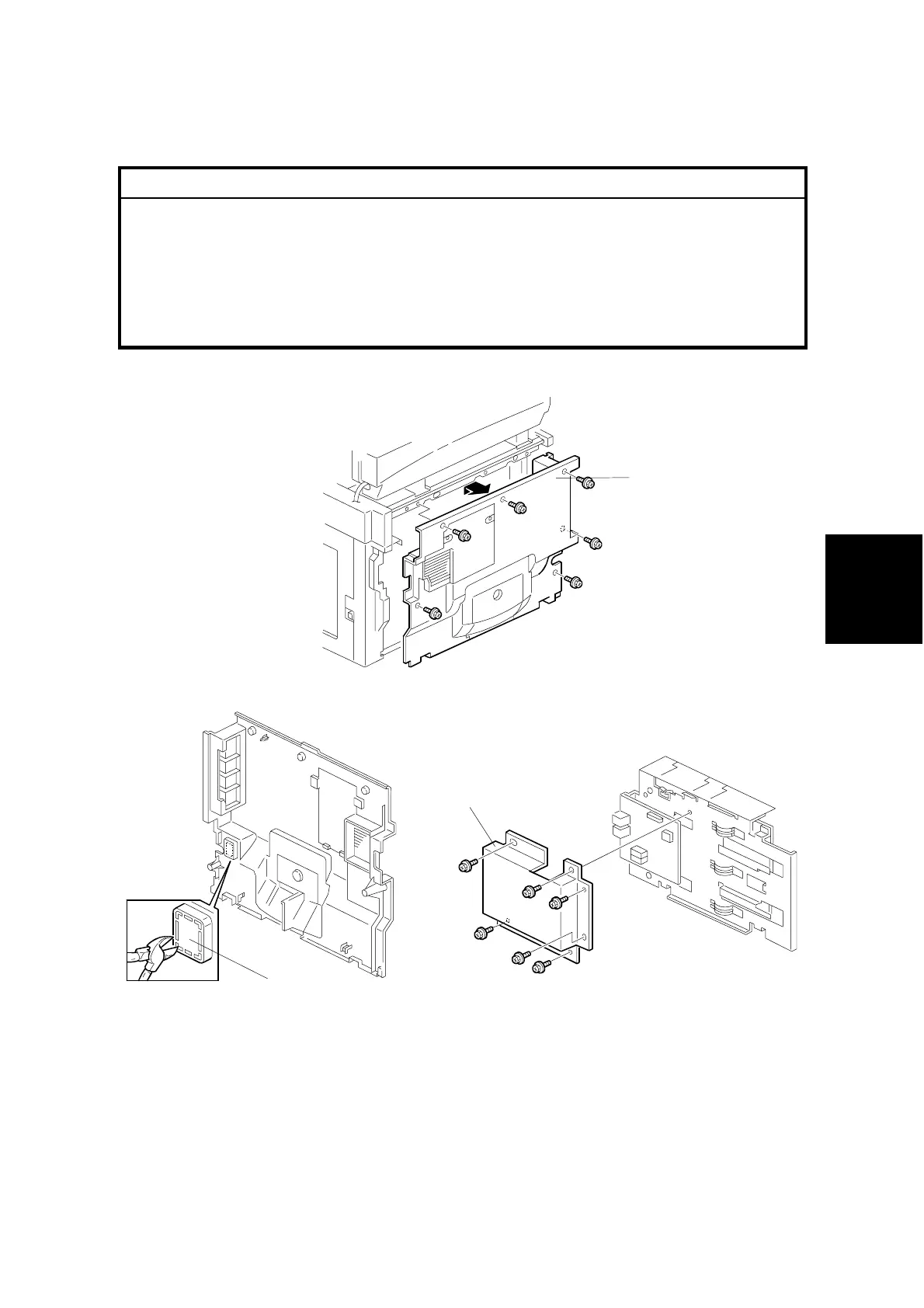
1. Remove the rear cover [A] (6 screws).
2. Cut away the small window [B] on the rear cover as shown.
3. Remove the NCU cover [C] from the fax unit.
NOTE: European and Asian models only
B404I104.WMF
B039R901.WMF
B405I111.WMF
[B]
[A]
[C]



 To Next Page