Fax Unit B404
SERVICE LEVEL FUNCTIONS
SM 5-3 B404
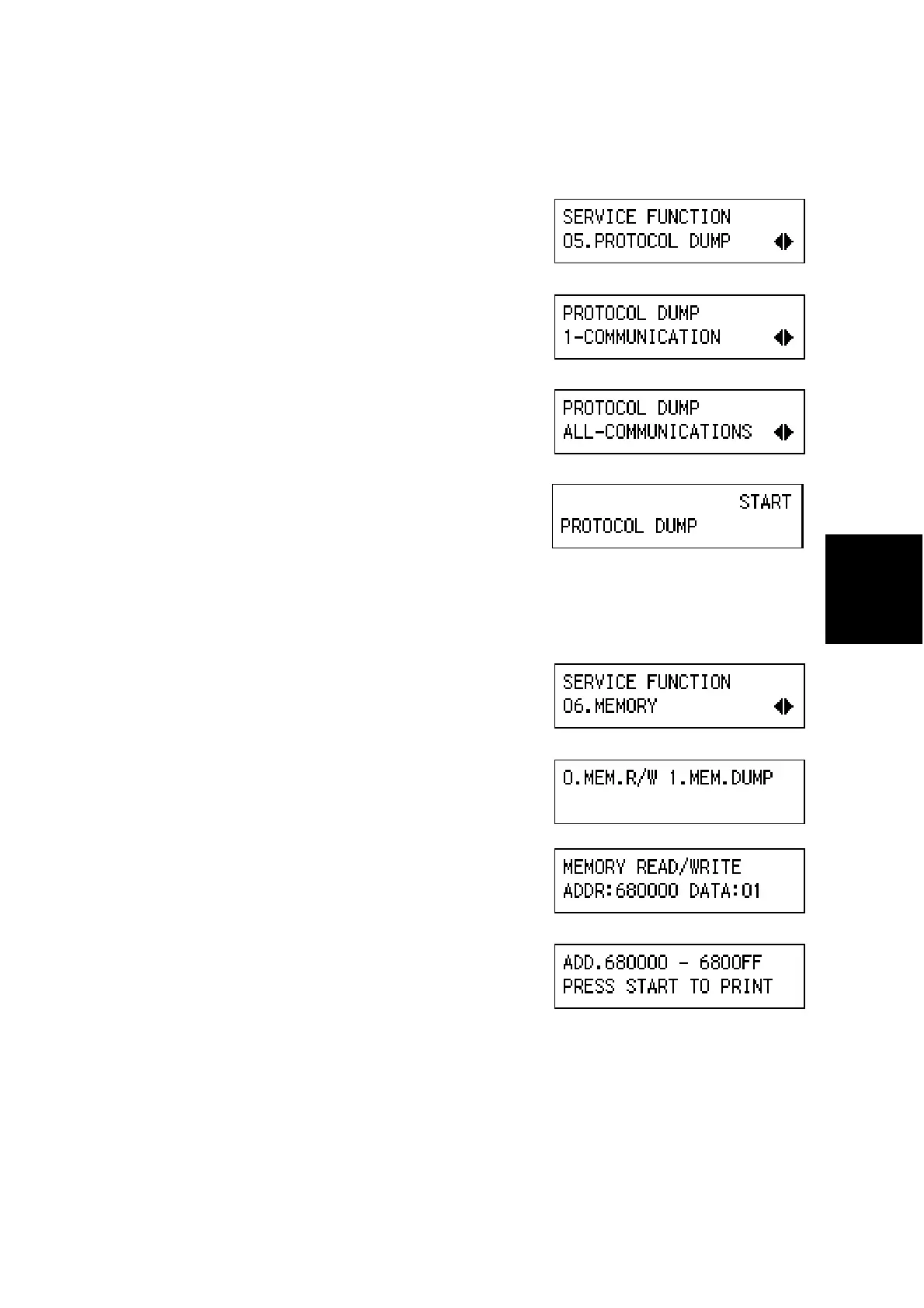
(5) 05. PROTOCOL DUMP
1. Enter the fax service mode.
2. Press ' ..
3. Press ‘OK’.
4. Select ‘1–COMMUNICATION’ or ‘ALL–
COMMUNICATIONS with the arrow keys,
then press ‘OK’.
5. Press -.
(6) 06. MEMORY
1. Enter the fax service mode.
2. Press ' /.
3. Press ‘OK’.
4. Select 0 or 1.
0.–MEM.R/W:
Enter the RAM address and value.
1.–MEM.DUMP:
Enter the start address and end address.
Then press -.
B404M513.BMP
B404M514.BMP
B404M515.BMP
B404M516.BMP
B404M517.BMP
B404M518.BMP
B404M519.BMP
B404M520.BMP



 To Next Page