SERVICE LEVEL FUNCTIONS
B404 5-6 SM
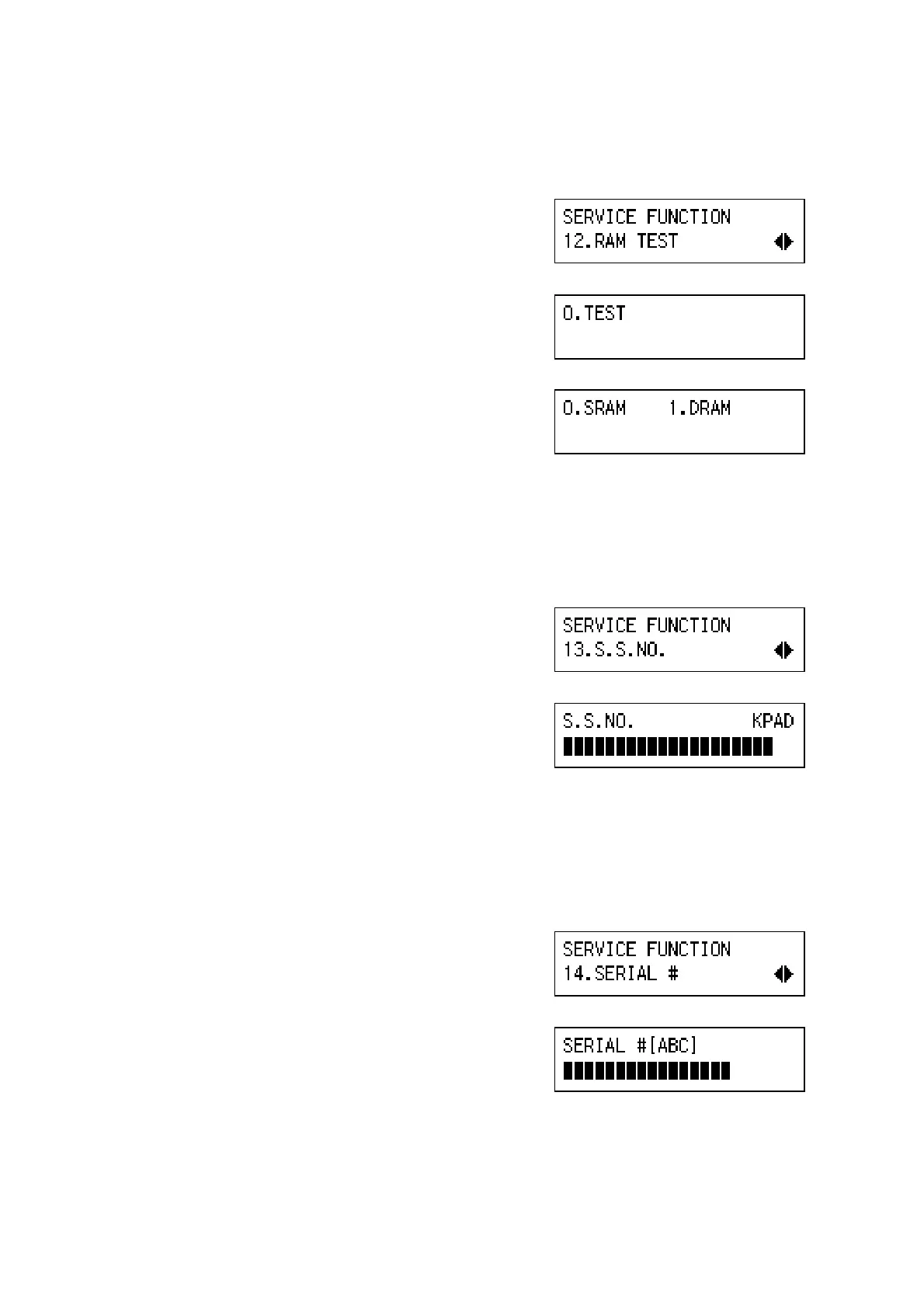
(12) 12. RAM TEST
1. Enter the fax service mode.
2. Press ( ).
3. Press ‘OK’.
4. Press '.
5. Select 0 or 1, then press -.
0.–SRAM TEST
1.–DRAM TEST
(13) 13. S.S. NUMBER
1. Enter the fax service mode.
2. Press ( *.
3. Press ‘OK’.
4. Enter the fax number of the service station
that will receive Automatic Service Calls from
the machine.
5. Press ‘OK’.
(14) 14. SERIAL #
1. Enter the fax service mode.
2. Press ( +.
3. Press ‘OK’.
4. Enter the fax unit’s serial number, then press
‘OK’.
B404M542.BMP
B404M543.BMP
B404M544.BMP
B404M547.BMP
B404M548.BMP
B404M549.BMP
B404M550.BMP



 To Next Page