Fax Unit B404
SERVICE LEVEL FUNCTIONS
SM 5-5 B404
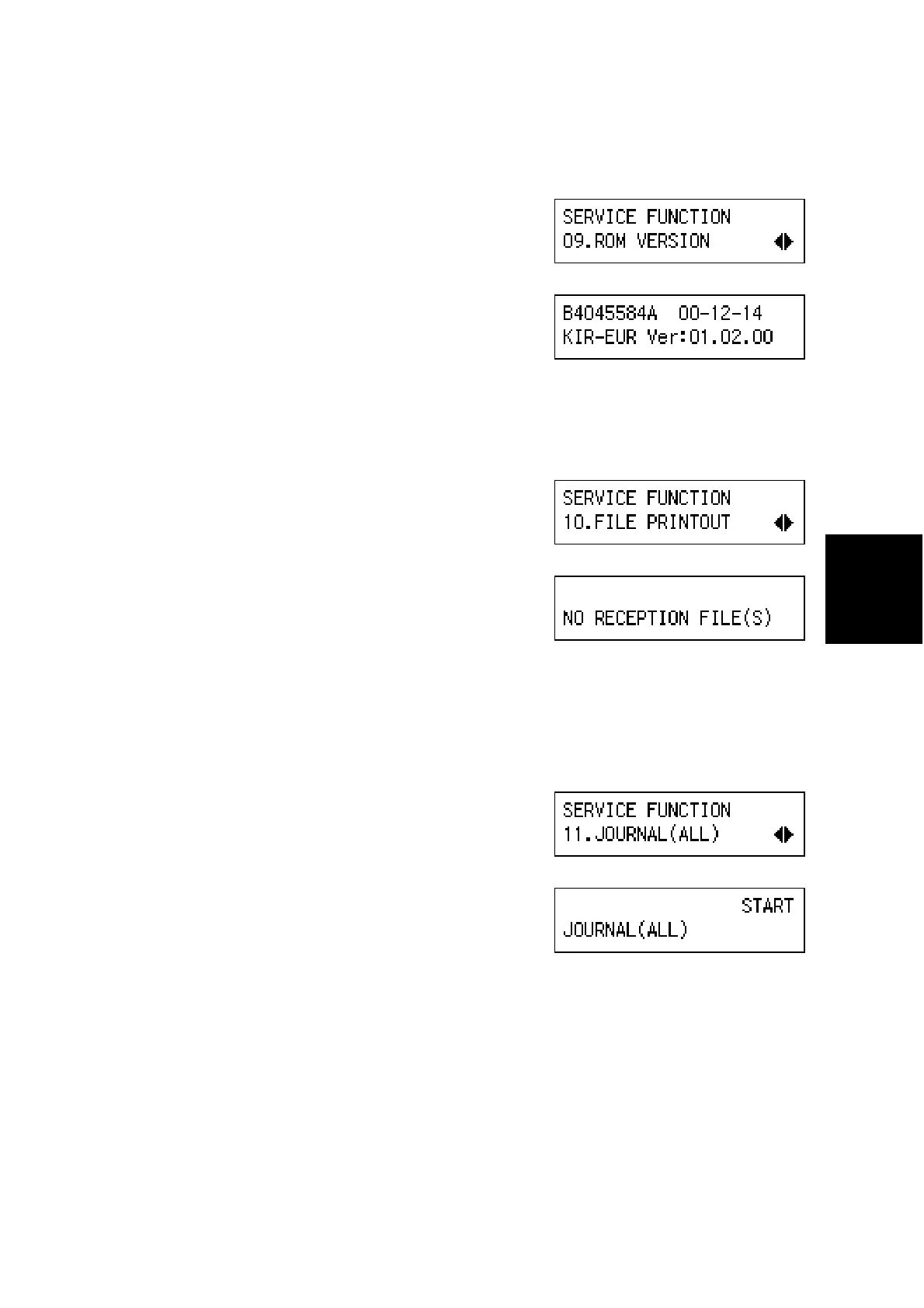
(9) 09. ROM VERSION
1. Enter the fax service mode.
2. Press ' 1.
3. Press ‘OK’.
The ROM version is displayed.
(10) 10. FILE PRINTOUT
1. Enter the fax service mode.
2. Press ( '.
3. Press ‘OK’.
4. Press ‘Start’. All files in the SAF are printed.
(11) 11. JOURNAL (ALL)
1. Enter the fax service mode.
2. Press ( (.
3. Press ‘OK’, then press -.
B404M536.BMP
B404M537.BMP
B404M538.BMP
B404M539.BMP
B404M540.BMP
B404M541.BMP



 To Next Page