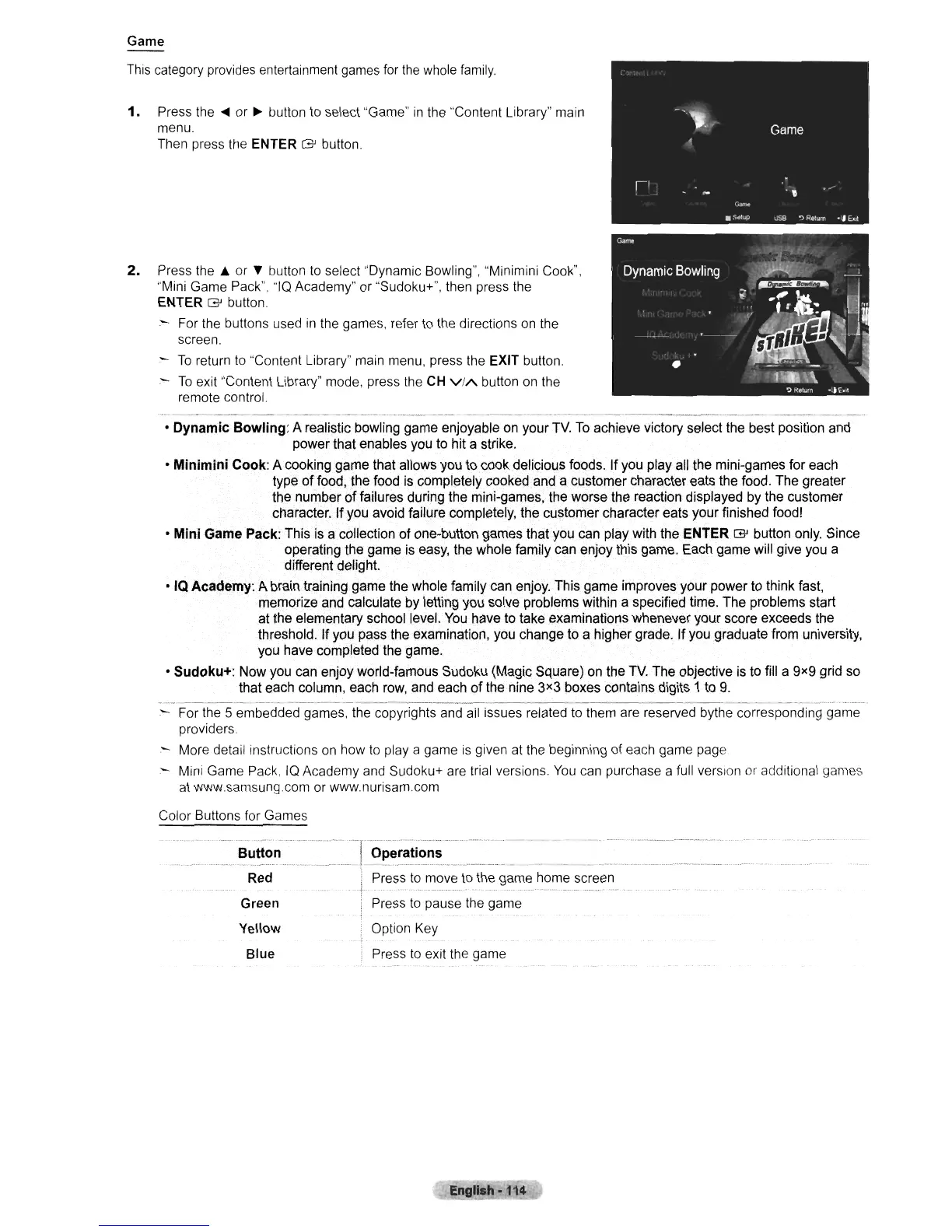
Game
This category provides entertainment games for
the
whole
family.
1.
Press the
....
or
~
button
to
select "Game"
in
the "Content Library" main
menu.
Then press the ENTER
G button.
2.
Press
the'"
or
~
button to select "Dynamic Bowling", "Minimini Cook",
"Mini Game Pack". "IQ Academy" or "Sudoku+", then press the
ENTER G button.
:-
For the buttons used
in
the games, refer to the directions on the
screen.
To
return
to
"Content Library" main menu, press the EXIT button.
-
To
exit "Content Library" mode, press the
CH
ViA
button on the
remote control.
•
Dynamic
Bowling:
A realistic bowling game enjoyable on your
TV.
To
achieve victory select the best position and
power that enables you to hit a strike.
•
Minimini
Cook: A cooking game that allows you to cook delicious foods. Ifyou play all the mini-games for each
type of food, the food is completely cooked and a customer character eats the food. The greater
the number
of
failures during the mini-games, the worse the reaction displayed by the customer
character.
If
you avoid failure completely, the customer character eats your finished food!
•
Mini
Game Pack: This is a collection
of
one-button games that you can play with the ENTER G button only. Since
operating the game is easy, the whole family can enjoy this game. Each game will give you a
different delight.
• IQ
Academy:
A brain training game the whole family can enjoy. This game improves your power to think fast,
memorize and calculate by letting you solve problems within a specified time. The problems start
at the elementary school level.
You
have to take examinations whenever your score exceeds the
threshold. If you pass the examination, you change to a higher grade. If you graduate from university,
you have completed the game.
•
Sudoku+:
Now you can enjoy world-famous Sudoku (Magic Square) on the
TV.
The objective is to fill a gxg grid so
that each column, each row, and each of the nine
3x3 boxes contains digits 1 to
g.
-----
_
..
---------_
•.
_-----
:-
For the 5 embedded games, the copyrights
and
all issues related to them are reserved bythe corresponding game
providers.
- More detail instructions on how
to
playa
game
is
given
at
the beginning of each game page
- Mini Game Pack,
IQ
Academy and Sudoku+ are trial versions.
You
can purchase a full version
or
additional games
at
www.samsungcom or www.nurisam.com
Color Buttons for Games
Button
Operations
Red Press
to
move
to
the game home screen
Green Press
to
pause the game
Yellow Option Key
Blue
Press
to
exit the game












 To Next Page