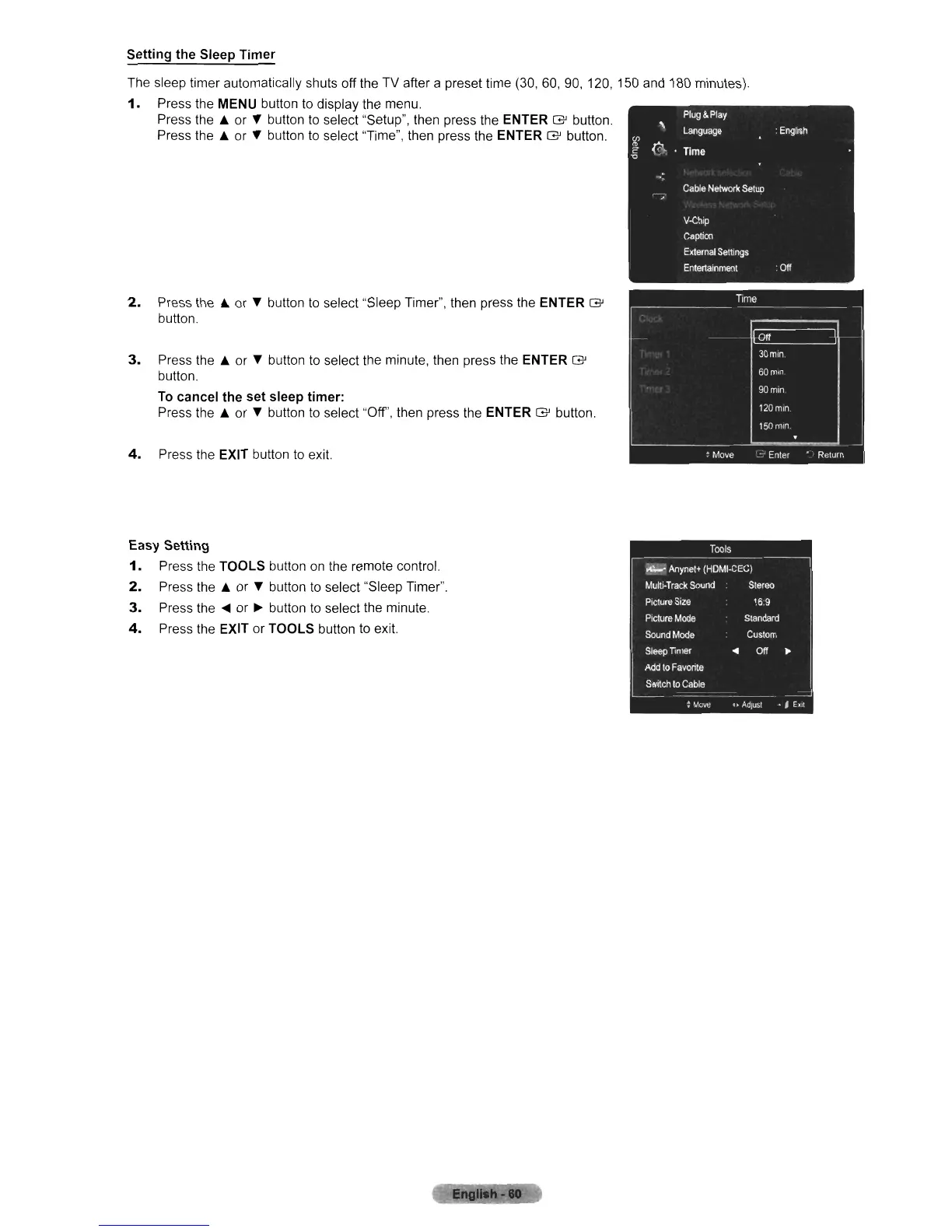
Setting the Sleep Timer
The sleep timer automatically shuts off the TV after a preset time (30,
60,
90,
120, 150
and
180 minutes).
1.
Press the MENU button
to
display the menu.
Press the
.&
or T button
to
select "Setup", then press the ENTER G button.
Press the
.&
or T button
to
select "Time", then press the ENTER G button.
2.
Press the
.&
or T button
to
select "Sleep Timer", then press the ENTER G
button.
3.
Press the
.&
or T button to select the minute, then press the ENTER
G'
button.
To
cancel the set sleep timer:
Press the
.&
or T button
to
select "Off', then press the ENTER G button.
4.
Press the EXIT button
to
exit.
Easy Setting
1.
Press the TOOLS button on the remote control.
2.
Press the
.&
or T button
to
select "Sleep Timer".
3.
Press the
....
or
~
button
to
select the minute.
4.
Press the EXIT
or
TOOLS button
to
exit.












 To Next Page