701 Motor Protection Relay Date Code 20010719
Settings Calculation
Output Configuration
4.44
Front-Panel Display Message Settings
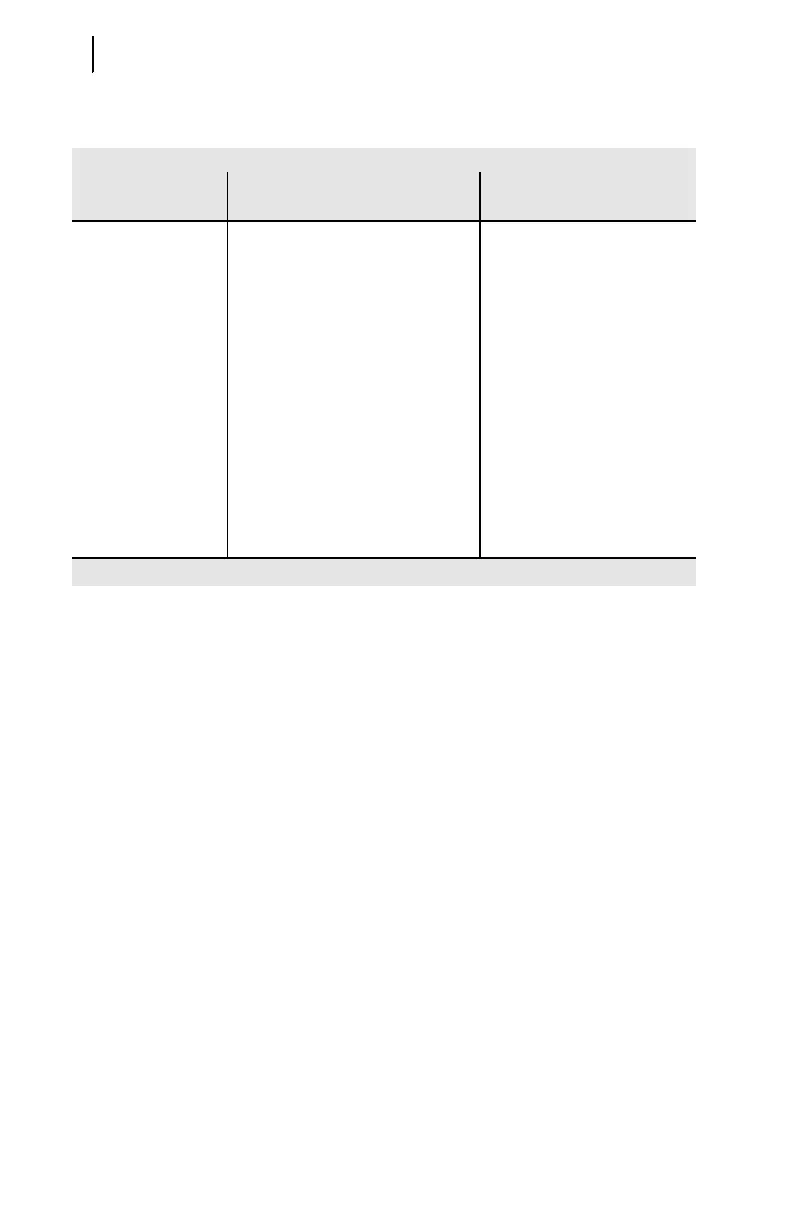
Table 4.35 Disp lay Message Settings
The Display Messages function allows you to monitor a total of 6 logic conditions
and display up to 12 different messages, depending on the state of the monitored
conditions. When the monitored logic condition is true (logical 1), the relay displays
the message entered as the DMn_1 setting in the default display rotation. When the
monitored condition is false (logical 0), the relay displays the message entered as the
DMn_0 setting in the display rotation.
Display messages are useful for indicating the state of relay contact inputs.
Message text can include capital letters A-Z, numbers 0-9, spaces, periods (.), and
dashes (-). Type ‘NA’ to clear a message setting.
Appendix B: SELogic® Control Equations & Relay Logic describes the logic used
to control display messages.
Table 4.35 Display Message Settings
Setting Prompt
Setting Range
Setting Name =
Factory Default
Display Messages 20 characters; enter NA to NULL DM1_1 = SEL-701
DM1_0 =
DM2_1 = MOTOR RELAY
DM2_0 =
DM3_1 = RTD FAILURE
DM3_0 =
DM4_1 =
DM4_0 =
DM5_1 =
DM5_0 =
DM6_1 =
DM6_0 =



 To Next Page