Date Code 20010719 701 Motor Protection Relay
Front-Panel Operation
Front-Panel Main Menu
5.11
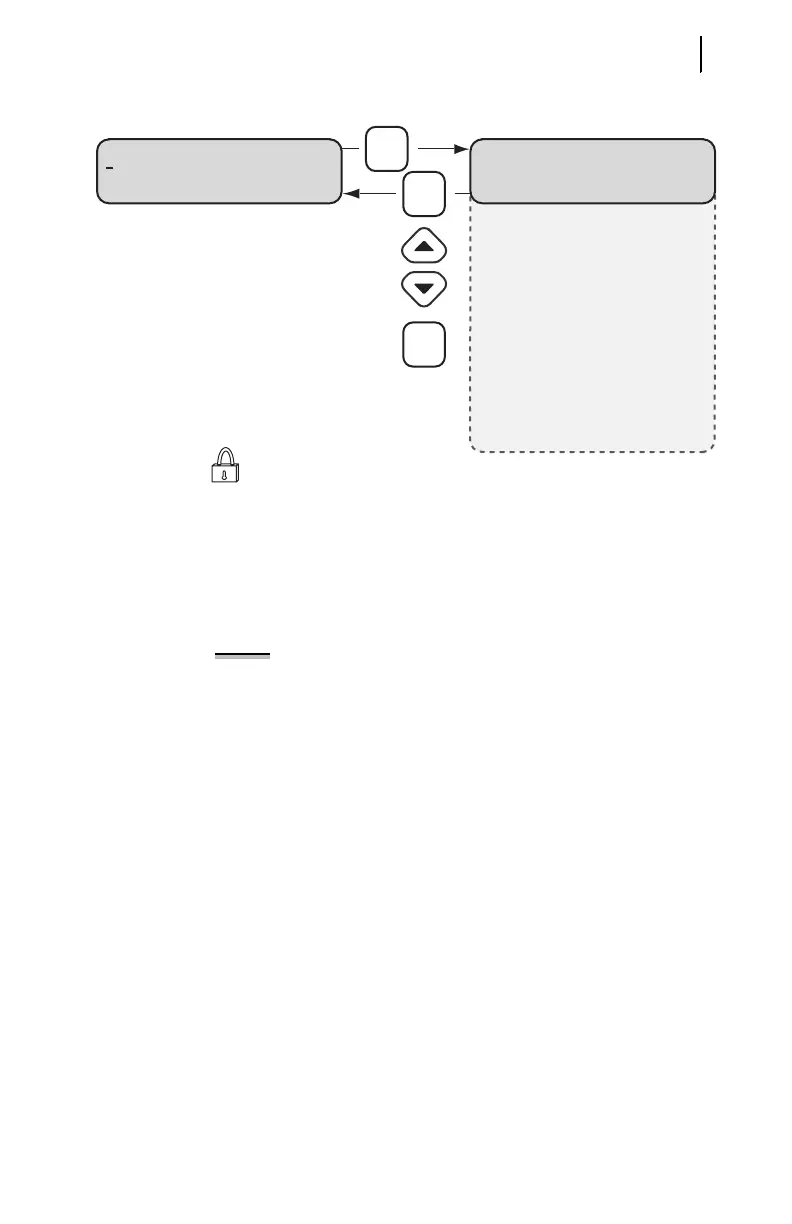
Figure 5.14 Set Relay\Relay Elements Function.
NOTE: Within the list of setting categories, press the {ENTER}
pushbutton to view or change specific settings within the
category. To edit a setting, press the {ENTER} pushbutton
while the setting is displayed. The relay requires Level 2 Access
to edit settings.
Relay Elements
Press these keys to
move within the list.
Press this key to
select a setting category.
Set Relay Menu Item Relay Elements Setting Categories
Press {ENTER} to select
and edit a displayed setting.
You must be in
Access Level 2 to edit
a setting. The relay will
request the Level 2 password
if you have not entered it during
this session or if input IN4 is not asserted.
GENERAL DATA
ENTER ↑↓
THERMAL MODEL ELEMENTS
OVERCURRENT ELEMENTS
JOGGING BLOCK ELEMENTS
LOAD JAM/LOSS ELEMENTS
CURRENT UB ELEMENTS
.
.
.
Use Factory Logic
ESC
ENTER
ENTER



 To Next Page