6.9
Date Code 20090730 Instruction Manual SEL-734 Meter
Power Quality and Event Analysis
Sequential Events Recorder (SER) Report
Retrieving
SER Reports
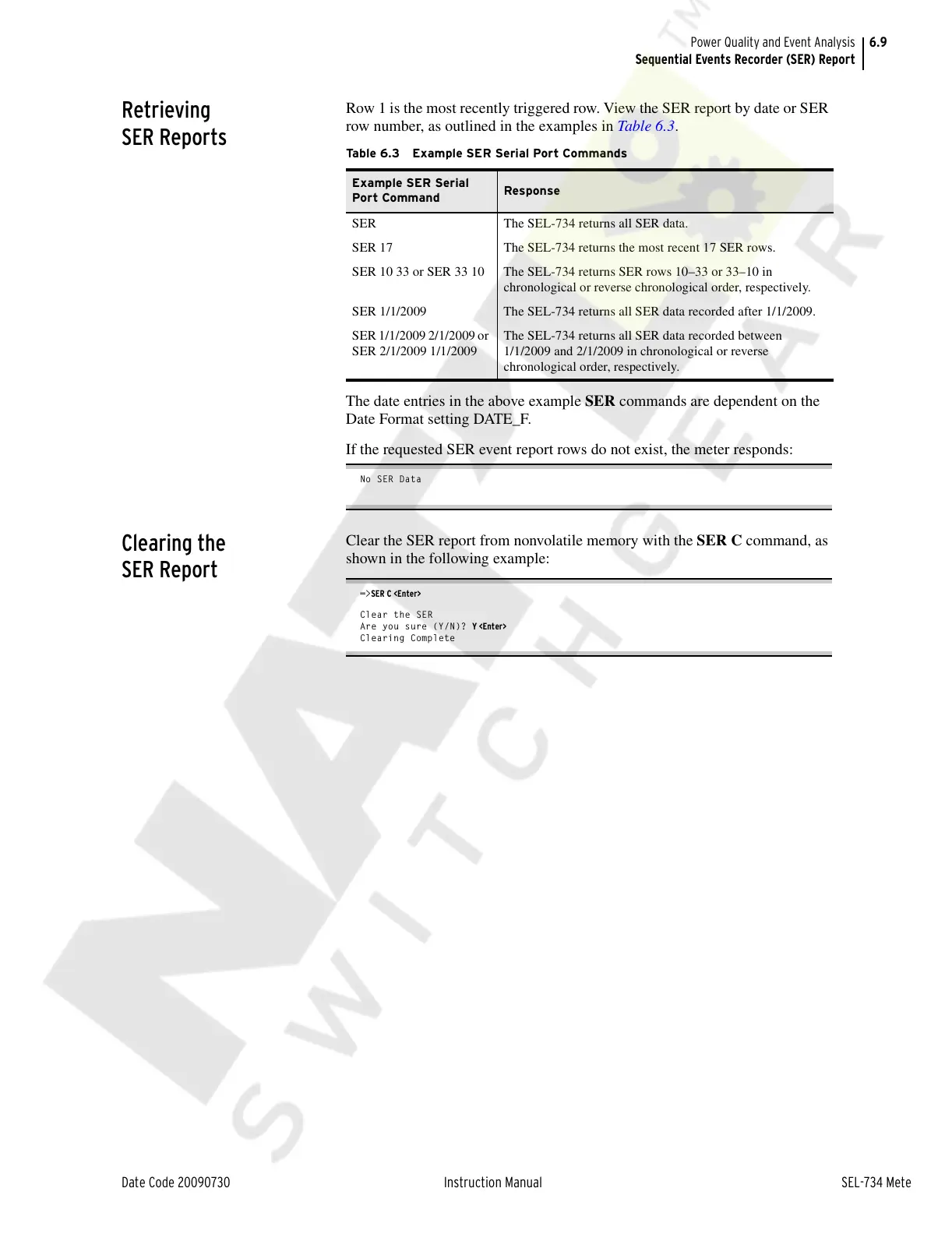
Row 1 is the most recently triggered row. View the SER report by date or SER
row number, as outlined in the examples in Tab le 6.3.
The date entries in the above example SER commands are dependent on the
Date Format setting DATE_F.
If the requested SER event report rows do not exist, the meter responds:
No SER Data
Clearing the
SER Report
Clear the SER report from nonvolatile memory with the SER C command, as
shown in the following example:
=>SER C <Enter>
Clear the SER
Are you sure (Y/N)? Y <Enter>
Clearing Complete
Table 6.3 Example SER Serial Port Commands
Example SER Serial
Port Command
Response
SER The SEL-734 returns all SER data.
SER 17 The SEL-734 returns the most recent 17 SER rows.
SER 10 33 or SER 33 10 The SEL-734 returns SER rows 10–33 or 33–10 in
chronological or reverse chronological order, respectively.
SER 1/1/2009 The SEL-734 returns all SER data recorded after 1/1/2009.
SER 1/1/2009 2/1/2009 or
SER 2/1/2009 1/1/2009
The SEL-734 returns all SER data recorded between
1/1/2009 and 2/1/2009 in chronological or reverse
chronological order, respectively.
Courtesy of NationalSwitchgear.com



 To Next Page