10.26
SEL-734 Meter Instruction Manual Date Code 20090730
Communications
Command Explanations
If you select N, the meter displays:
Canceled
The meter then aborts the command.
If you select Y, the meter displays:
Rebooting the meter
The meter then restarts (just like powering down, then powering up meter),
and all diagnostics are rerun before the meter is enabled. The meter must be
disabled to issue the STA C command.
Refer to Table 12.5 for self-test thresholds and corrective actions.
TAR Command (Display Meter Element Status)
The TAR command displays the status of front-panel target LEDs or meter
elements, whether they are asserted or deasserted (see Table 10.18). The
elements are represented as Meter Word bits and are listed in rows of eight,
called Meter Word rows. The entire list of rows correspond to the Meter Word
as described in Section 9: Settings.
A Meter Word bit is either at a logical 1 (asserted) or a logical 0 (deasserted).
Meter Word bits are used in SEL
OGIC control equations. See Section 9:
Settings and Appendix D: Setting SEL
OGIC Control Equations.
The TAR command options are shown in Table 10.17.
NOTE: The TAR R command cannot
reset the latched targets if a logical 1
(asserted) condition is present.
Table 10.17 TAR Command Options
Command Description
TAR n k or TAR
ROW n k
Shows Meter Word row number n (0–62). k is an optional parame-
ter to specify the number of times (1–32767) to repeat the Meter
Word row display. If k is not specified, the Meter Word row is dis-
played once. Adding ROW to the command displays the Meter
Word Row number at the start of each line.
TAR name k or
TAR ROW name k
Shows Meter Word row containing Meter Word bit name (e.g.,
TA R 2 7 A displays Meter Word Row 9). Valid names are shown in
Table 10.18 and Table 9.3. k is an optional parameter to specify the
number of times (1–32767) to repeat the Meter Word row display.
If k is not specified, the Meter Word row is displayed once. Adding
ROW to the command displays the Meter Word Row number at the
start of each line.
TAR LIST or TAR
ROW LIST
Shows all the Meter Word bits in all of the rows. Adding ROW to
the command displays the Meter Word Row number at the start of
each line.
TAR R Clears front-panel target LEDs. Shows Meter Word Row 0.
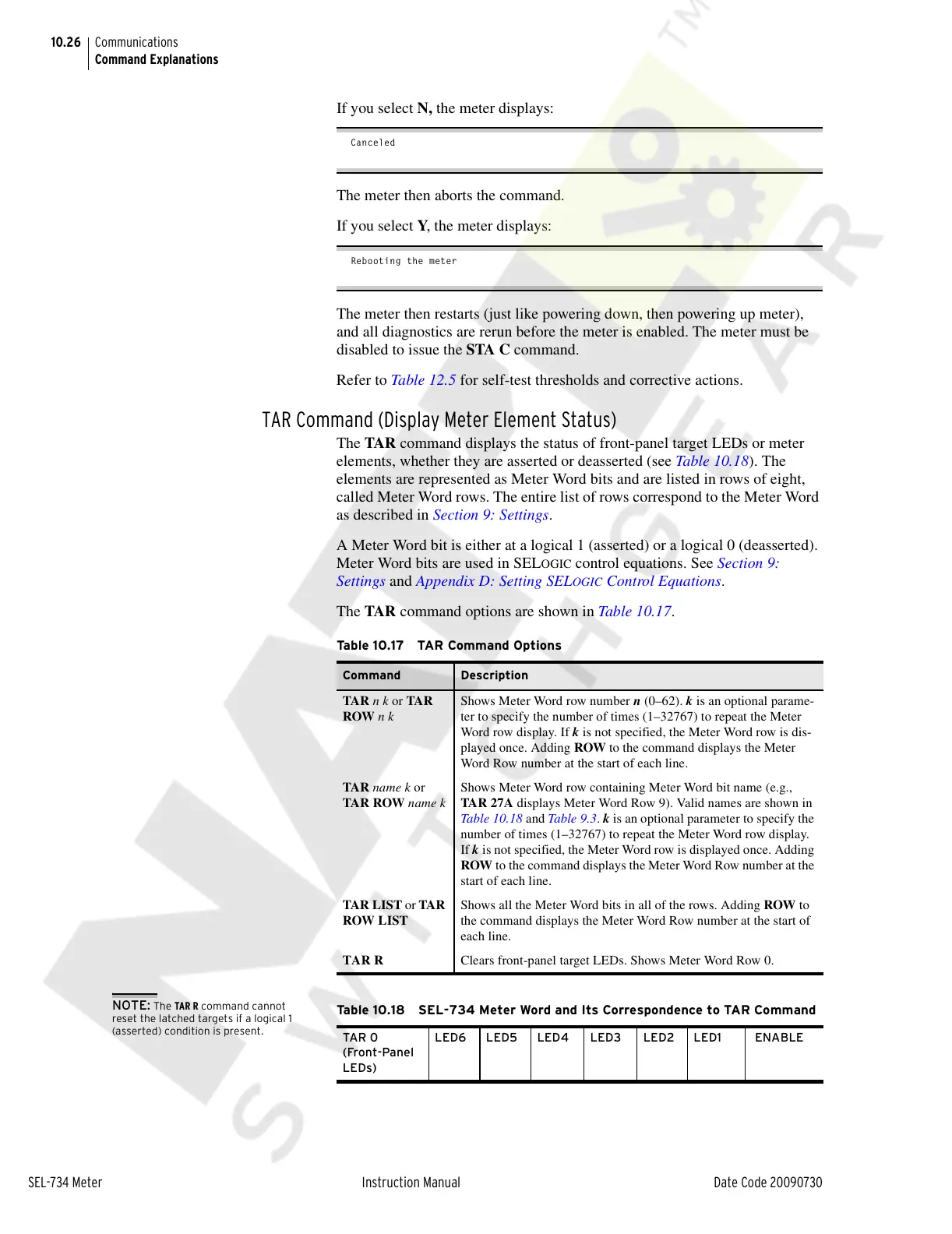
Table 10.18 SEL-734 Meter Word and Its Correspondence to TAR Command
TAR 0
(Front-Panel
LEDs)
LED6 LED5 LED4 LED3 LED2 LED1 ENABLE
Courtesy of NationalSwitchgear.com



 To Next Page