11.3
Date Code 20090730 Instruction Manual SEL-734 Meter
Front-Panel Operation
Front-Panel Menus and Operations
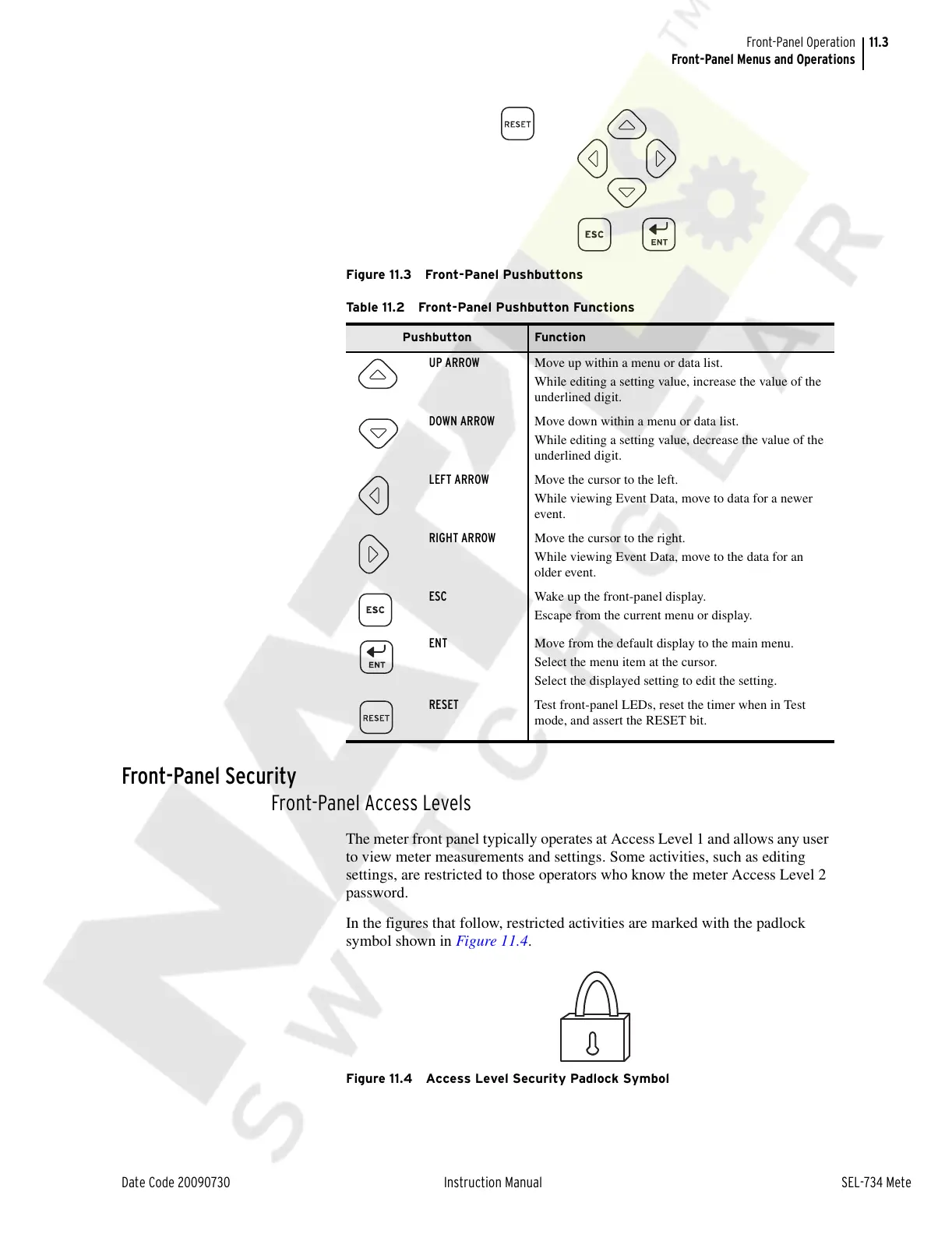
Figure 11.3 Front-Panel Pushbuttons
Front-Panel Security
Front-Panel Access Levels
The meter front panel typically operates at Access Level 1 and allows any user
to view meter measurements and settings. Some activities, such as editing
settings, are restricted to those operators who know the meter Access Level 2
password.
In the figures that follow, restricted activities are marked with the padlock
symbol shown in Figure 11.4.
Figure 11.4 Access Level Security Padlock Symbol
Table 11.2 Front-Panel Pushbutton Functions
Pushbutton Function
UP ARROW Move up within a menu or data list.
While editing a setting value, increase the value of the
underlined digit.
DOWN ARROW Move down within a menu or data list.
While editing a setting value, decrease the value of the
underlined digit.
LEFT ARROW Move the cursor to the left.
While viewing Event Data, move to data for a newer
event.
RIGHT ARROW Move the cursor to the right.
While viewing Event Data, move to the data for an
older event.
ESC Wake up the front-panel display.
Escape from the current menu or display.
ENT Move from the default display to the main menu.
Select the menu item at the cursor.
Select the displayed setting to edit the setting.
RESET Test front-panel LEDs, reset the timer when in Test
mode, and assert the RESET bit.
Courtesy of NationalSwitchgear.com



 To Next Page