E.4
SEL-734 Meter Instruction Manual Date Code 20090730
Distributed Network Protocol
Configuration
Configuration
The SEL-734 allows two simultaneous DNP sessions with a maximum of one
DNP3 LAN/WAN session.
DNP Operation
To configure a port for DNP, set the port PROTO setting to DNP. Refer to
SEL-734 Settings Sheets for a list of all DNP settings.
Default Data Map
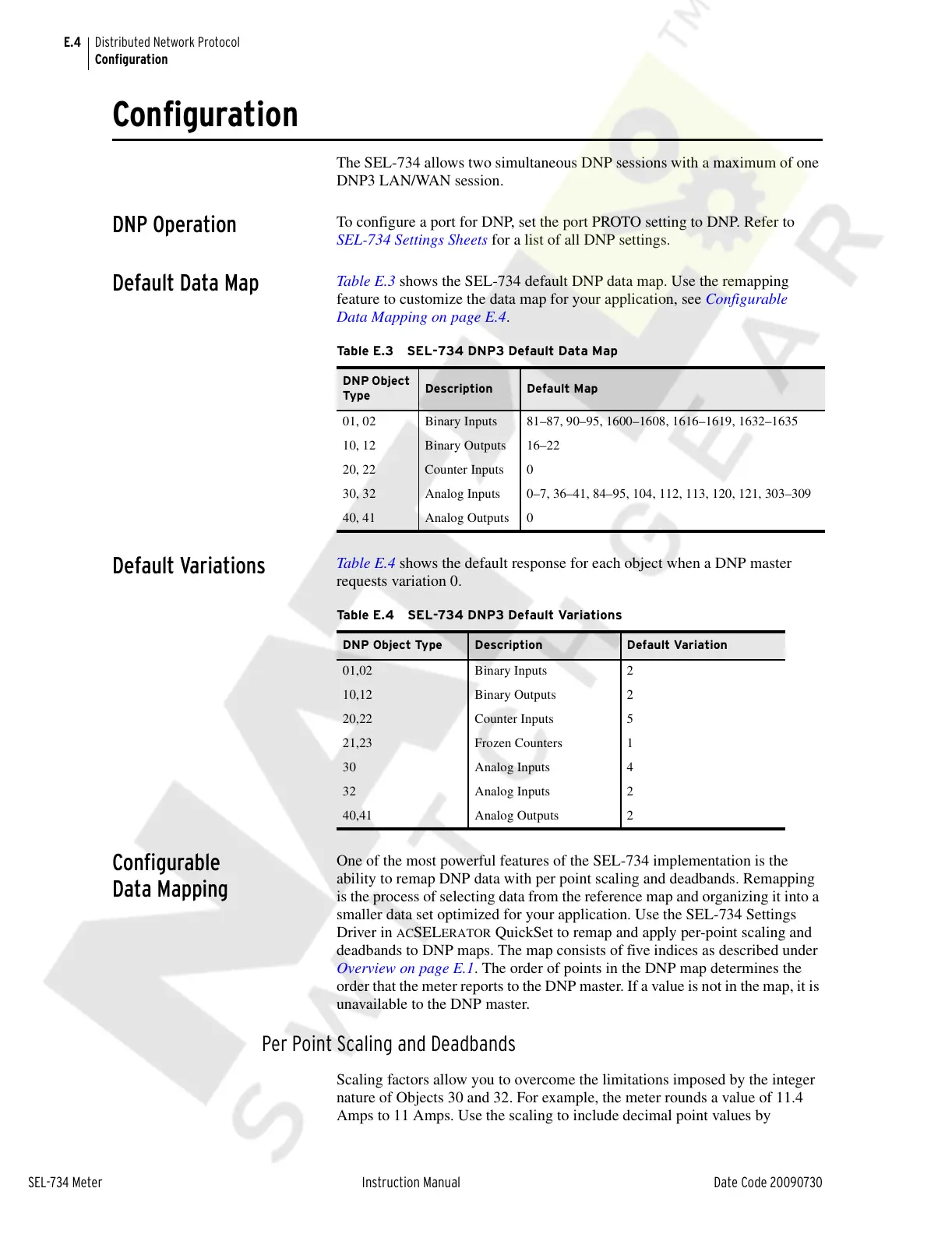
Table E.3 shows the SEL-734 default DNP data map. Use the remapping
feature to customize the data map for your application, see Configurable
Data Mapping on page E.4.
Default Variations
Table E.4 shows the default response for each object when a DNP master
requests variation 0.
Configurable
Data Mapping
One of the most powerful features of the SEL-734 implementation is the
ability to remap DNP data with per point scaling and deadbands. Remapping
is the process of selecting data from the reference map and organizing it into a
smaller data set optimized for your application. Use the SEL-734 Settings
Driver in
ACSELERATOR QuickSet to remap and apply per-point scaling and
deadbands to DNP maps. The map consists of five indices as described under
Overview on page E.1. The order of points in the DNP map determines the
order that the meter reports to the DNP master. If a value is not in the map, it is
unavailable to the DNP master.
Per Point Scaling and Deadbands
Scaling factors allow you to overcome the limitations imposed by the integer
nature of Objects 30 and 32. For example, the meter rounds a value of 11.4
Amps to 11 Amps. Use the scaling to include decimal point values by
Table E.3 SEL-734 DNP3 Default Data Map
DNP Object
Type
Description Default Map
01, 02 Binary Inputs 81–87, 90–95, 1600–1608, 1616–1619, 1632–1635
10, 12 Binary Outputs 16–22
20, 22 Counter Inputs 0
30, 32 Analog Inputs 0–7, 36–41, 84–95, 104, 112, 113, 120, 121, 303–309
40, 41 Analog Outputs 0
Table E.4 SEL-734 DNP3 Default Variations
DNP Object Type Description Default Variation
01,02 Binary Inputs 2
10,12 Binary Outputs 2
20,22 Counter Inputs 5
21,23 Frozen Counters 1
30 Analog Inputs 4
32 Analog Inputs 2
40,41 Analog Outputs 2
Courtesy of NationalSwitchgear.com



 To Next Page