8.12
SEL-734 Meter Instruction Manual Date Code 20090730
Logic
Counter Variables
Example 8.2 illustrates how to use the SELOGIC control equation counters to
limit the demand by starting an on-site diesel generator.
EXAMPLE 8.2 Using Counters to Control Generator Starting via
Load Monitoring
When the three-phase demand is greater than 100 kW for greater
than 10 minutes, the diesel generator should start to pick up demand.
The generator should be started in 5 minutes when demand is > 125
kW. Also, if the demand is greater than 150 kW, the diesel generator
should start immediately. In order to achieve this function, make the
following settings:
ESC := 1
ESV := 10
SC01PV := 60
SC01R := IN401
# disable the starting of the generator if desired
SC01LD := IN402 OR (MW3DI > 150) # start the generator
immediately
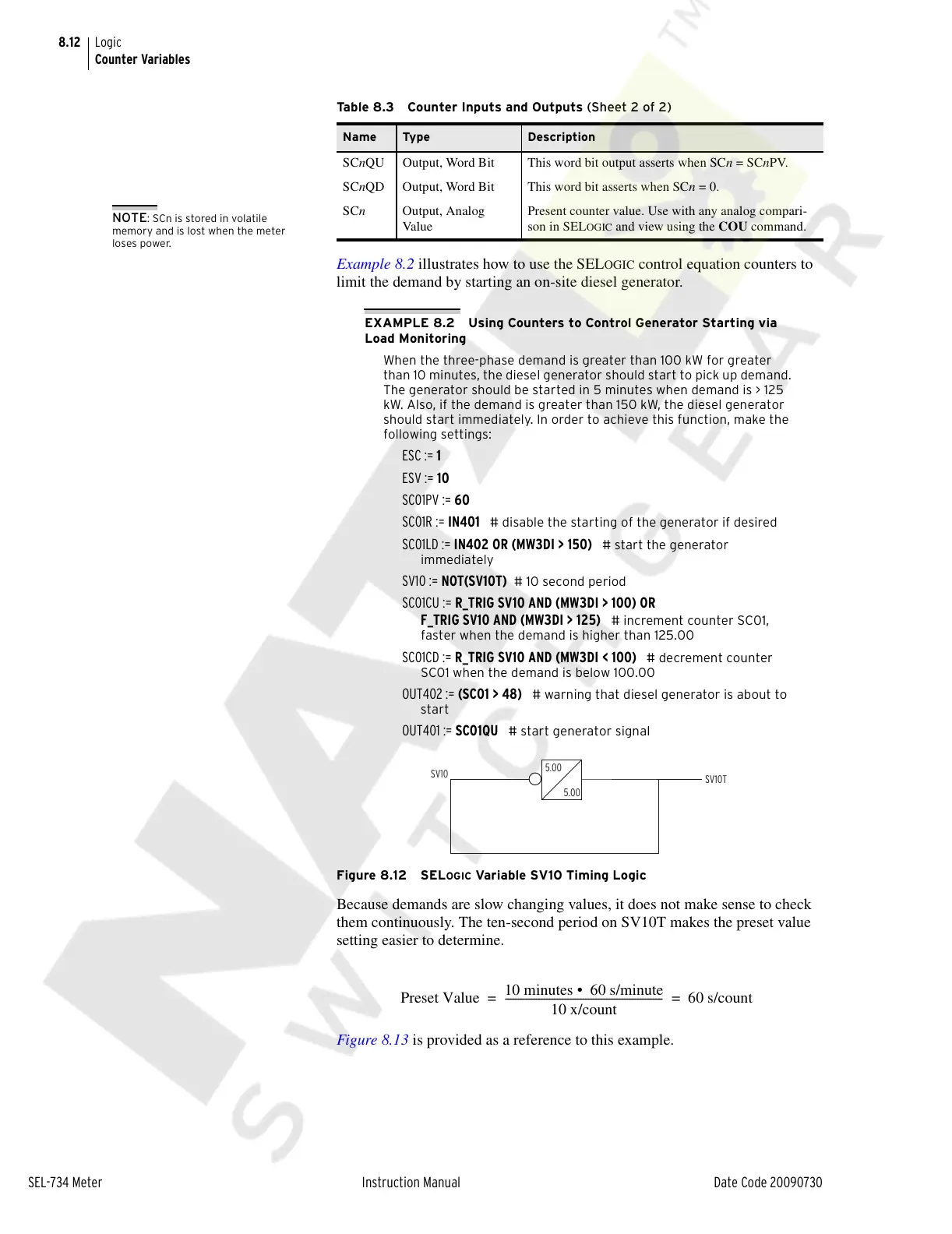
SV10 := NOT(SV10T) # 10 second period
SC01CU := R_TRIG SV10 AND (MW3DI > 100) OR
F_TRIG SV10 AND (MW3DI > 125)
# increment counter SC01,
faster when the demand is higher than 125.00
SC01CD := R_TRIG SV10 AND (MW3DI < 100) # decrement counter
SC01 when the demand is below 100.00
OUT402 := (SC01 > 48) # warning that diesel generator is about to
start
OUT401 := SC01QU # start generator signal
Figure 8.12 SEL
OGIC Variable SV10 Timing Logic
Because demands are slow changing values, it does not make sense to check
them continuously. The ten-second period on SV10T makes the preset value
setting easier to determine.
Figure 8.13 is provided as a reference to this example.
SCnQU Output, Word Bit This word bit output asserts when SCn = SCnPV.
SCnQD Output, Word Bit This word bit asserts when SCn = 0.
SCn Output, Analog
Va lu e
Present counter value. Use with any analog compari-
son in SEL
OGIC and view using the COU command.
Table 8.3 Counter Inputs and Outputs (Sheet 2 of 2)
Name Type Description
NOTE: SCn is stored in volatile
memory and is lost when the meter
loses power.
Preset Value
10 minutes 60 s/minute•
10 x/count
------------------------------------------------------------- 60 s/count==
Courtesy of NationalSwitchgear.com



 To Next Page