10.24
SEL-734 Meter Instruction Manual Date Code 20090730
Communications
Command Explanations
The MET PM time command directs the SEL-734 to display synchrophasor
data at a specified time. For example, enter the command MET PM 14:14:12
to cause the SEL-734 to display a response similar to Figure 10.9 (but with a
time stamp of 14:14:12.000) just after 14:14:12.
To view repeating values, enter the following command:
=>MET PM k <Enter>
where k is an optional parameter to specify the number of times (1–32767) to
repeat the meter display. If k is not specified, the meter report is displayed
once.
QUI Command (Quit Access Level)
The QUI command returns the meter to Access Level 0.
To return to Access Level 0, enter the following command:
=>QUI <Enter>
The meter sets the port access level to 0 and responds with the following:
FEEDER 1 Date: 03/05/01 Time: 08:55:33.986
STATION A
=
The = prompt indicates that the meter has returned to Access Level 0.
The QUI command terminates the SEL Distributed Port Switch Protocol
(LMD) connection if it is established see Appendix B: SEL Distributed Port
Switch Protocol (LMD) for details on SEL Distributed Port Switch Protocol
[LMD]).
SER Command (Sequential Events Recorder Report)
Use the SER command to view the Sequential Events Recorder report. For
more information on SER reports, see Section 6: Power Quality and Event
Analysis.
SHO Command (Show/View Settings)
Use the SHO command to view meter settings, SELOGIC control equations,
global settings, serial port settings, sequential events recorder (SER) settings,
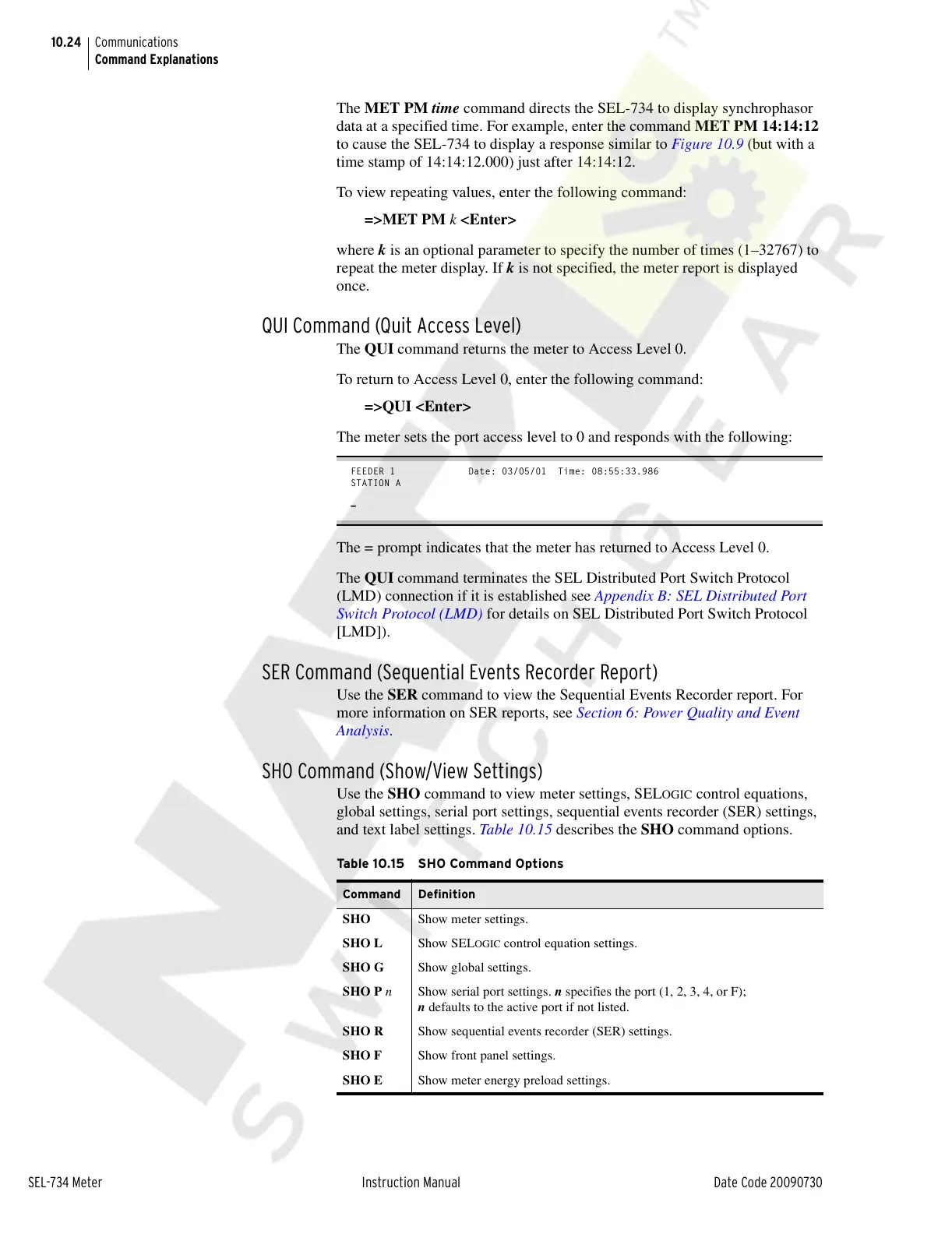
and text label settings. Table 10.15 describes the SHO command options.
Ta b l e 1 0. 1 5 S H O Co mm a n d O pt i o n s
Command Definition
SHO Show meter settings.
SHO L Show SEL
OGIC control equation settings.
SHO G Show global settings.
SHO P n Show serial port settings. n specifies the port (1, 2, 3, 4, or F);
n defaults to the active port if not listed.
SHO R Show sequential events recorder (SER) settings.
SHO F Show front panel settings.
SHO E Show meter energy preload settings.
Courtesy of NationalSwitchgear.com



 To Next Page