Date Code 20090730 Instruction Manual SEL-734 Meter
Section 9
Settings
Overview
This section explains how to use the SET and SHOWSET serial port
commands to make settings changes in the SEL-734. Meter Word bits tables
for SEL
OGIC
®
control equations are also included, as well as settings
explanations. Finally, the section concludes with the SEL-734 Settings Sheets.
Change or view settings with the SET and SHOWSET serial port commands.
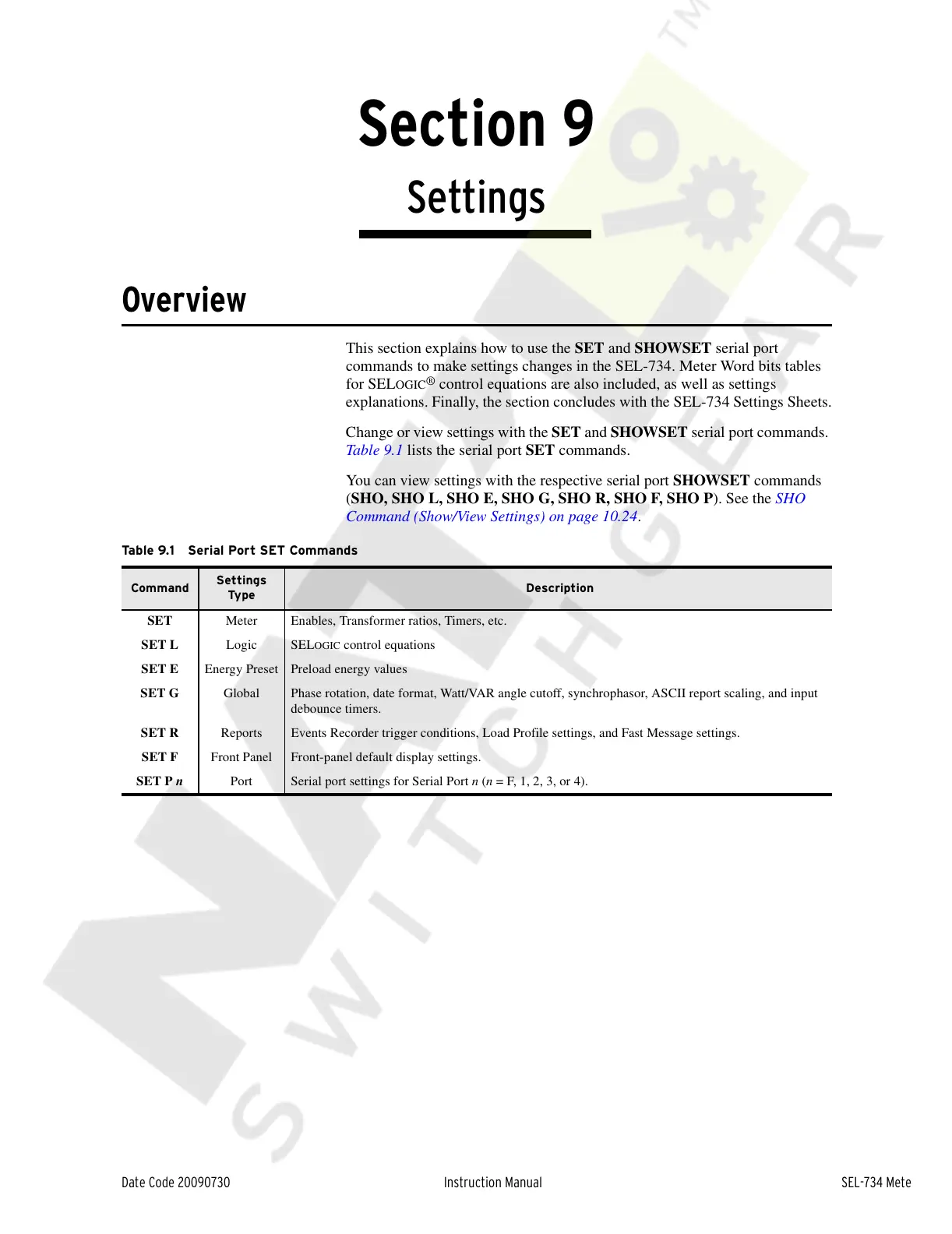
Table 9.1 lists the serial port SET commands.
You can view settings with the respective serial port SHOWSET commands
(SHO, SHO L, SHO E, SHO G, SHO R, SHO F, SHO P). See the SHO
Command (Show/View Settings) on page 10.24.
Table 9.1 Serial Port SET Commands
Command
Settings
Type
Description
SET Meter Enables, Transformer ratios, Timers, etc.
SET L Logic SEL
OGIC control equations
SET E Energy Preset Preload energy values
SET G Global Phase rotation, date format, Watt/VAR angle cutoff, synchrophasor, ASCII report scaling, and input
debounce timers.
SET R Reports Events Recorder trigger conditions, Load Profile settings, and Fast Message settings.
SET F Front Panel Front-panel default display settings.
SET P n Port Serial port settings for Serial Port n (n = F, 1, 2, 3, or 4).
Courtesy of NationalSwitchgear.com



 To Next Page