8.20
SEL-734 Meter Instruction Manual Date Code 20090730
Logic
Rotating Display
given field width, the field grows (to the left of the decimal point) to
accommodate the number. All user formatted display points occupy one line
on the display. Multiple lines are simulated by using multiple display points.
Set Name to 1 to create fixed text, placing the text in brackets as the Alias or
empty brackets to leave a blank line.
Values Displayed for
Incorrect Settings
If the display point setting string is not formatted correctly, one of the
following errors will replace the display point on the rotating display:
Syntax Error in DPnn_n—The setting string syntax is incorrect.
Name Error in DPnn_n—The name in the setting string is not a valid
Analog Quantity or Meter Word bit.
User Format Error in DPnn_n—The user formatting for the display
point value is not valid.
For example:
=>>SET F <Enter>
DP01 = 0
DP01_0 = IN101,METER WORD BIT IN101” (missing “ before METER)
DP02 = 0
DP02_0 = MVSH3I,”3 PHASE APPARENT ENERGY IN” (MVSH3I is not a valid name)
DP03 = 0
DP03_0 = MWH30,”WATT HOURS 3P OUT={4,100,2}” ({4,100,2} is not a valid format)
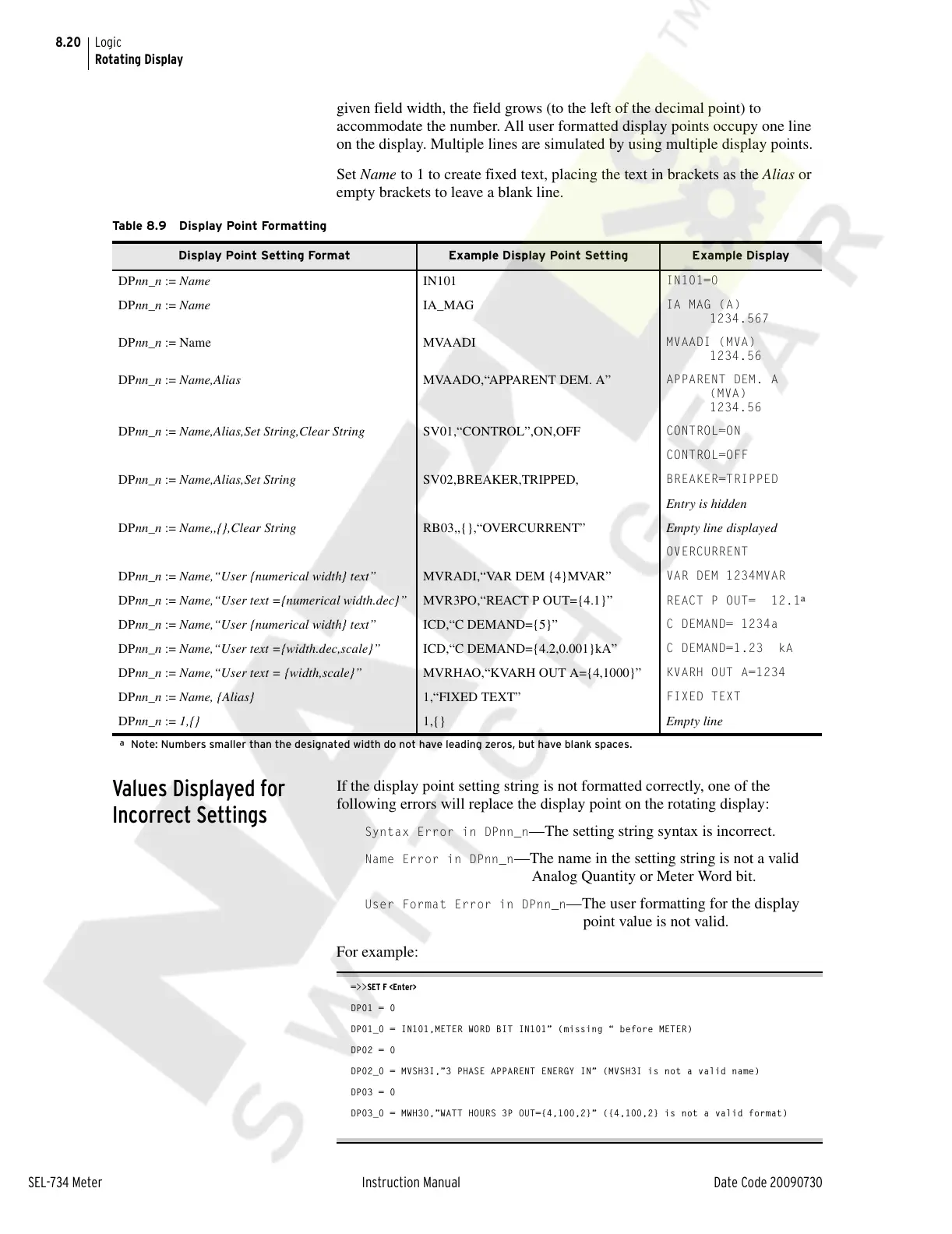
Table 8.9 Display Point Formatting
Display Point Setting Format Example Display Point Setting Example Display
DPnn_n := Name IN101
IN101=0
DPnn_n := Name IA_MAG
IA MAG (A)
1234.567
DPnn_n := Name MVAADI
MVAADI (MVA)
1234.56
DPnn_n := Name,Alias MVAADO,“APPARENT DEM. A”
APPARENT DEM. A
(MVA)
1234.56
DPnn_n := Name,Alias,Set String,Clear String SV01,“CONTROL”,ON,OFF
CONTROL=ON
CONTROL=OFF
DPnn_n := Name,Alias,Set String SV02,BREAKER,TRIPPED,
BREAKER=TRIPPED
Entry is hidden
DPnn_n := Name,,{},Clear String RB03,,{},“OVERCURRENT” Empty line displayed
OVERCURRENT
DPnn_n := Name,“User {numerical width} text” MVRADI,“VAR DEM {4}MVAR”
VAR DEM 1234MVAR
DPnn_n := Name,“User text ={numerical width.dec}” MVR3PO,“REACT P OUT={4.1}” REACT P OUT= 12.1
a
a
Note: Numbers smaller than the designated width do not have leading zeros, but have blank spaces.
DPnn_n := Name,“User {numerical width} text” ICD,“C DEMAND={5}”
C DEMAND= 1234a
DPnn_n := Name,“User text ={width.dec,scale}” ICD,“C DEMAND={4.2,0.001}kA”
C DEMAND=1.23 kA
DPnn_n := Name,“User text = {width,scale}” MVRHAO,“KVARH OUT A={4,1000}”
KVARH OUT A=1234
DPnn_n := Name, {Alias} 1,“FIXED TEXT”
FIXED TEXT
DPnn_n := 1,{} 1,{} Empty line
Courtesy of NationalSwitchgear.com



 To Next Page