Date Code 20090730 Instruction Manual SEL-734 Meter
Appendix A
Firmware and Manual Versions
Firmware
Determining the Firmware Version in Your Meter
To find the firmware version number in your SEL-734 Meter, view the status report through use of the serial port
STAT command or the front-panel STATUS pushbutton.
The firmware revision number is after the R and the release date is after the D. For example, the following is
firmware revision number 100, release date May 5, 2003.
FID=SEL-734-R100-V0-Z001001-D20030505
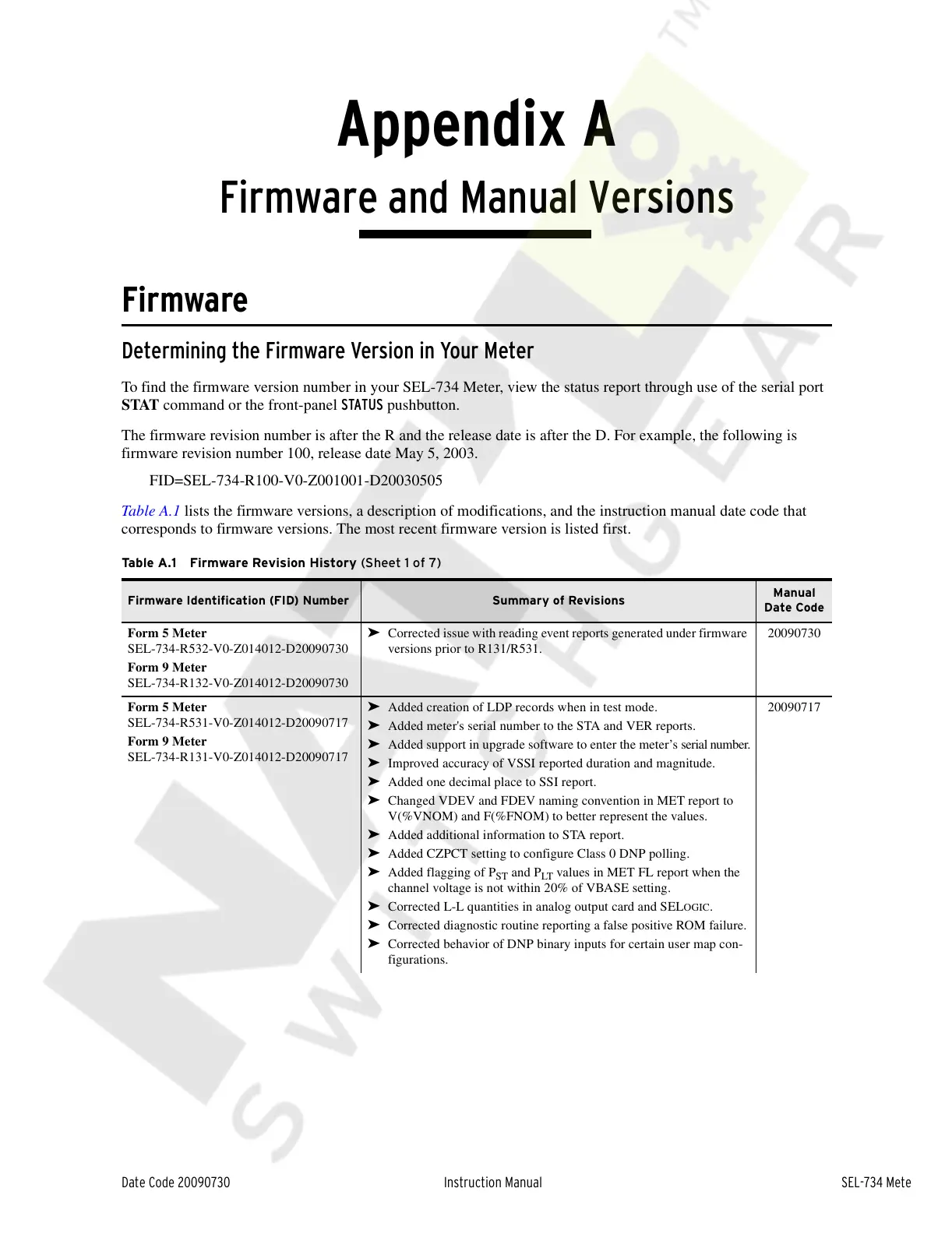
Table A.1 lists the firmware versions, a description of modifications, and the instruction manual date code that
corresponds to firmware versions. The most recent firmware version is listed first.
Table A.1 Firmware Revision History (Sheet 1 of 7)
Firmware Identification (FID) Number Summary of Revisions
Manual
Date Code
Form 5 Meter
SEL-734-R532-V0-Z014012-D20090730
Form 9 Meter
SEL-734-R132-V0-Z014012-D20090730
➤ Corrected issue with reading event reports generated under firmware
versions prior to R131/R531.
20090730
Form 5 Meter
SEL-734-R531-V0-Z014012-D20090717
Form 9 Meter
SEL-734-R131-V0-Z014012-D20090717
➤ Added creation of LDP records when in test mode.
➤ Added meter's serial number to the STA and VER reports.
➤ Added support in upgrade software to enter the meter’s serial number.
➤ Improved accuracy of VSSI reported duration and magnitude.
➤ Added one decimal place to SSI report.
➤ Changed VDEV and FDEV naming convention in MET report to
V(%VNOM) and F(%FNOM) to better represent the values.
➤ Added additional information to STA report.
➤ Added CZPCT setting to configure Class 0 DNP polling.
➤ Added flagging of P
ST
and P
LT
values in MET FL report when the
channel voltage is not within 20% of VBASE setting.
➤ Corrected L-L quantities in analog output card and SELOGIC.
➤ Corrected diagnostic routine reporting a false positive ROM failure.
➤ Corrected behavior of DNP binary inputs for certain user map con-
figurations.
20090717
Courtesy of NationalSwitchgear.com



 To Next Page