12.12
SEL-734 Meter Instruction Manual Date Code 20090730
Testing and Troubleshooting
Meter Self-Tests
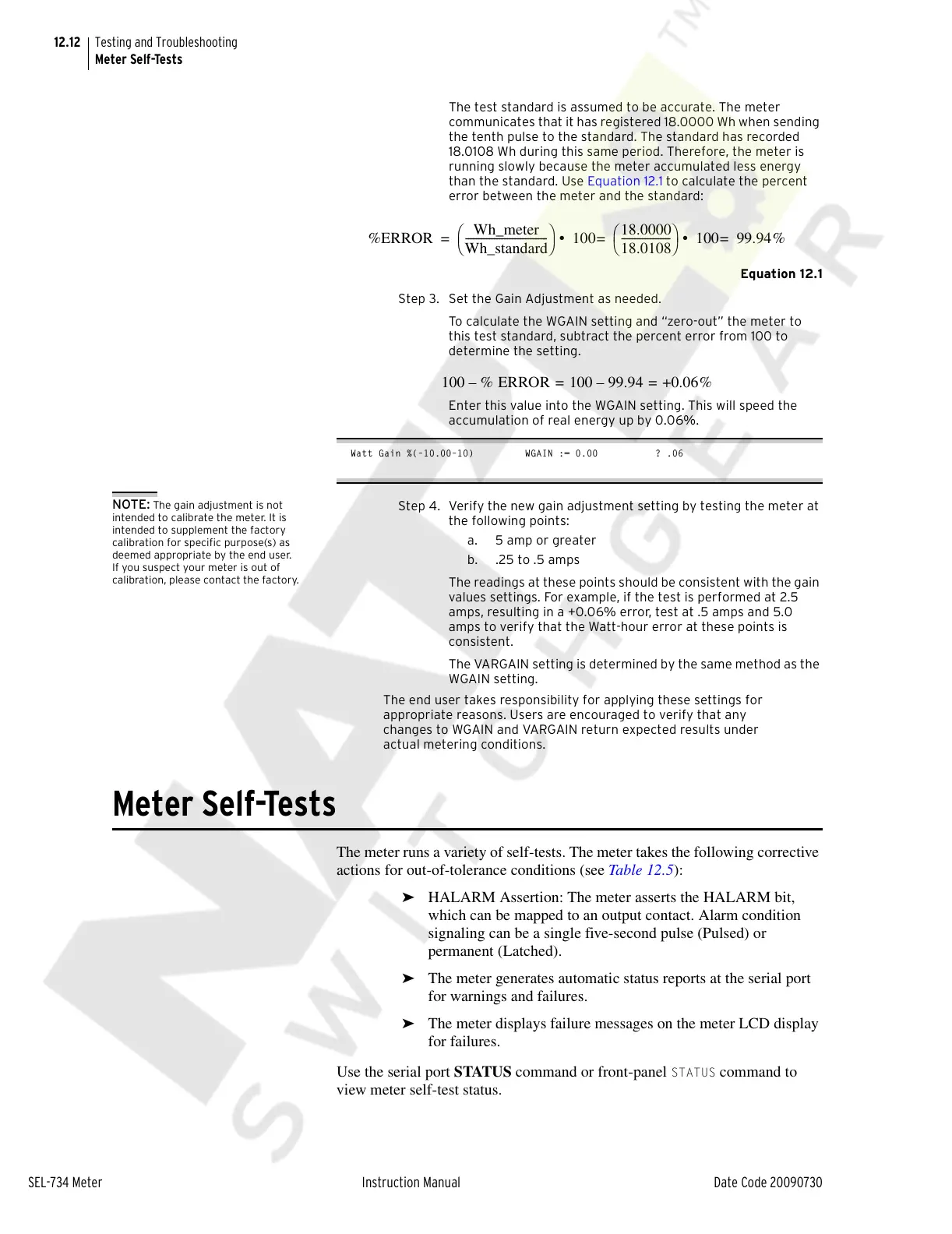
The test standard is assumed to be accurate. The meter
communicates that it has registered 18.0000 Wh when sending
the tenth pulse to the standard. The standard has recorded
18.0108 Wh during this same period. Therefore, the meter is
running slowly because the meter accumulated less energy
than the standard. Use Equation 12.1 to calculate the percent
error between the meter and the standard:
Equation 12.1
Step 3. Set the Gain Adjustment as needed.
To calculate the WGAIN setting and “zero-out” the meter to
this test standard, subtract the percent error from 100 to
determine the setting.
Enter this value into the WGAIN setting. This will speed the
accumulation of real energy up by 0.06%.
Watt Gain %(–10.00–10) WGAIN := 0.00 ? .06
NOTE: The gain adjustment is not
intended to calibrate the meter. It is
intended to supplement the factory
calibration for specific purpose(s) as
deemed appropriate by the end user.
If you suspect your meter is out of
calibration, please contact the factory.
Step 4. Verify the new gain adjustment setting by testing the meter at
the following points:
a. 5 amp or greater
b. .25 to .5 amps
The readings at these points should be consistent with the gain
values settings. For example, if the test is performed at 2.5
amps, resulting in a +0.06% error, test at .5 amps and 5.0
amps to verify that the Watt-hour error at these points is
consistent.
The VARGAIN setting is determined by the same method as the
WGAIN setting.
The end user takes responsibility for applying these settings for
appropriate reasons. Users are encouraged to verify that any
changes to WGAIN and VARGAIN return expected results under
actual metering conditions.
Meter Self-Tests
The meter runs a variety of self-tests. The meter takes the following corrective
actions for out-of-tolerance conditions (see Table 12.5):
➤ HALARM Assertion: The meter asserts the HALARM bit,
which can be mapped to an output contact. Alarm condition
signaling can be a single five-second pulse (Pulsed) or
permanent (Latched).
➤ The meter generates automatic status reports at the serial port
for warnings and failures.
➤ The meter displays failure messages on the meter LCD display
for failures.
Use the serial port STATUS command or front-panel
STATUS command to
view meter self-test status.
%ERROR
Wh_meter
Wh_standard
--------------------------------
⎝⎠
⎛⎞
100
18.0000
18.0108
-------------------
⎝⎠
⎛⎞
100 99.94% =• =• =
100 % ERROR 100 99.94–+0.06% ==–
Courtesy of NationalSwitchgear.com



 To Next Page