10.4
SEL-734 Meter Instruction Manual Date Code 20090730
Communications
Port Connector and Communications Cables
should not exceed five. To determine the number of devices you may connect
to the line, contact your local telephone company to find the maximum REN
for your calling area.
If your system causes harm to the telephone network, the telephone company
may discontinue service temporarily. If possible, they will notify you in
advance. If advance notification is not practical, you will be notified as soon
as possible.
Your telephone company may make changes in its facilities, equipment,
operations, or procedures that could affect proper functioning of your
equipment. If they do, they should notify you in advance to give you an
opportunity to maintain uninterrupted telephone service.
You may not under any circumstances attempt any service, adjustments, or
repairs on the modem. It must be returned to the factory for any such work.
Communications
Devices
Other devices useful for communications include the SEL Communications
Processors, SEL-2505 Remote I/O Module, and SEL-2100 Logic Processor.
Use SEL fiber-optic transceivers (e.g., SEL-2800) to convert an EIA-232 port
to a fiber-optic or Ethernet port.
PC Software
You can use ACSELERATOR QuickSet
®
SEL-5030 Software or a variety of
terminal emulation programs on your PC to communicate with the meter.
For the best display, use VT-100 terminal emulation or the closest variation.
The default settings for all serial ports are the following:
To change the port settings, use the SET P command (see Section 9: Settings).
Port Connector and Communications Cables
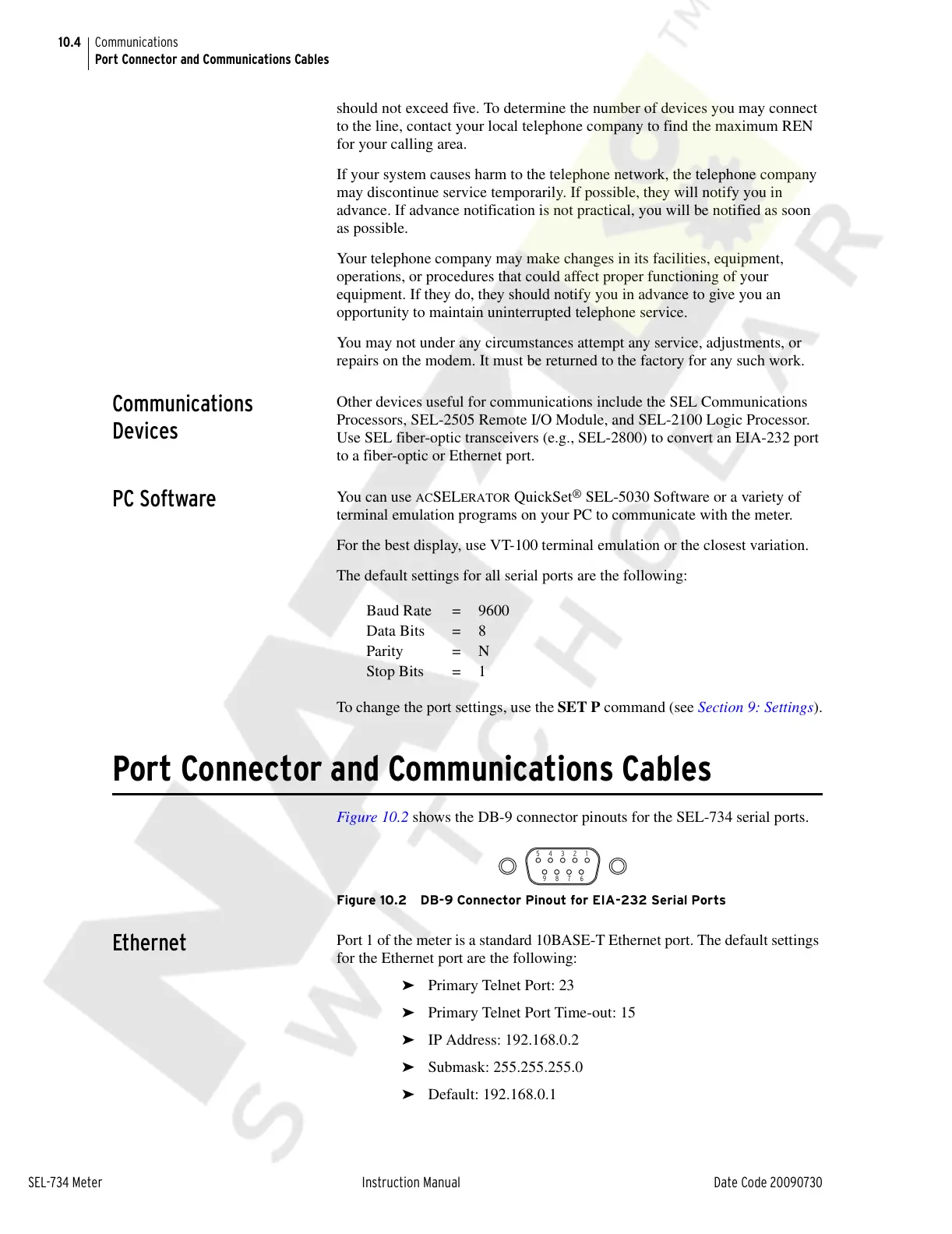
Figure 10.2 shows the DB-9 connector pinouts for the SEL-734 serial ports.
Figure 10.2 DB-9 Connector Pinout for EIA-232 Serial Ports
Ethernet
Port 1 of the meter is a standard 10BASE-T Ethernet port. The default settings
for the Ethernet port are the following:
➤ Primary Telnet Port: 23
➤ Primary Telnet Port Time-out: 15
➤ IP Address: 192.168.0.2
➤ Submask: 255.255.255.0
➤ Default: 192.168.0.1
Baud Rate = 9600
Data Bits = 8
Parity = N
Stop Bits = 1
Courtesy of NationalSwitchgear.com



 To Next Page