10.11
Date Code 20090730 Instruction Manual SEL-734 Meter
Communications
Communications Protocols
Serial Port
Automatic Messages
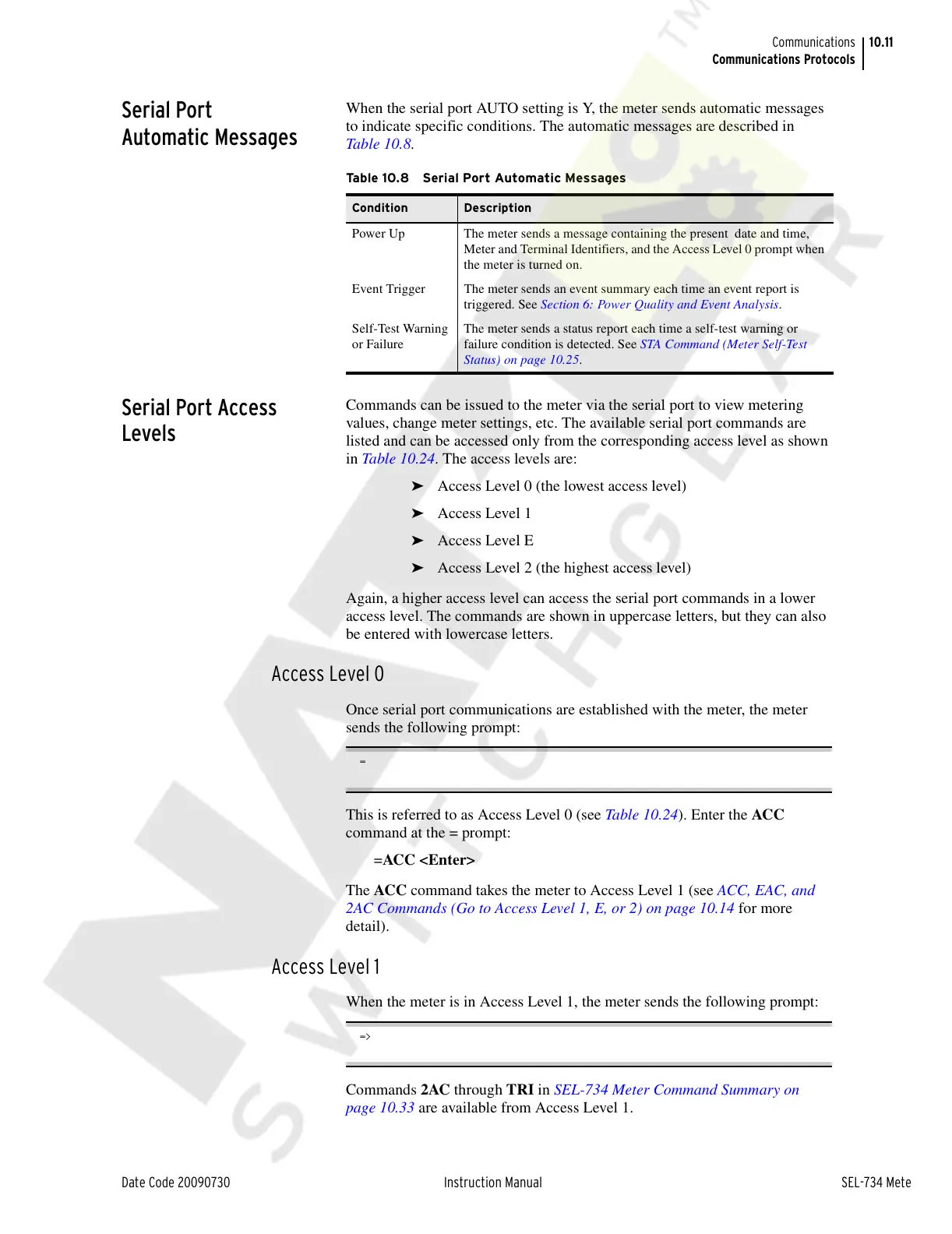
When the serial port AUTO setting is Y, the meter sends automatic messages
to indicate specific conditions. The automatic messages are described in
Table 10.8.
Serial Port Access
Levels
Commands can be issued to the meter via the serial port to view metering
values, change meter settings, etc. The available serial port commands are
listed and can be accessed only from the corresponding access level as shown
in Table 10.24. The access levels are:
➤ Access Level 0 (the lowest access level)
➤ Access Level 1
➤ Access Level E
➤ Access Level 2 (the highest access level)
Again, a higher access level can access the serial port commands in a lower
access level. The commands are shown in uppercase letters, but they can also
be entered with lowercase letters.
Access Level 0
Once serial port communications are established with the meter, the meter
sends the following prompt:
=
This is referred to as Access Level 0 (see Table 10.24). Enter the ACC
command at the = prompt:
=ACC <Enter>
The ACC command takes the meter to Access Level 1 (see ACC, EAC, and
2AC Commands (Go to Access Level 1, E, or 2) on page 10.14 for more
detail).
Access Level 1
When the meter is in Access Level 1, the meter sends the following prompt:
=>
Commands 2AC through TRI in SEL-734 Meter Command Summary on
page 10.33 are available from Access Level 1.
Table 10.8 Serial Port Automatic Messages
Condition Description
Power Up The meter sends a message containing the present date and time,
Meter and Terminal Identifiers, and the Access Level 0 prompt when
the meter is turned on.
Event Trigger The meter sends an event summary each time an event report is
triggered. See Section 6: Power Quality and Event Analysis.
Self-Test Warning
or Failure
The meter sends a status report each time a self-test warning or
failure condition is detected. See STA Command (Meter Self-Test
Status) on page 10.25.
Courtesy of NationalSwitchgear.com



 To Next Page