11.2
SEL-734 Meter Instruction Manual Date Code 20090730
Front-Panel Operation
Normal Front-Panel Display
Normal Front-Panel Display
In normal operation, the meter ENABLED LED should be illuminated and the
LCD display screen should be on. The LCD screen rotates displays showing
each screen for about two seconds before moving to the next. The default
rotating display screens include megawatt-hours in/out, megavar-hours in/out,
three-phase power factor, and megawatts in/out. You can display messages as
noted in General Operation of Rotating Display Settings on page 8.18.
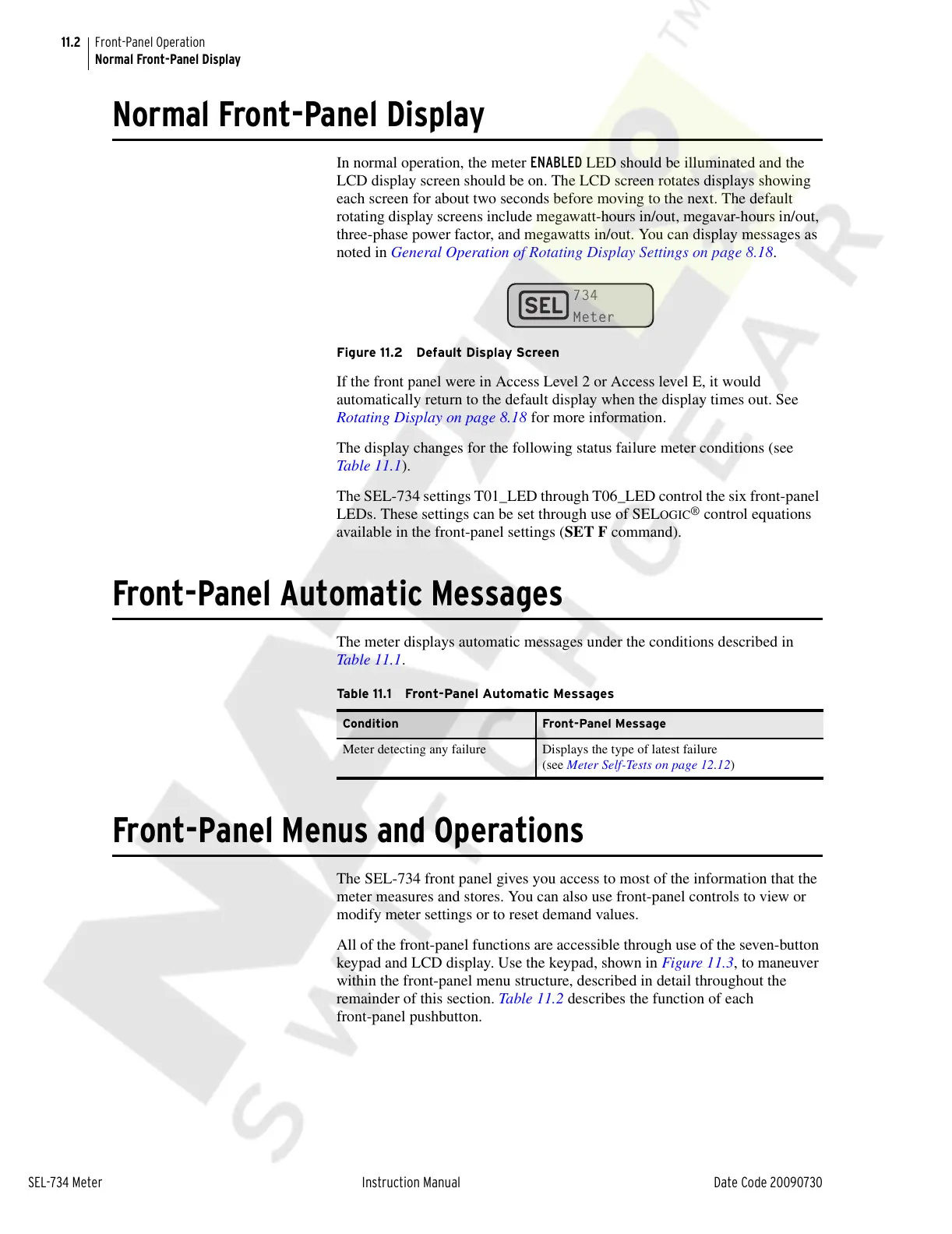
Figure 11.2 Default Display Screen
If the front panel were in Access Level 2 or Access level E, it would
automatically return to the default display when the display times out. See
Rotating Display on page 8.18 for more information.
The display changes for the following status failure meter conditions (see
Table 11.1).
The SEL-734 settings T01_LED through T06_LED control the six front-panel
LEDs. These settings can be set through use of SEL
OGIC
®
control equations
available in the front-panel settings (SET F command).
Front-Panel Automatic Messages
The meter displays automatic messages under the conditions described in
Table 11.1.
Front-Panel Menus and Operations
The SEL-734 front panel gives you access to most of the information that the
meter measures and stores. You can also use front-panel controls to view or
modify meter settings or to reset demand values.
All of the front-panel functions are accessible through use of the seven-button
keypad and LCD display. Use the keypad, shown in Figure 11.3, to maneuver
within the front-panel menu structure, described in detail throughout the
remainder of this section. Table 11.2 describes the function of each
front-panel pushbutton.
Table 11.1 Front-Panel Automatic Messages
Condition Front-Panel Message
Meter detecting any failure Displays the type of latest failure
(see Meter Self-Tests on page 12.12)
Courtesy of NationalSwitchgear.com



 To Next Page