8.18
SEL-734 Meter Instruction Manual Date Code 20090730
Logic
Rotating Display
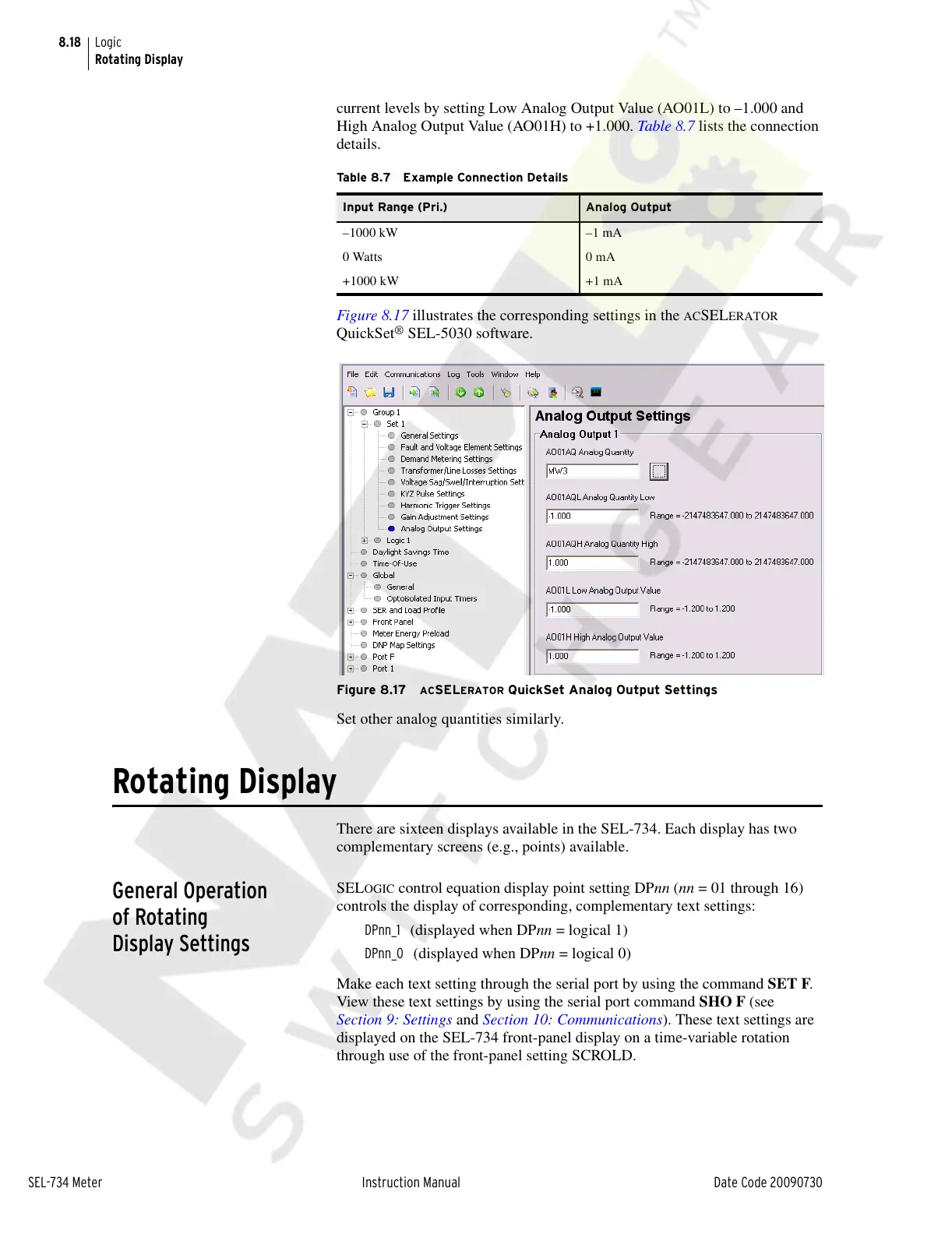
current levels by setting Low Analog Output Value (AO01L) to –1.000 and
High Analog Output Value (AO01H) to +1.000. Table 8.7 lists the connection
details.
Figure 8.17 illustrates the corresponding settings in the
ACSELERATOR
QuickSet
®
SEL-5030 software.
Figure 8.17 ACSELERATOR QuickSet Analog Output Settings
Set other analog quantities similarly.
Rotating Display
There are sixteen displays available in the SEL-734. Each display has two
complementary screens (e.g., points) available.
General Operation
of Rotating
Display Settings
SELOGIC control equation display point setting DPnn (nn = 01 through 16)
controls the display of corresponding, complementary text settings:
DPnn_1 (displayed when DPnn = logical 1)
DPnn_0 (displayed when DPnn = logical 0)
Make each text setting through the serial port by using the command SET F.
View these text settings by using the serial port command SHO F (see
Section 9: Settings and Section 10: Communications). These text settings are
displayed on the SEL-734 front-panel display on a time-variable rotation
through use of the front-panel setting SCROLD.
Table 8.7 Example Connection Details
Input Range (Pri.) Analog Output
–1000 kW –1 mA
0 Watts 0 mA
+1000 kW +1 mA
Courtesy of NationalSwitchgear.com



 To Next Page