7.4
SEL-734 Meter Instruction Manual Date Code 20090730
Time-Synchronized Measurements
Synchrophasor Measurements
Meter Forms 5 and 9
The SEL-734 is factory configured according to the voltage connection
ordering option in Form 5 or Form 9. Form 5 corresponds to delta voltage
connection, and Form 9 corresponds to wye voltage connection. The SEL-734
reports phase-to-neutral voltage synchrophasors regardless of the voltage
connection option. Form 5 and Form 9 synchrophasor reports indicate
identical values only during balanced voltage conditions.
Met PM Command
The MET PM serial port ASCII command displays synchrophasor
measurements from the SEL-734. See MET PM (Synchrophasors) on
page 10.23 for detailed information on the MET PM command.
There are multiple ways to use the MET PM command:
➤ As a test tool to verify connections, phase rotation, and scaling.
➤ As an analytical tool to capture synchrophasor data at an exact
time for comparison with similar data other phasor
measurement units have captured.
➤ As a method for periodically gathering synchrophasor data
through a communications processor.
SEL Unsolicited Fast Message Protocol
Application
Electric power system dispatch and control functions must work with the most
accurate and up-to-date information possible to maximize scarce system
resources. High loading levels across a transmission system reduce the ability
of the system to recover from faults and loss of generation. By knowing the
exact load angle between points on a power system, operators can make
control decisions that maintain stability without unnecessarily restricting
power transfers. Instead of using average voltage magnitudes and power flows
with a state estimation algorithm, operators can use the instantaneous voltage
angle across a system as a basis for control decisions. Eliminating the margin
for error inherent in a state estimation system allows increased load flows
while maintaining stability.
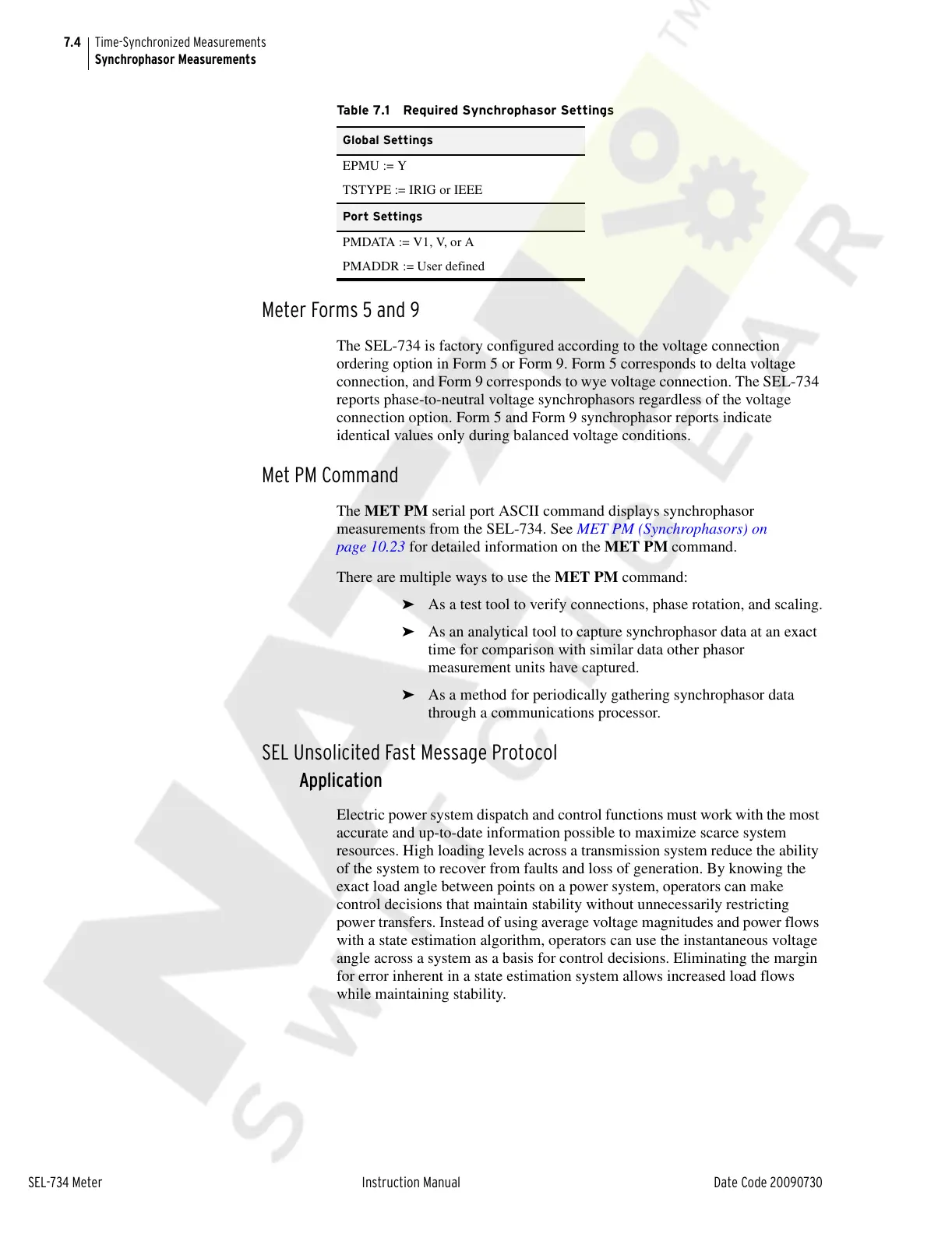
Table 7.1 Required Synchrophasor Settings
Global Settings
EPMU := Y
TSTYPE := IRIG or IEEE
Port Settings
PMDATA := V1, V, or A
PMADDR := User defined
Courtesy of NationalSwitchgear.com



 To Next Page