10.18
SEL-734 Meter Instruction Manual Date Code 20090730
Communications
Command Explanations
If x is C, the meter clears the event summaries and all corresponding event
reports from nonvolatile memory. The C parameter is only available in Access
Level 2.
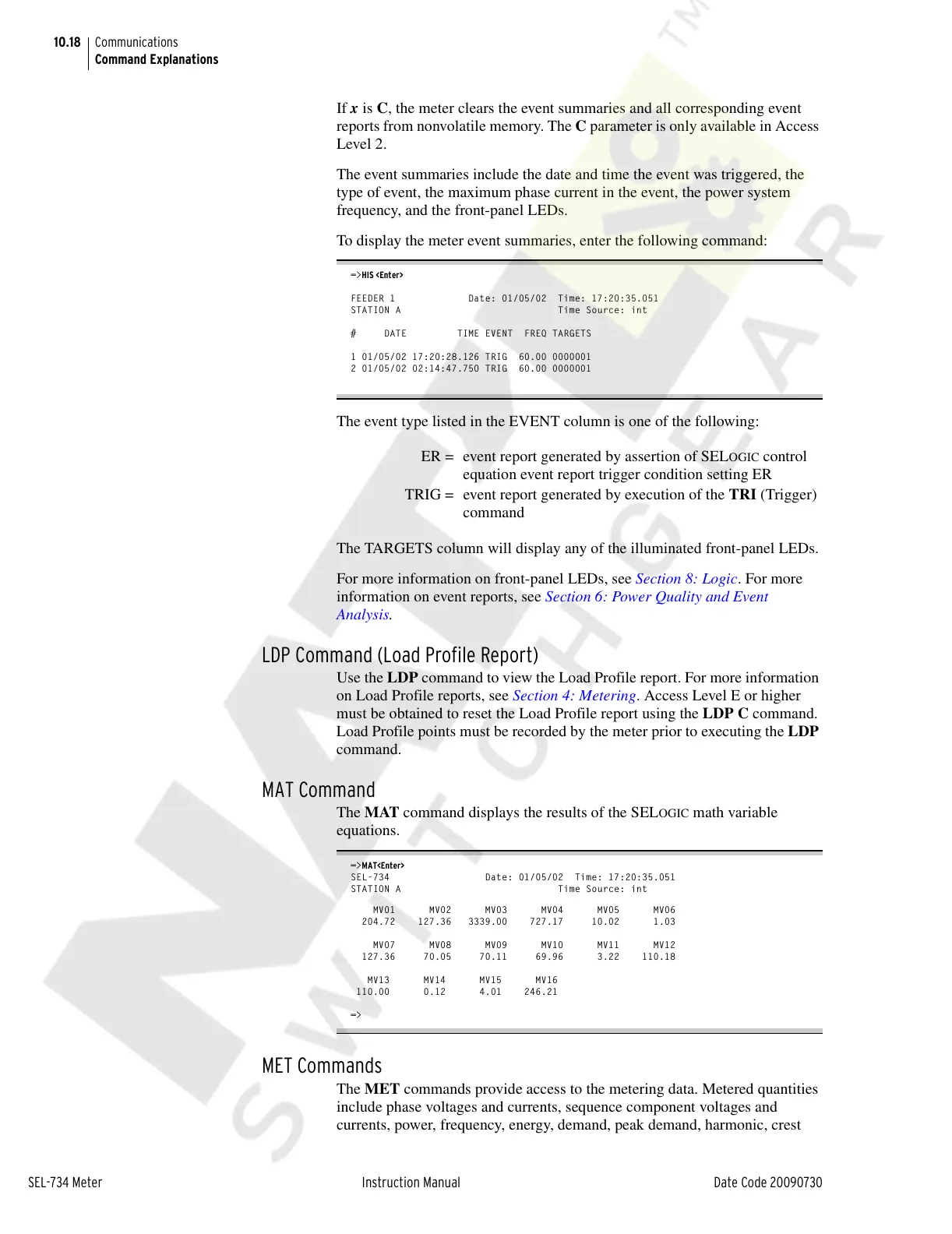
The event summaries include the date and time the event was triggered, the
type of event, the maximum phase current in the event, the power system
frequency, and the front-panel LEDs.
To display the meter event summaries, enter the following command:
=>HIS <Enter>
FEEDER 1 Date: 01/05/02 Time: 17:20:35.051
STATION A Time Source: int
# DATE TIME EVENT FREQ TARGETS
1 01/05/02 17:20:28.126 TRIG 60.00 0000001
2 01/05/02 02:14:47.750 TRIG 60.00 0000001
The event type listed in the EVENT column is one of the following:
The TARGETS column will display any of the illuminated front-panel LEDs.
For more information on front-panel LEDs, see Section 8: Logic. For more
information on event reports, see Section 6: Power Quality and Event
Analysis.
LDP Command (Load Profile Report)
Use the LDP command to view the Load Profile report. For more information
on Load Profile reports, see Section 4: Metering. Access Level E or higher
must be obtained to reset the Load Profile report using the LDP C command.
Load Profile points must be recorded by the meter prior to executing the LDP
command.
MAT Command
The MAT command displays the results of the SELOGIC math variable
equations.
=>MAT<Enter>
SEL-734 Date: 01/05/02 Time: 17:20:35.051
STATION A Time Source: int
MV01 MV02 MV03 MV04 MV05 MV06
204.72 127.36 3339.00 727.17 10.02 1.03
MV07 MV08 MV09 MV10 MV11 MV12
127.36 70.05 70.11 69.96 3.22 110.18
MV13 MV14 MV15 MV16
110.00 0.12 4.01 246.21
=>
MET Commands
The MET commands provide access to the metering data. Metered quantities
include phase voltages and currents, sequence component voltages and
currents, power, frequency, energy, demand, peak demand, harmonic, crest
ER = event report generated by assertion of SEL
OGIC control
equation event report trigger condition setting ER
TRIG = event report generated by execution of the TRI (Trigger)
command
Courtesy of NationalSwitchgear.com



 To Next Page