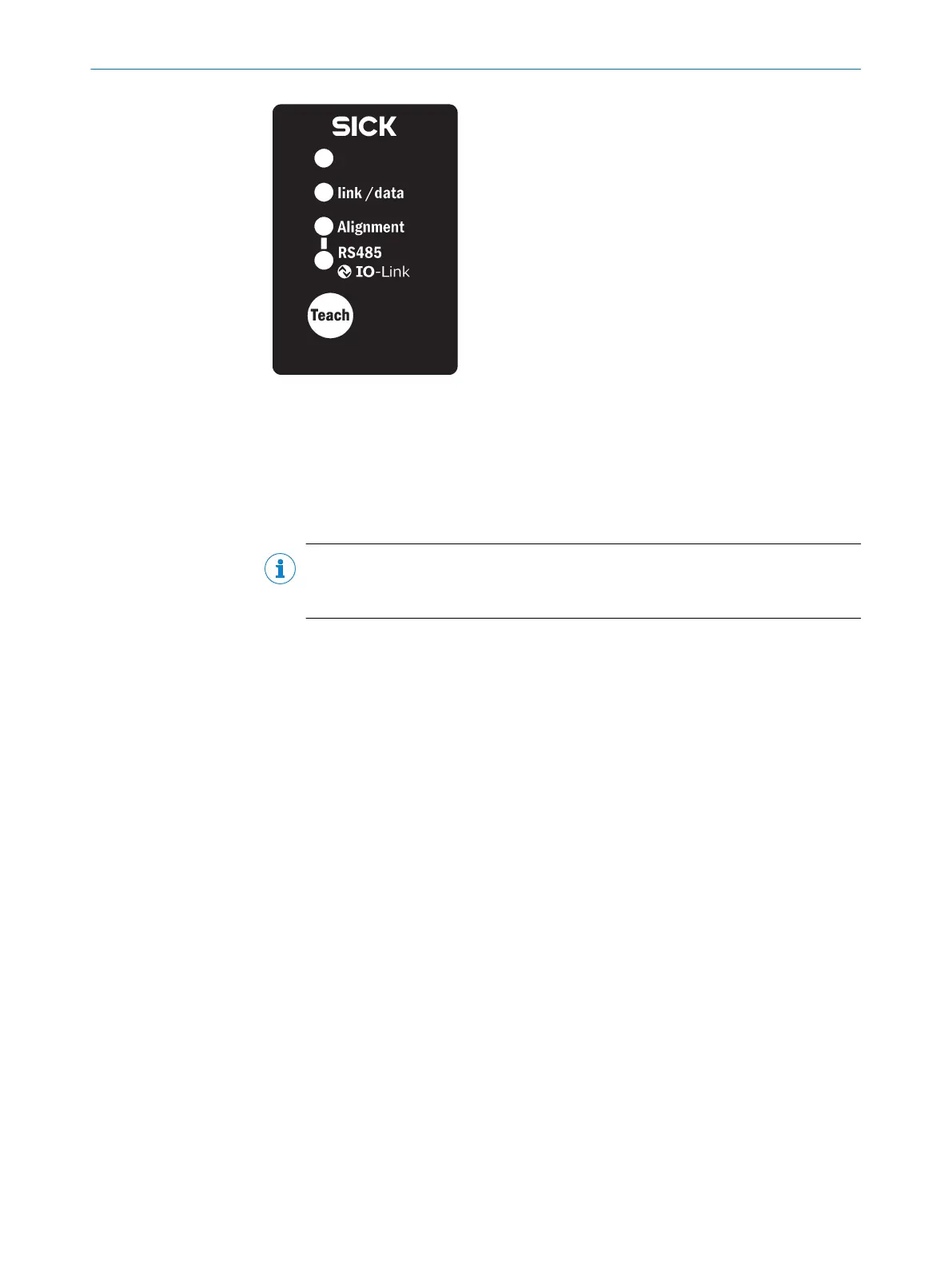
Figure 43: Control panel of the MLG-2 Pro
Ö 3 Hz yellow
The yellow LED on the front flashes rapidly.
b
Improve the alignment of the MLG-2.
o
When the yellow LED and the Alignment LED go out, the MLG-2 is optimally aligned.
NOTE
With the MLG-2 Pro, SOPAS ET will help you to align the device and teach-in the
sensitivity (see "Teach-in", page 90).
b
Now fix the position of the sender and receiver.
Teach-in
b
Press the Teach pushbutton (< 1 s).
3)
✓
Ö 1 Hz yellow
✓
The yellow LED on the front and the Alignment LED flash slowly.
If the teach-in process is successful, the yellow LED on the front and the Alignment LED
go out. The MLG-2 is operational.
If the teach-in process is unsuccessful, the Alignment and RS-485/IO-Link LEDs flash
rapidly, as does the red LED on the front of the device.
b
Check that the MLG-2 is correctly aligned, that the front screens are clean and
that there are no objects located in the light path.
b
Then carry out the teach-in process again.
3)
On the MLG-2 Pro, the teach-in process can also be triggered via SOPAS ET, IO-Link, the integrated web server or the Teach input.
6 COMMISSIONING
52
O P E R A T I N G I N S T R U C T I O N S | MLG-2 Pro 8017460.ZIK1/2017-02-13 | SICK
Subject to change without notice



 To Next Page