60 53 362 D3472
112 D3472.201.10.20.02 07.2016
5Operation DAC UNIVERSAL ADVANCED Sirona Dental A/S
5.3Reprocessing with the DAC UNIVERSAL ADVANCED Operating Instructions DAC UNIVERSAL
5. After placing the instrument wrapped in a pouch in the wire brackets,
pull the instrument lightly to make sure that it is properly attached
between the brackets.
6. Insert the WRAPPED lid in the cover holder of the DAC UNIVERSAL.
The instruments are on the WRAPPED lid; the DAC UNIVERSAL
is still open and ready for a cycle.
7. Make sure the WRAPPED lid is selected. If not press the “Up/Down”-
Keys accordingly, to select this lid.
8. Press the “Start/Stop“-Key to start the cycle.
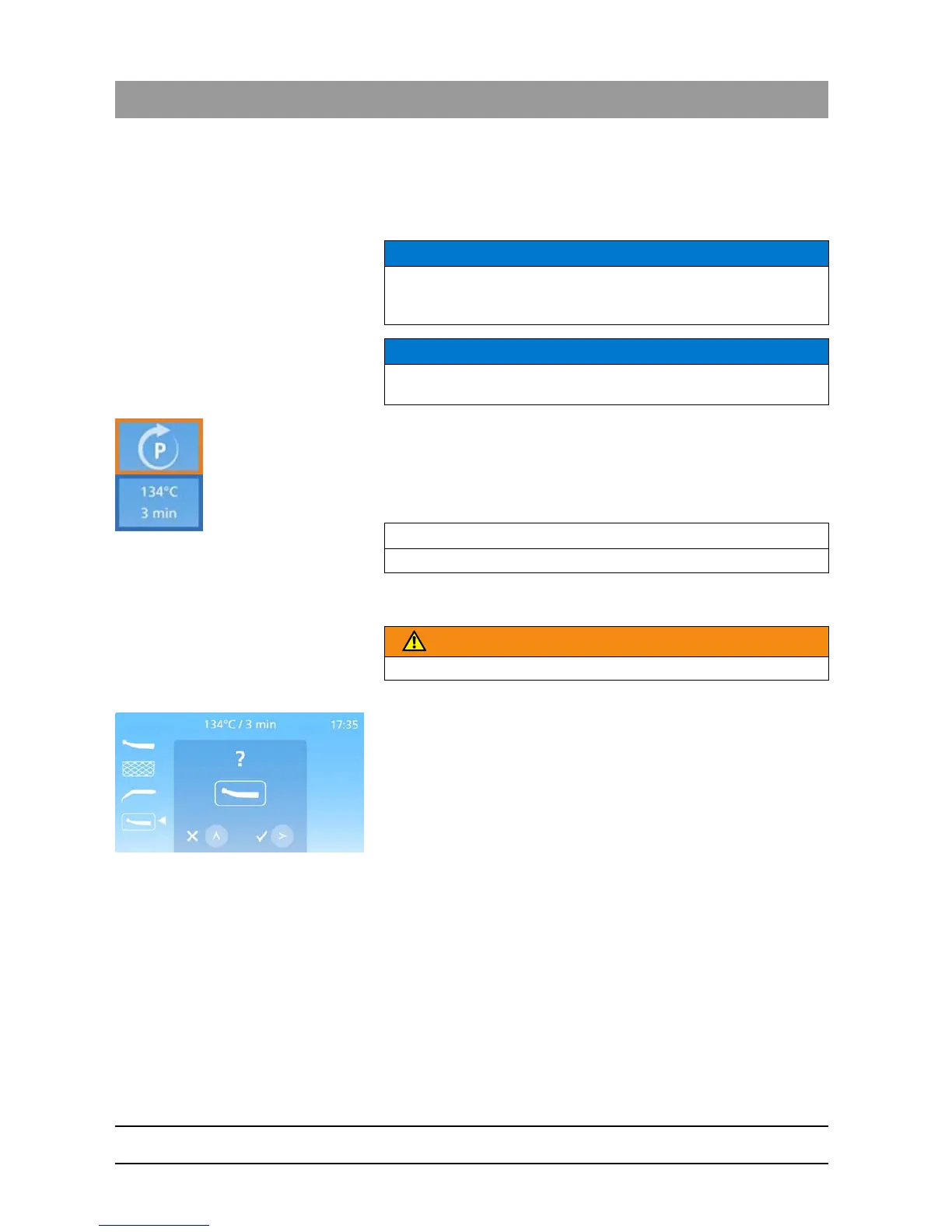
A prompt appears on the display, as seen on the picture, asking
the user to confirm that the WRAPPED lid is in fact inserted into
the DAC UNIVERSAL.
9. Press the “Right”-Key to confirm that the WRAPPED lid is inserted
into the DAC UNIVERSAL.
A prompt to press down on the safety ring appears on the display.
10. Press down on the safety ring to start the cycle. If the safety ring is
not pressed within 20 seconds, you must choose the lid and press the
"Start/Stop"-Key again.
The WRAPPED lid of the DAC UNIVERSAL closes as soon as
the safety ring is pressed.
The DAC UNIVERSAL automatically runs the sterilization cycle.
The display shows at any time which phase the DAC
UNIVERSAL is in, see section "Display information DAC
UNIVERSAL ADVANCED [ → 71]“.
NOTICE
Make sure that the lid is inserted all the way into the holder and the
wrapped instruments do not touch the wall of the chamber. Make sure
there are no objects in the chamber.
NOTICE
The DAC UNIVERSAL and/or the instruments can be damaged if the
WRAPPED lid is not inserted correctly.
IMPORTANT
Only the standard program is available for the WRAPPED lid.
WARNING
If no lid is selected the STANDARD lid is set as default.














 To Next Page