60 53 362 D3472
126 D3472.201.10.20.02 07.2016
6Cleaning and maintanance DAC UNIVERSAL ADVANCED Sirona Dental A/S
6.5Drain the water tank of the DAC UNIVERSAL ADVANCED Operating Instructions DAC UNIVERSAL
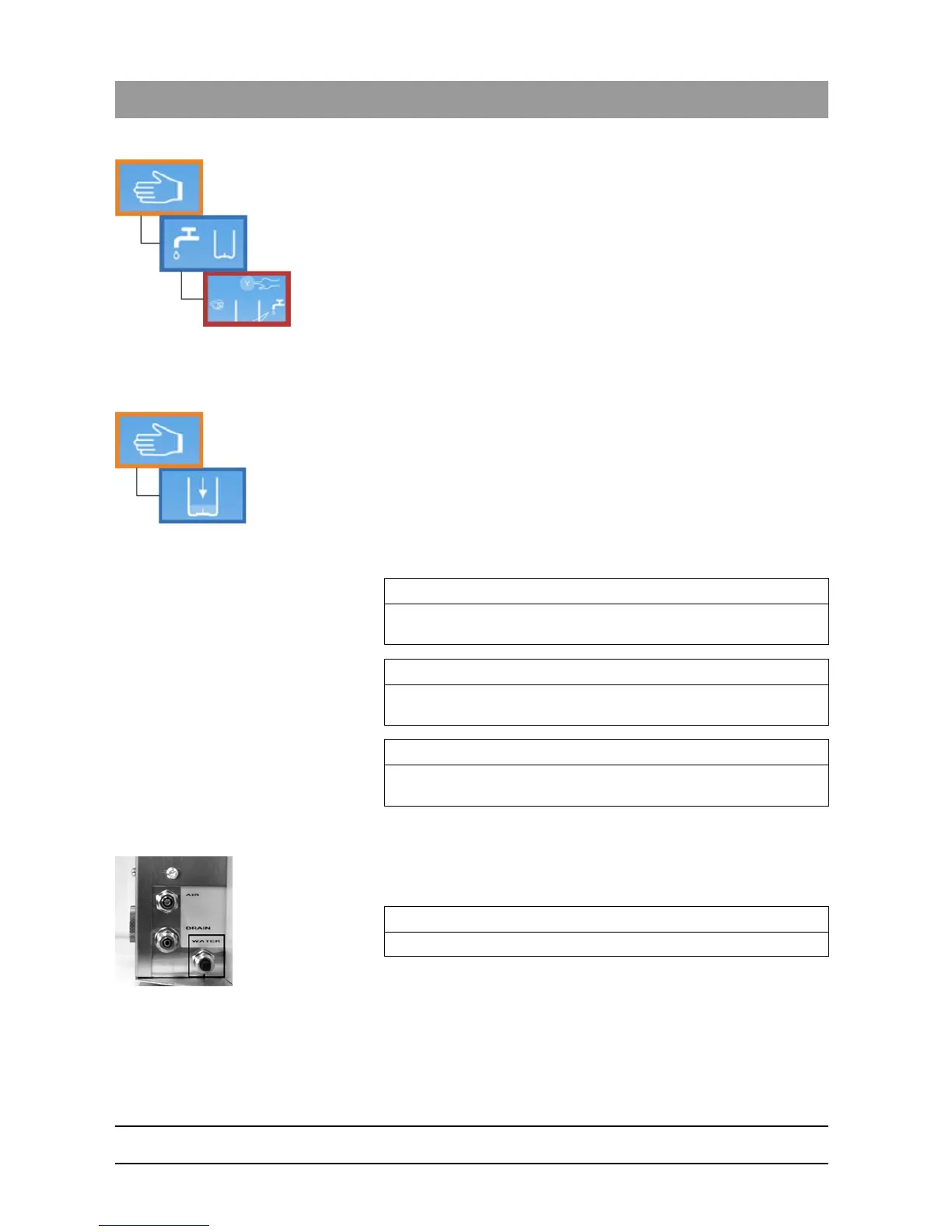
1. Enter the "manual water operation“ menu section.
2. Press the “Down”-Key.
Water is pumped into the chamber.
3. When the chamber is 3/4 filled with water, press the "Down"-Key to
stop pumping.
Drain the chamber
1. Insert the STANDARD lid back into the lid holder of the DAC
UNIVERSAL.
2. Press the "Up"-Key to return to the "Manual control“ menu section.
3. Navigate through the "Drain chamber“ option, using the “Left/Right”-
Keys accordingly.
4. Press the “Down”-Key to confirm.
The unit closes automatically.
The tank is emptied.
The lid opens again automatically after 60 seconds.
6.5.2 Drain the water tank via a hose
✔ The DAC UNIVERSAL is switched on and ready for operation.
✔ The lid of the DAC UNIVERSAL is inserted.
1. Switch off the water of your water conditioning system.
2. Open the "Water" quick coupling at the back of the DAC UNIVERSAL
unit by twisting it counterclockwise.
3. Detach the hose.
IMPORTANT
If the water tank and/or chamber are not completely empty, repeat all
sections from the beginning until both are completely empty.
IMPORTANT
If you have installed the DAC UNIVERSAL with a permanent water
connection, please remember to turn the water back on.
IMPORTANT
If there is no permanent water connection, fill the water tank with
demineralized or distilled water (water conductivity < 3.0 µS/cm).
IMPORTANT
Steps 1-3 are required only if there is a permanent water connection.














 To Next Page