60 53 362 D3472
98 D3472.201.10.20.02 07.2016
5Operation DAC UNIVERSAL ADVANCED Sirona Dental A/S
5.3Reprocessing with the DAC UNIVERSAL ADVANCED Operating Instructions DAC UNIVERSAL
5.3
Reprocessing with the DAC UNIVERSAL
ADVANCED
5.3.1 Switching ON/OFF/Standby mode DAC UNIVERSAL
ADVANCED
Switch-on The DAC UNIVERSAL will power up and heat the steam generator once
the DAC UNIVERSAL is connected to a power socket.
Unless the DAC UNIVERSAL was put into standby mode before having
been disconnected from the power socket.
In this case the DAC UNIVERSAL will restart in standby mode and will
therefore have to be taken out of this by pressing the "Start/Stop"-Key.
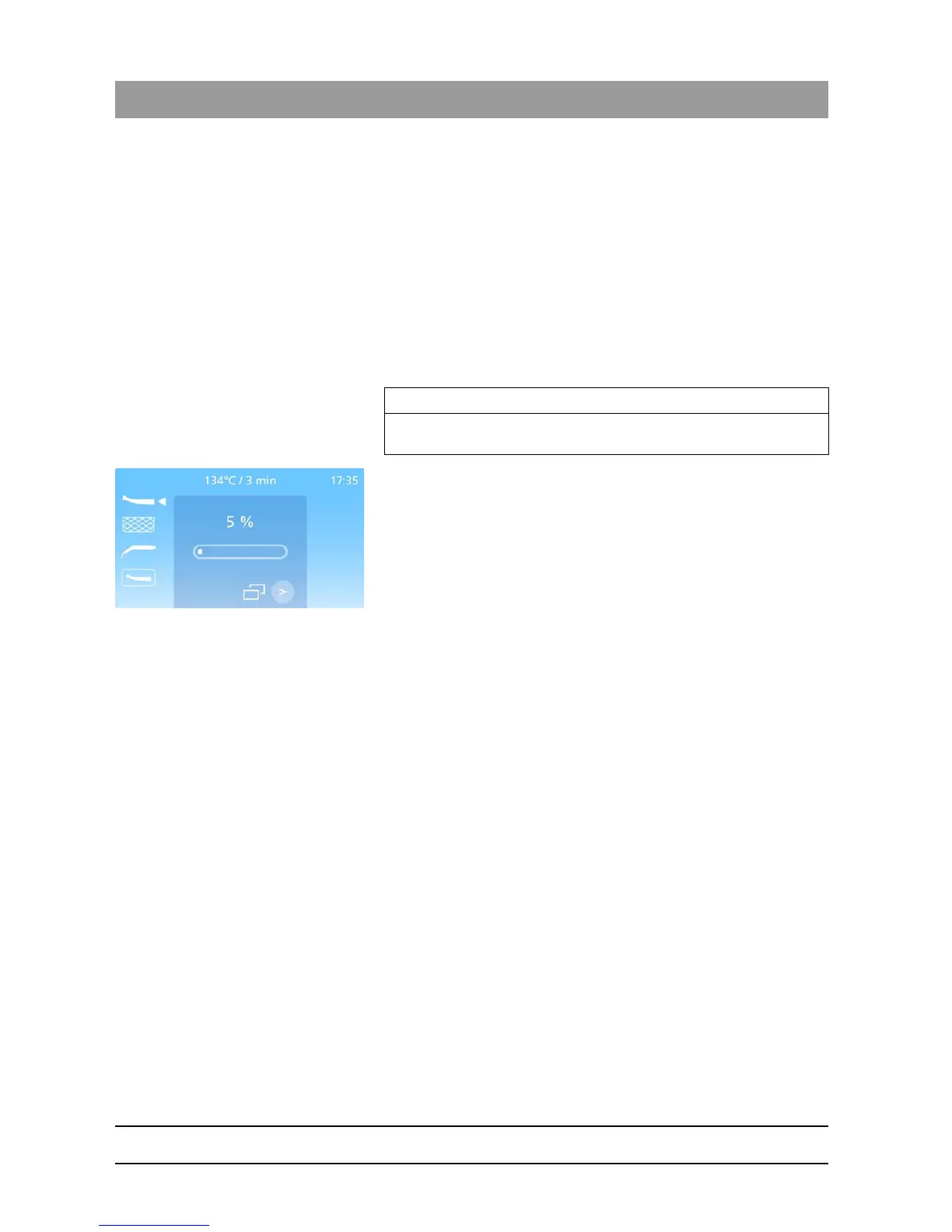
The heating phase of the DAC UNIVERSAL takes 10-12 minutes.
During this heating phase, the display indicates the temperature to be
reached in %.
When this is done, the DAC UNIVERSAL will display the ready screen.
Standby To switch the DAC UNIVERSAL to standby mode, press the "Start/Stop"-
Key for more than 2 seconds.
Switch off To switch off the DAC UNIVERSAL, press the "Start/Stop"-Key for more
than 2 seconds.
The manufacturer recommends pulling the power cord out of the socket
at night to separate the DAC UNIVERSAL from the power grid.
IMPORTANT
The DAC UNIVERSAL cannot be started until the steam generator is
properly heated.














 To Next Page