60 53 362 D3472
58 D3472.201.10.20.02 07.2016
4Installation Sirona Dental A/S
4.7Validation Operating Instructions DAC UNIVERSAL
4.6.2 Connecting to a documentation device DAC UNIVERSAL
STANDARD
To connect a documentation device to the DAC UNIVERSAL
STANDARD, please proceed as follows:
✔ The DAC UNIVERSAL is switched on.
1. Connect the documentation device to the serial interface RS 232 of
the DAC UNIVERSAL using a serial cable.
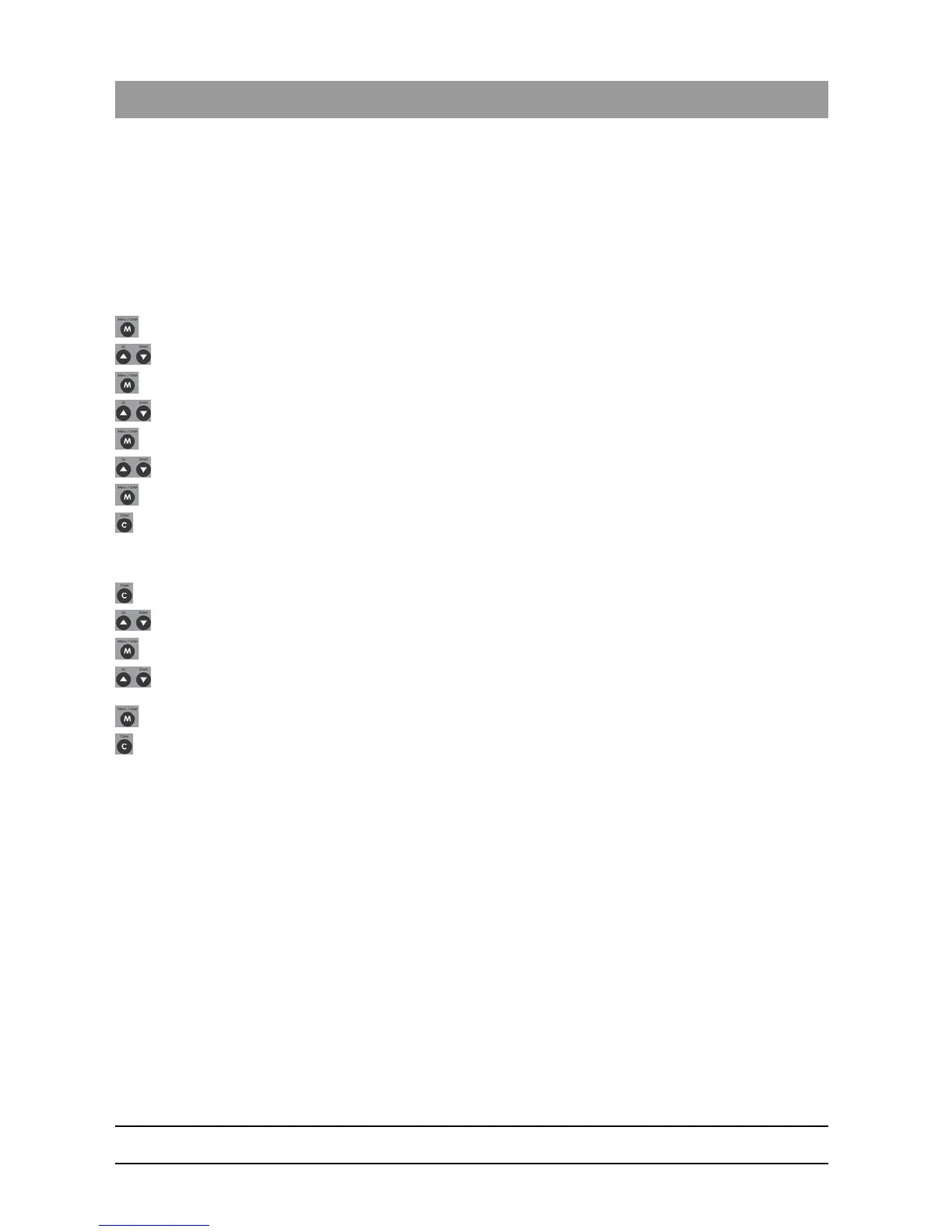
2. Press the "Menu/Enter"-Key to go to menu level 1.
3. Press the "Up" or "Down"-Key until "Settings" is selected.
4. Press the "Menu/Enter"-Key to confirm the selection.
5. Press the "Up" or "Down"-Key until "Printer" is selected.
6. Press the "Menu/Enter"-Key to confirm the selection.
7. Press the "Up"- or "Down"-Key until "ON / OFF" is selected.
8. Press the "Menu/Enter"-Key to confirm the selection.
9. Press the "Up" or "Down"-Key until "On" is selected.
10. Press the "Menu/Enter"-Key to confirm the selection.
The documentation device is connected
11. Press the "Clear"-Key once.
12. Press the "Up" or "Down"-Key until "Printout Language" is selected.
13. Press the "Menu/Enter"-Key to confirm the selection.
14. Press the "Up" or "Down"-Key until the appropriate language is
selected.
15. Press the "Menu/Enter"-Key to confirm the selection.
16. Press the "Clear"-Key until the normal display reappears.
Printer language is set.
4.7
Validation
The DAC UNIVERSAL has been type tested and works tested according
to requirements from applicable standards. The standards also specify
installation and performance tests upon installation and use.
The manufacturer recommends performing validation of the DAC
UNIVERSAL as specified by the local authorities. The authorized dealer
can supply information on local validation procedures.














 To Next Page