60 53 362 D3472
D3472.201.10.20.02 07.2016
193
Sirona Dental A/S 9Cleaning and maintenance DAC UNIVERSAL STANDARD
Operating Instructions DAC UNIVERSAL 9.1Checking oil supply to the chamber of the DAC UNIVERSAL STANDARD
båÖäáëÜ
9.1
Checking oil supply to the chamber of the DAC
UNIVERSAL STANDARD
Frequency: weekly or every 50 cycles (whichever comes first).
In order to make sure that the DAC UNIVERSAL is able to lubricate the
instruments correctly, the oil flow to the chamber needs to be tested.
✔ The DAC UNIVERSAL is switched on and ready for operation.
✔ The NitramOil #2 bottle is properly screwed into the DAC
UNIVERSAL.
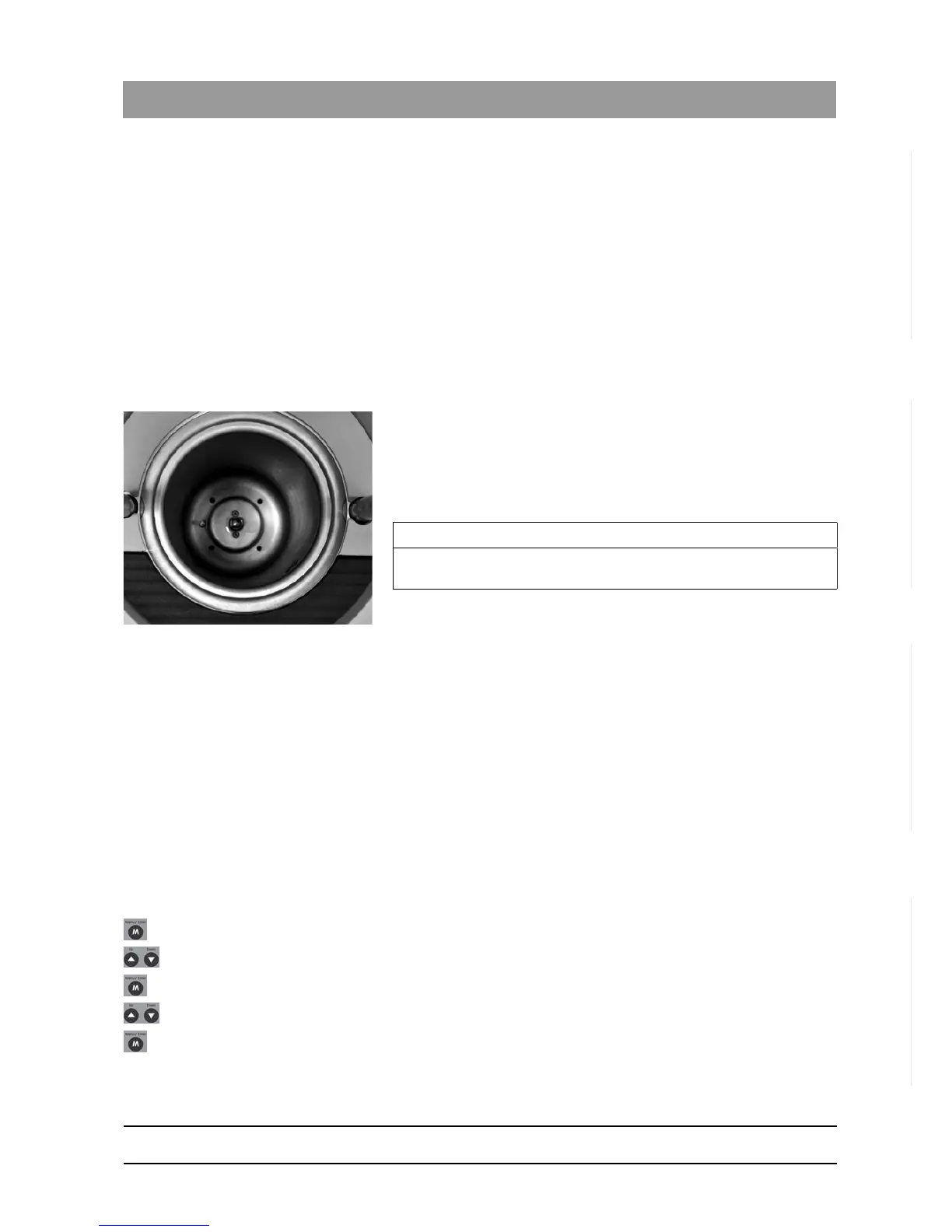
✔ The lid of the DAC UNIVERSAL is removed and there is an
unobstructed view into the chamber.
1. Press and hold the "Lubricate"-Key.
The oil dispenser will start to pump and oil flows through the
bottom adapter into the chamber.
2. Release the "Lubricate"-Key.
The display of the DAC UNIVERSAL counts the number of times the
oil dispenser pumps.
The display disappears automatically after a short time.
The water and oil residue that is in the chamber and hoses will need
to be drained and cleaned out, see section "Drain the chamber" in
"Drain the water tank via the menu [ → 196]".
9.2
Checking water supply to the chamber of the DAC
UNIVERSAL STANDARD
Frequency: weekly or every 50 cycles (whichever comes first).
In order to make sure that the DAC UNIVERSAL is able to bring water to
the chamber correctly, this operation needs to be tested.
Pump water into the chamber
✔ The DAC UNIVERSAL is switched on and ready for operation.
✔ The lid of the DAC UNIVERSAL is removed and there is an
unobstructed view into the chamber.
1. Press the "Menu/Enter"-Key to go to menu level 1.
2. Press the "Up" or "Down"-Key until
"Manual"
is selected.
3. Press the "Menu/Enter"-Key to confirm the selection.
4. Press the "Up" or "Down"-Key until
"Water"
is selected.
5. Press the "Menu/Enter"-Key to confirm the selection.
IMPORTANT
If the number indicated is >60 and there is no oil in the chamber, please
contact your authorized dealer.














 To Next Page