60 53 362 D3472
D3472.201.10.20.02 07.2016
55
Sirona Dental A/S 4Installation
Operating Instructions DAC UNIVERSAL 4.5Setting the display language on the DAC UNIVERSAL STANDARD
båÖäáëÜ
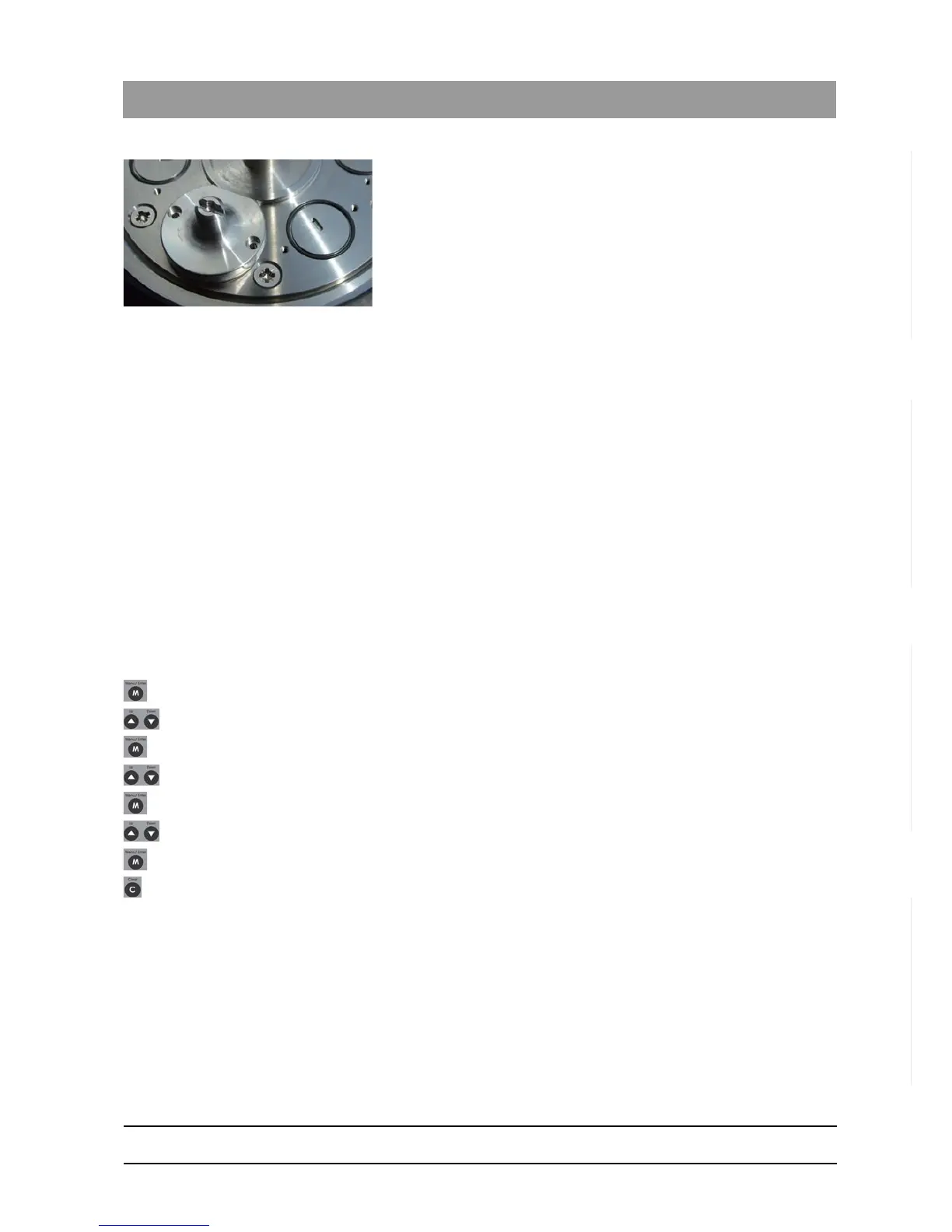
3. Tighten the adapter with the 2 screws using the provided 1.5 mm
Allen wrench.
4.5
Setting the display language on the DAC
UNIVERSAL STANDARD
We recommend that the main language in your country or the language
most familiar to the users of the DAC UNIVERSAL is selected as display
language.
There are 6 languages available:
● English (UK)
● French (F)
● German (D)
● Spanish (SP)
● Italian (I)
● Swedish (S)
Process
✔ The DAC UNIVERSAL is switched on.
1. Press the "Menu/Enter"-Key to go to menu level 1.
2. Press the "Up" or "Down"-Key until "Settings" is selected.
3. Press the "Menu/Enter"-Key to confirm the selection.
4. Press the "Up" or "Down"-Key until "Language" is selected.
5. Press the "Menu/Enter"-Key to confirm the selection.
6. Press the "Up" or "Down"-Key until the desired language is selected.
7. Press the "Menu/Enter"-Key to confirm the selection.
8. Press the "Clear"-Key until the normal display reappears.
The desired display language has been selected.














 To Next Page