60 53 362 D3472
D3472.201.10.20.02 07.2016
57
Sirona Dental A/S 4Installation
Operating Instructions DAC UNIVERSAL 4.6Connecting to a documentation device
båÖäáëÜ
4.6.1 Connecting to a documentation device DAC UNIVERSAL
ADVANCED
To connect a documentation device to the DAC UNIVERSAL
ADVANCED, please proceed as follows:
✔ The DAC UNIVERSAL is switched on.
1. Connect the documentation device to the serial interface RS 232 of
the DAC UNIVERSAL using a serial cable.
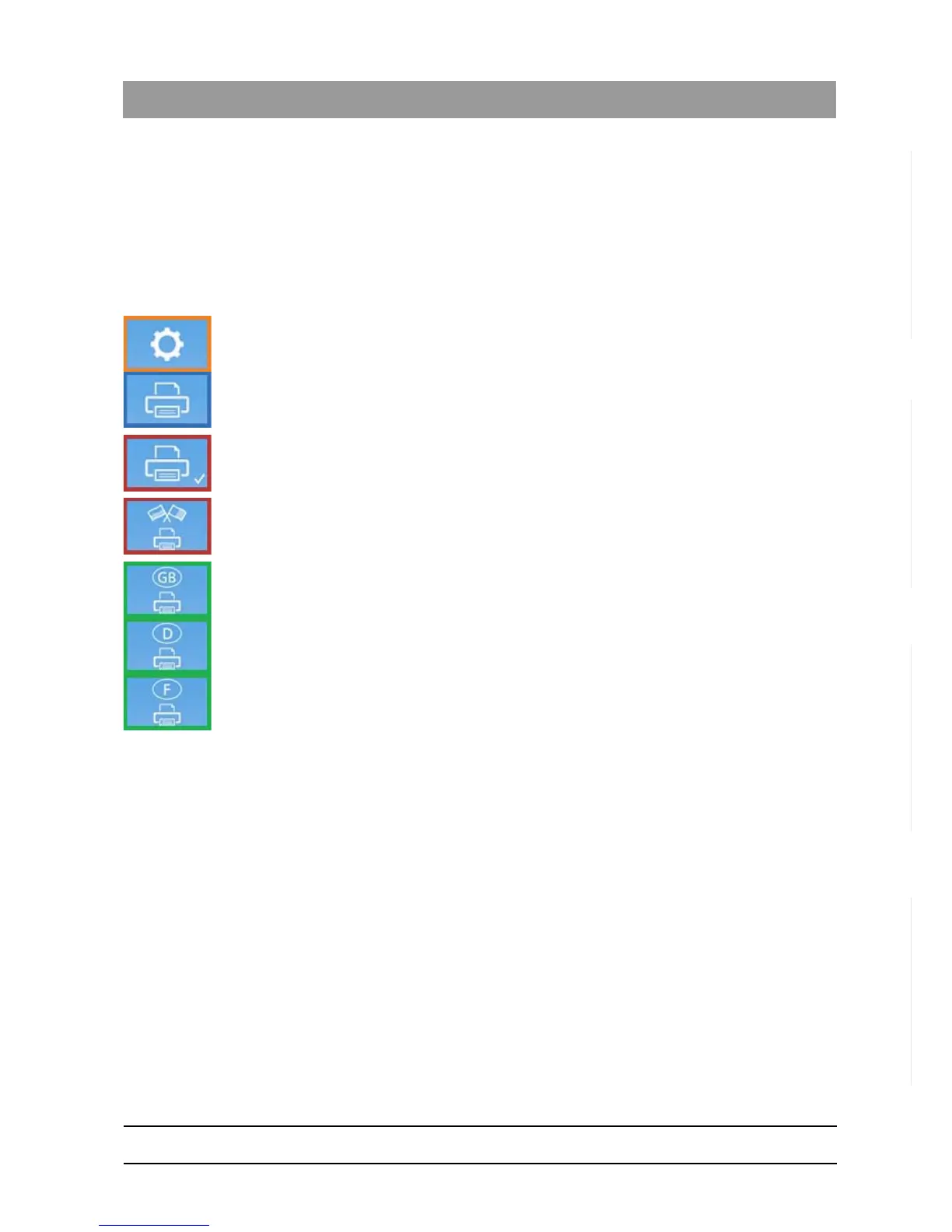
2. Enter the "printer" menu section.
3. Enter the "printer ON" menu section and confirm by pressing the
“Down”-Key.
4. Return to the "printer" menu section by pressing the “Up”-Key once.
5. Enter the "printer language settings" menu section.
6. Use the “Left/Right”-Keys accordingly to select the language the print
should be printed in.
7. Confirm the selection by pressing the “Down”-Key.
8. Return to the ready screen.
The documentation device is connected.














 To Next Page