60 53 362 D3472
56 D3472.201.10.20.02 07.2016
4Installation Sirona Dental A/S
4.6Connecting to a documentation device Operating Instructions DAC UNIVERSAL
4.6
Connecting to a documentation device
The batch can be documented with a printer, using the practice software
(or network) or a USB data logger system (e.g. Segosoft or DIOS).
Printer
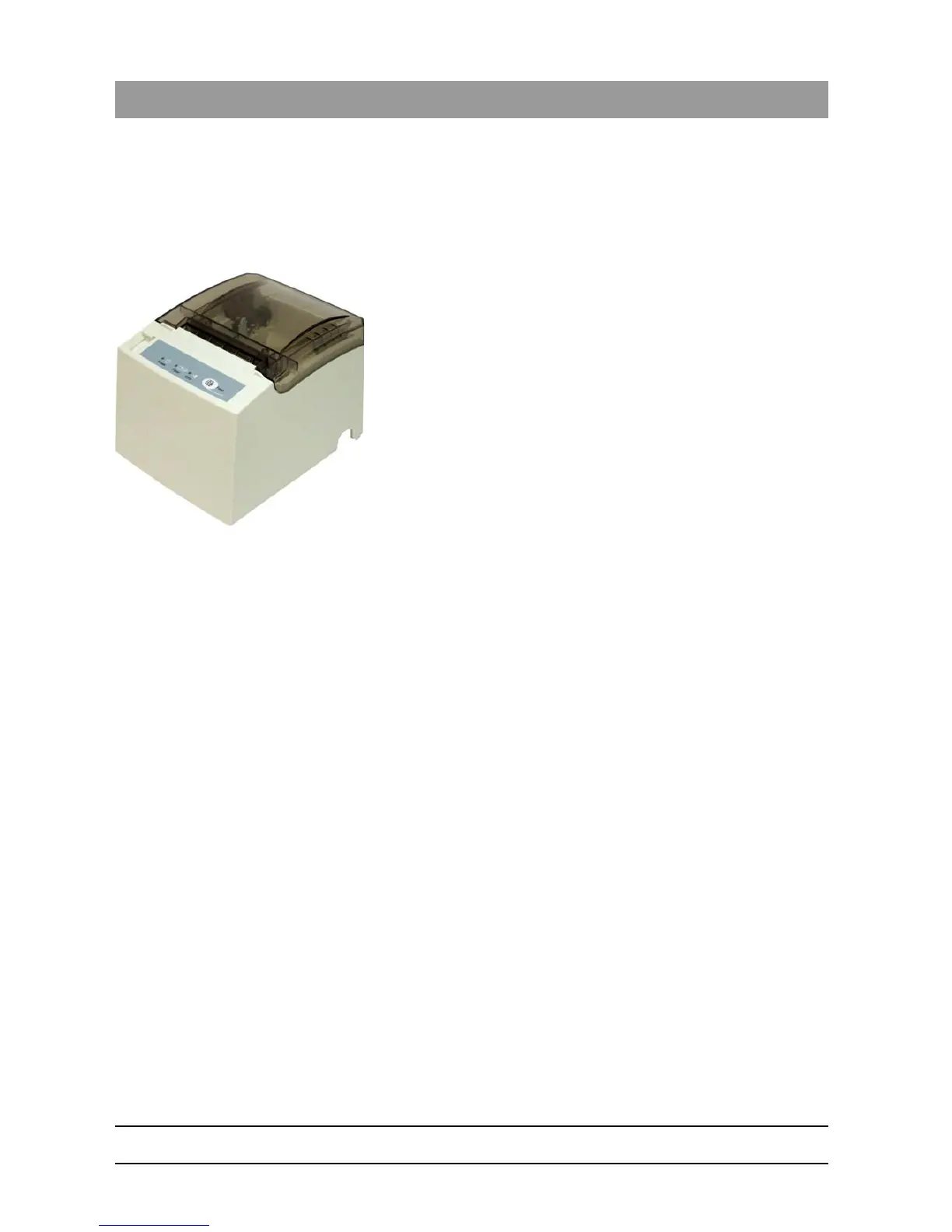
A thermal printer is available as a DAC UNIVERSAL accessory. This is
used for documenting the reprocessing cycle.
See "Printer [ → 242]" for the technical data and version of the printer.
USB data logger
Using a USB data logger, every batch is saved on a USB stick. To save
the data, they must be transferred to a computer in the practice daily.
Documentation software
Docu software_wi th FLEX lid
The software receives all available protocol data, checks the process
parameters, and saves the cycle protocol on a USB stick. It signalizes if
the cleaning and sterilization/disinfection process has proceeded
correctly. The data on the USB stick are automatically transferred to the
practice computer. The process is approved, signed digitally, and
archived on the practice computer by the assistant.
Contact your authorizied dealer to purchase a USB stick or the
sterilization software:
Selecting Printer lang uage_Sirona_Nitram
The languages available on the print out/data transfer are English,
German & French. These can be selected when installing the
documentation device as shown in „Connecting to a documentation
device DAC UNIVERSAL ADVANCED [ → 57]“ or „Connecting to a
documentation device DAC UNIVERSAL STANDARD [ → 58]“.














 To Next Page