60 53 362 D3472
64 D3472.201.10.20.02 07.2016
5Operation DAC UNIVERSAL ADVANCED Sirona Dental A/S
5.1Regular activities Operating Instructions DAC UNIVERSAL
5.1.2.2
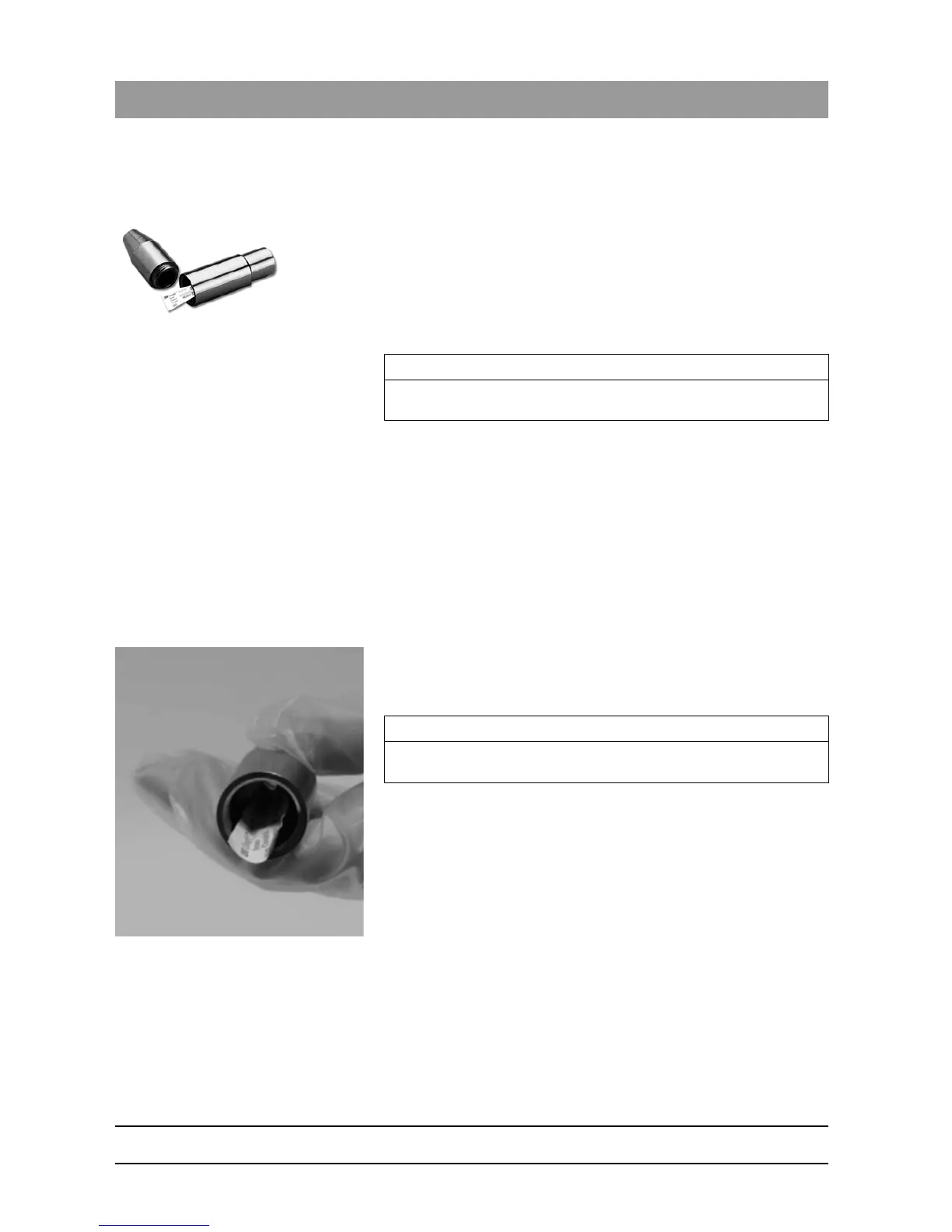
Testing with a PCD process challenge device
The PCD (process challenge device) is used in combination with a
chemical indicator to simulate a steam penetration test and confirm
proper sterilization.
Checking using a PCD test device is necessary in the following cases:
● Before using a DAC UNIVERSAL after initial installation
● After major repair work
● As part of routine weekly testing
Process
✔ The DAC UNIVERSAL is switched on and ready for a cycle.
✔ Up to 5 instruments are in the DAC UNIVERSAL ready for
reprocessing, see "Pre- and post-reprocessing of instruments
[ → 59]".
1. Remove the STANDARD lid from the holder on the DAC
UNIVERSAL.
2. Place the STANDARD lid on the counter or put it in the optional lid
holder.
3. First twist the PCD test device in the middle counterclockwise.
4. Fold the chemical indicator into a V-shape.
5. Put the chemical indicator into the PCD test device.
6. Twist the PCD test device clockwise to close.
IMPORTANT
An ISO/INTRAmatic adapter is needed to mount a PCD test device to
the STANDARD lid.
IMPORTANT
Twist the PCD test device completely closed.
A proper check of the PCD test device is not ensured if it is partly open.














 To Next Page