60 53 362 D3472
D3472.201.10.20.02 07.2016
127
Sirona Dental A/S 6Cleaning and maintanance DAC UNIVERSAL ADVANCED
Operating Instructions DAC UNIVERSAL 6.5Drain the water tank of the DAC UNIVERSAL ADVANCED
båÖäáëÜ
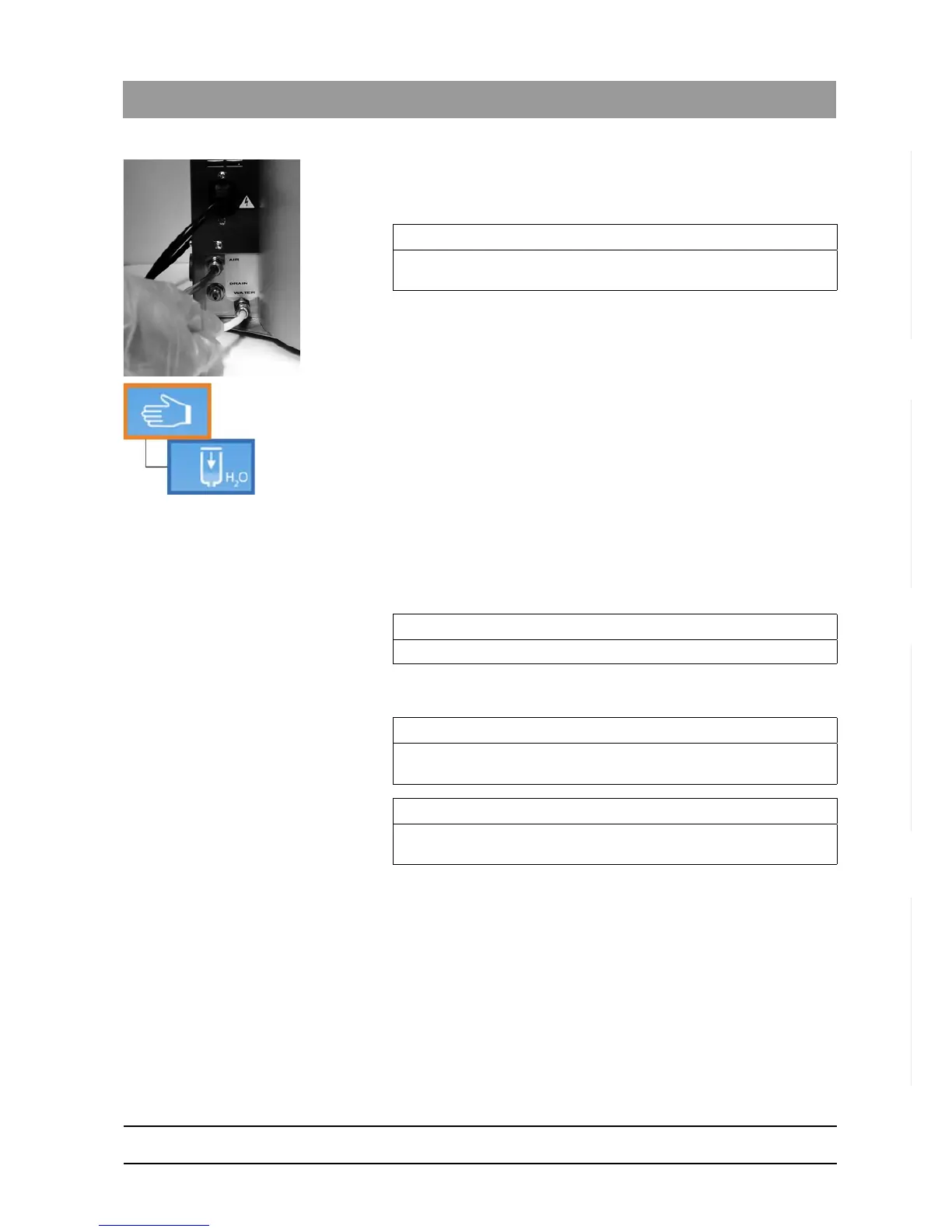
4. Attach a 6/4-mm hose to the "Water" quick coupling at the back of the
unit and twist it clockwise firmly.
5. Place the end of the hose in a sink or bucket.
The hose for draining the water tank is installed.
6. Insert the STANDARD lid in the cover holder of the DAC
UNIVERSAL.
7. Enter the "drain tank“ menu section.
8. Press the “Down”-Key to confirm.
The water is drained from the tank through the hose into the
drain/sink or into a bucket.
This process takes approx. 5-10 minutes.
9. Press the "Up"-Key when the water tank is completely empty.
10. Press the "Up"-Key until the ready screen reappears.
The water tank is empty.
11. Open the "Water" quick coupling by twisting it counterclockwise.
12. Detach the hose used for draining the water tank.
13. Reattach the normal 6/4-mm hose to the "Water" quick coupling at
the back of the unit and twist it clockwise firmly.
IMPORTANT
The DAC UNIVERSAL must be placed higher than the sink/bucket to
allow the water to drain out.
IMPORTANT
Step 13 is required only if there is a permanent water connection.
IMPORTANT
If you have installed the DAC UNIVERSAL with a permanent water
connection, please remember to turn the water back on.
IMPORTANT
If there is no permanent water connection, fill the water tank with
demineralized or distilled water (water conductivity < 3.0 µS/cm).














 To Next Page