60 53 362 D3472
D3472.201.10.20.02 07.2016
149
Sirona Dental A/S 7Display messages DAC UNIVERSAL ADVANCED
Operating Instructions DAC UNIVERSAL 7.1Display messages and what they mean DAC UNIVERSAL ADVANCED
båÖäáëÜ
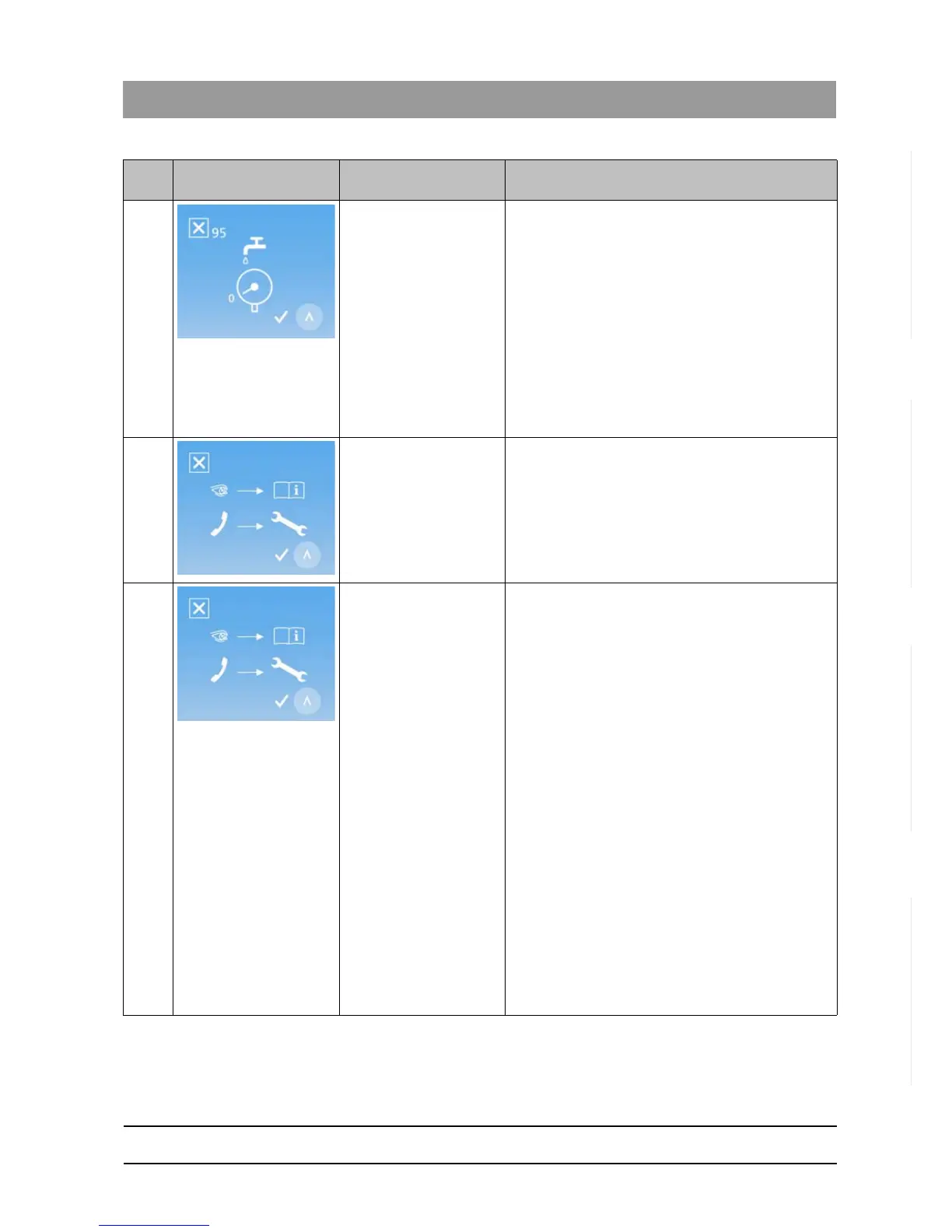
95 The DAC UNIVERSAL
"requested" water in
standby mode more than
7 times.
IMPORTANT! This error can occur only if the DAC
UNIVERSAL is connected to a permanent water
supply.
Make sure the DAC UNIVERSAL is supplied with
water.
If error 95 was caused by a leak, there will be a large
pool of water on the counter under the DAC
UNIVERSAL.
Check for water under the DAC UNIVERSAL. If this is
the case, interrupt the water supply to the DAC
UNIVERSAL and please contact your authorized
dealer.
96 Too little pressure during
purging of instruments.
Please contact your authorized dealer.
97 No water during external
cleaning.
Press the "Up" and "Right"-Keys simultaneously to
reset and then restart the DAC UNIVERSAL.
If the water level is too low, fill demineralized or
distilled water (water conductivity < 3.0 µS/cm) into
the water tank.
Pump water into the chamber, as described in
"Checking water supply to the chamber of the DAC
UNIVERSAL ADVANCED [ → 122]", until water
appears at the bottom of the chamber. If this is the
case, see "Drain the water tank". If this is the case,
see "Drain the water tank of the DAC UNIVERSAL
ADVANCED [ → 125]".
If no water appears in the chamber, please contact
your authorized dealer.
Empty the drain tank if it is full.
Clean or change the drain filter.
Make sure the drain hose is not blocked, defective, or
kinked.
IMPORTANT!
If the error occurs repeatedly, please contact your
authorized dealer.
Code
no.
Pictogram Description Corrective action














 To Next Page