60 53 362 D3472
200 D3472.201.10.20.02 07.2016
9Cleaning and maintenance DAC UNIVERSAL STANDARD Sirona Dental A/S
9.6Cleaning the water tank Operating Instructions DAC UNIVERSAL
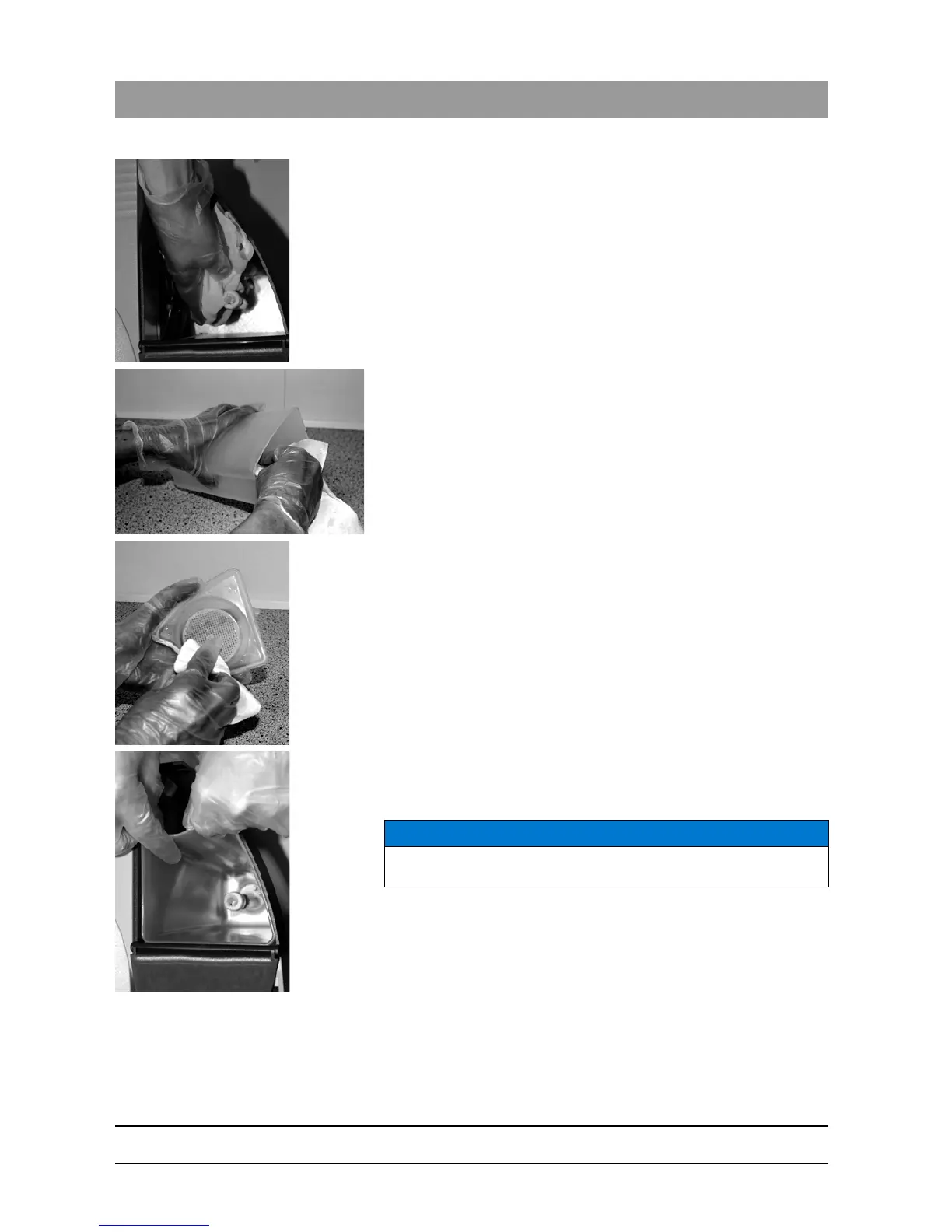
7. Clean the float in the water tank carefully with a moist cloth.
8. Wipe the tank dry with a clean cloth.
9. Wipe the sieve dry with a clean cloth.
10. Grasp the recesses of water tank with both hands again.
11. Insert the water tank back into the DAC UNIVERSAL.
12. Wriggle slightly until the water tank is firmly in place.
13. Place the sieve back on the water tank.
14. For manual water supply: Fill demineralized or distilled water (water
conductivity < 3.0 µS/cm) into the water tank.
15. Reconnect the DAC UNIVERSAL to the power supply.
The DAC UNIVERSAL is now switched on and ready for operation
again.
NOTICE
When inserting the water tank, make sure the float is put through the
opening in the water tank.














 To Next Page