Page 117 of 292
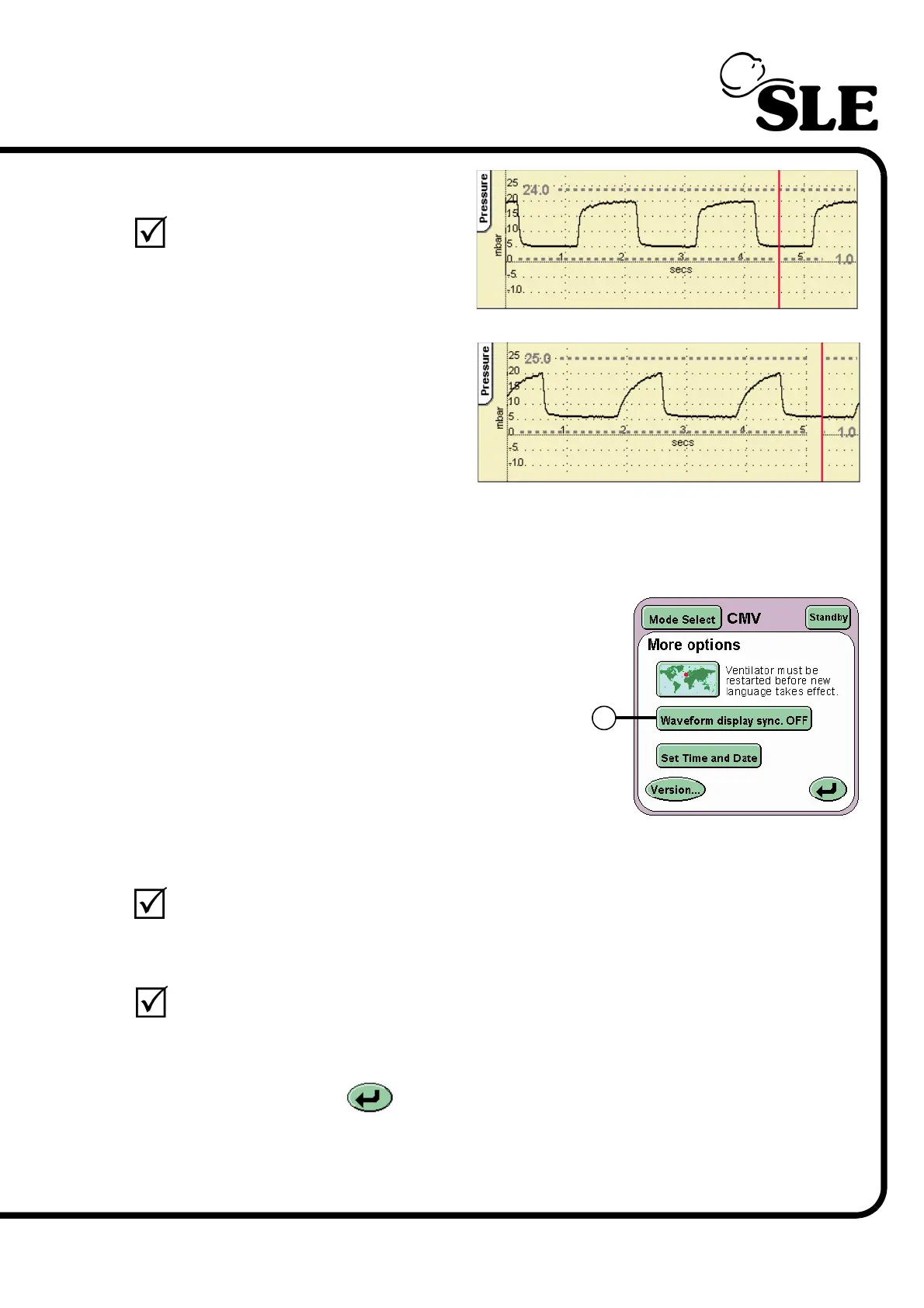
Step 46 Verify that:
the pressure wave form is
modified accordingly.
Step 47 Return the indicator bar to its original position and press the Return button to
return to the Services panel panel.
Step 48 Press the Next.. button to reach the More
Options panel. Press the Waveform display
sync button (E) to toggle between ON and
OFF. The button should then display the word
ON.
Step 49 Verify that:
In the waveform window the waveforms should be displayed starting at
the left hand edge of the window.
Step 50 Set the Waveform display sync to OFF.
Verify that:
In the waveform windows the waveforms should be displayed starting
anywhere in the window.
Press the Return button twice to return to the Mode panel.
Default position
Midway position
E



 To Next Page