Page 118 of 292
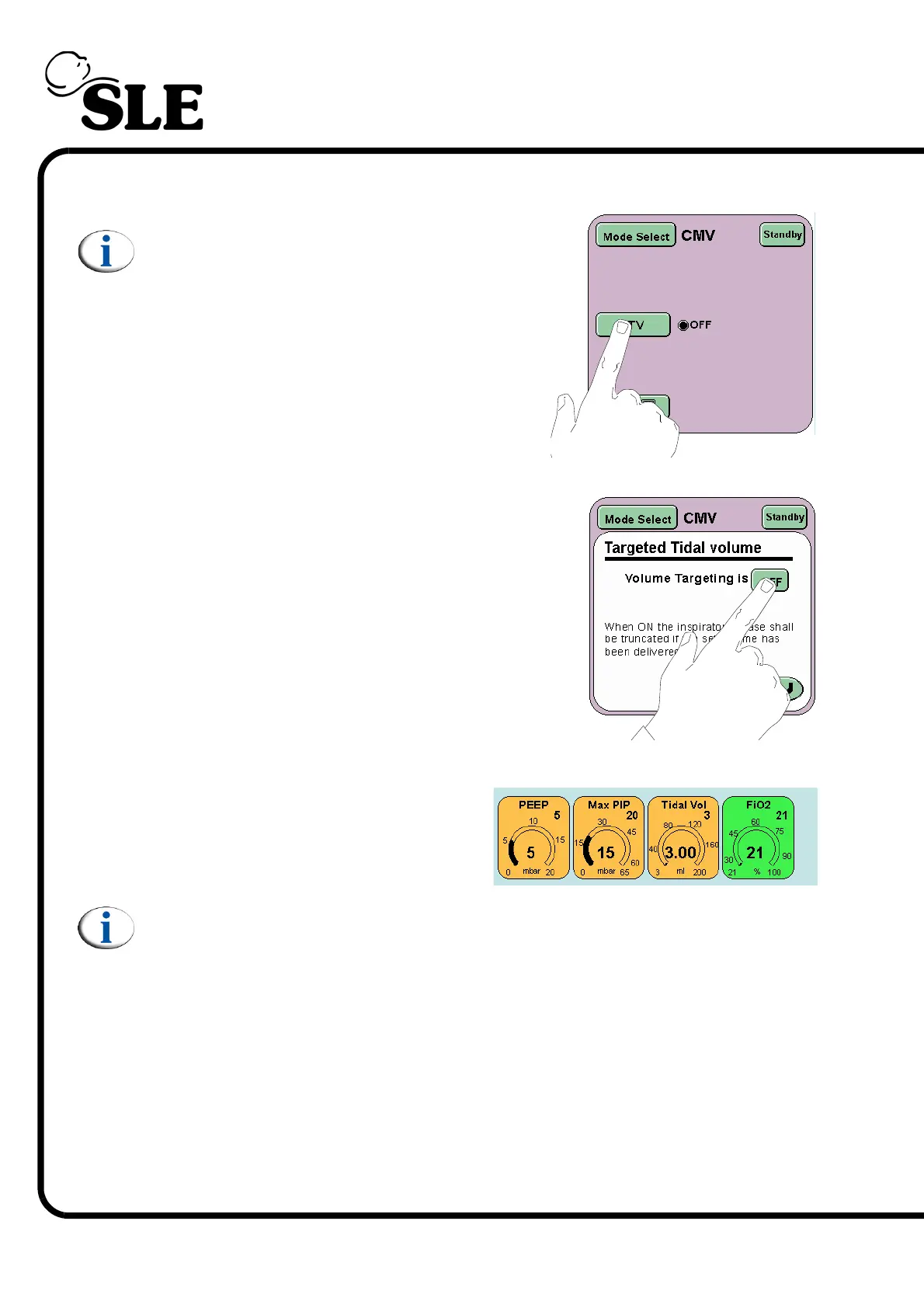
Step 51 From the mode select panel press the TTV button.
(Skip Step 51 to Step 55, if functional testing
without a flow sensor).
Step 52 Turn on the Volume targeting by pressing the
button marked OFF. The text in the button will
change to ON.
Press the Return button to return to the Mode
Panel.
Step 53 The Tidal Vol parameter will now
appear.
Note: The PIP parameter control changes to the MAX PIP parameter control
when volume limiting is turned on.



 To Next Page