150 Maintenance
2006792 Rev B – 200228
Items needed to adjust the ink stream position are:
• Small Phillips head screwdriver
• Small hex wrench (2mm)
To adjust the ink stream position:
1. Check Ink Pressure and Viscosity:
a. Verify that the ink pressure and viscosity are at or near their set points (see
“Pressure” on page 101 and “Viscosity” on page 102).
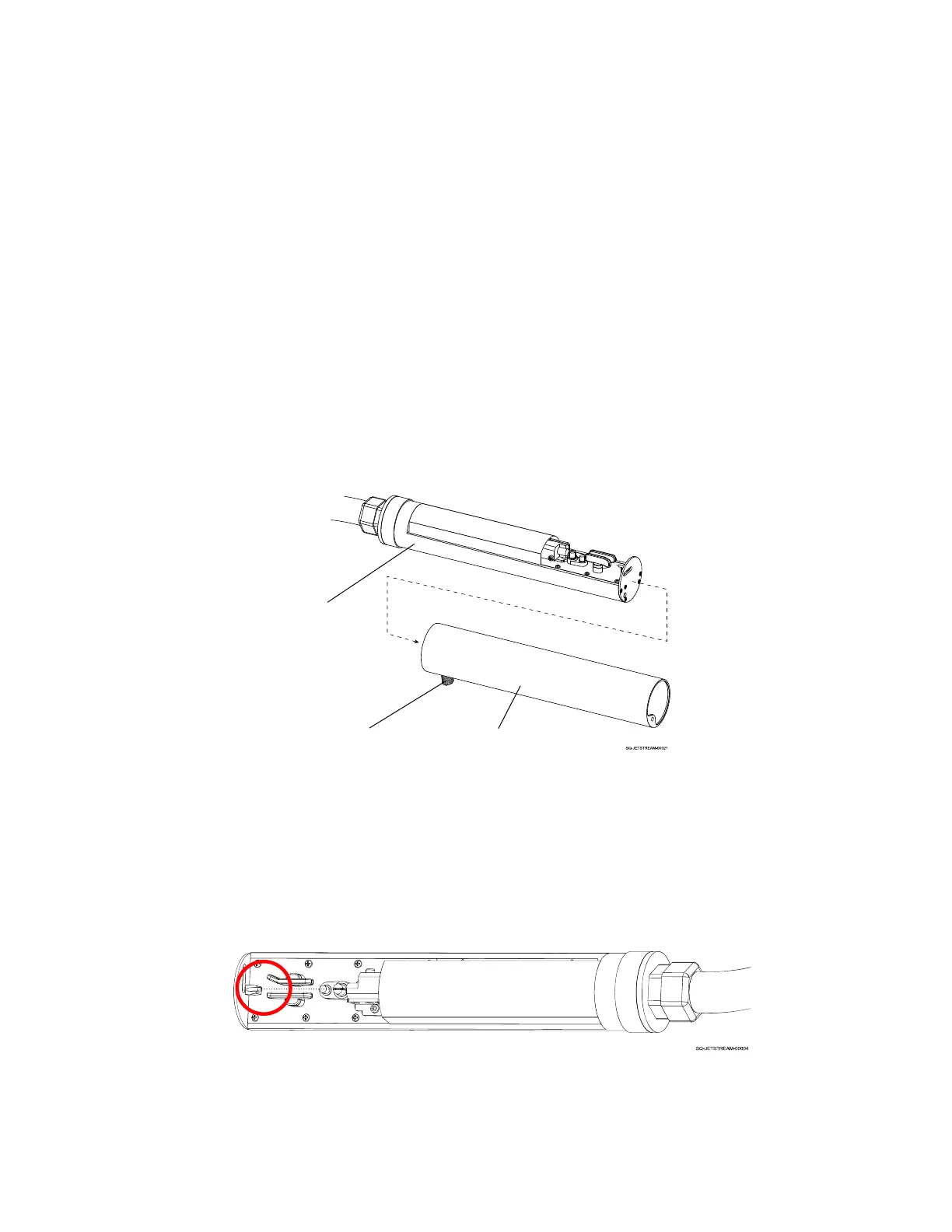
2. With jetting on, remove the Printhead Cover:
a. At the base of the Printhead, near the Umbilical Tube, unscrew the Cover Fastener.
b. Pull the Printhead Cover off by pulling it toward the nozzle end of the Printhead.
c. Set the Printhead Cover on a flat surface.
3. Observe the ink flow:
a. Notice where the ink droplets are landing around the Ink Return Gutter:



 To Next Page