Troubleshooting 189
2006792 Rev B – 200228
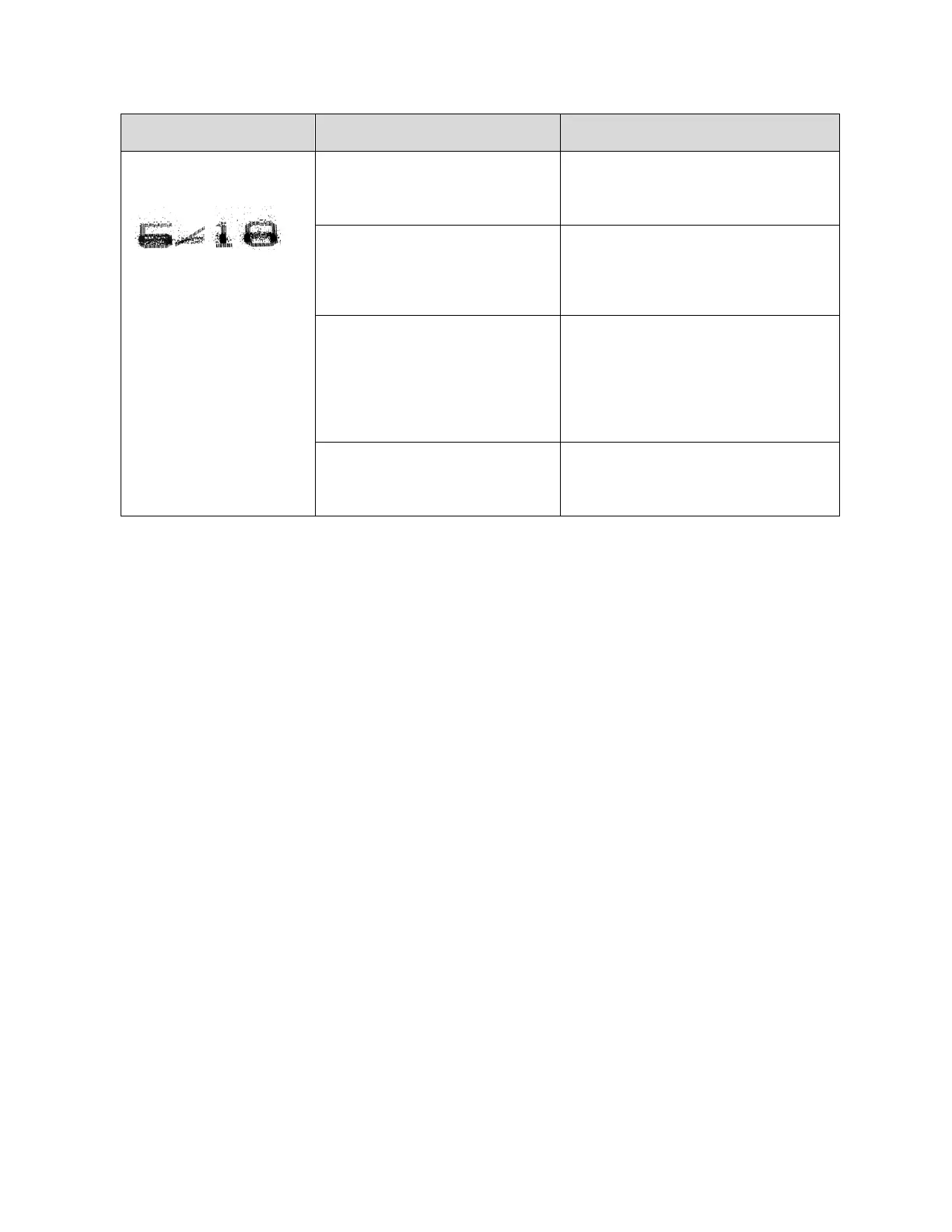
Poor print quality –
spatters:
Blockage inside the Printhead.
Clear blockages from the Printhead
(see “Clearing a Minor Blockage in
the Printhead” on page 145).
Printhead Orifice is too far from
substrate/product and/or strong
air currents passing between
Printhead and substrate.
Ensure that the Printhead Nozzle is
1.2" (30 mm) or less from the passing
product and that no strong air
currents exist.
Ink viscosity is too high or too
low.
Check the ink viscosity (see
“Viscosity” on page 102). If the
viscosity is too low or two high, keep
the system jetting and wait until the
ink viscosity comes within 10% of the
viscosity set point.
The ink drop break-off point is
outside the Charge Electrode
Tunnel.
Adjust the modulation (see “Adjusting
the Ink Drop Break-Off” on page 154)



 To Next Page