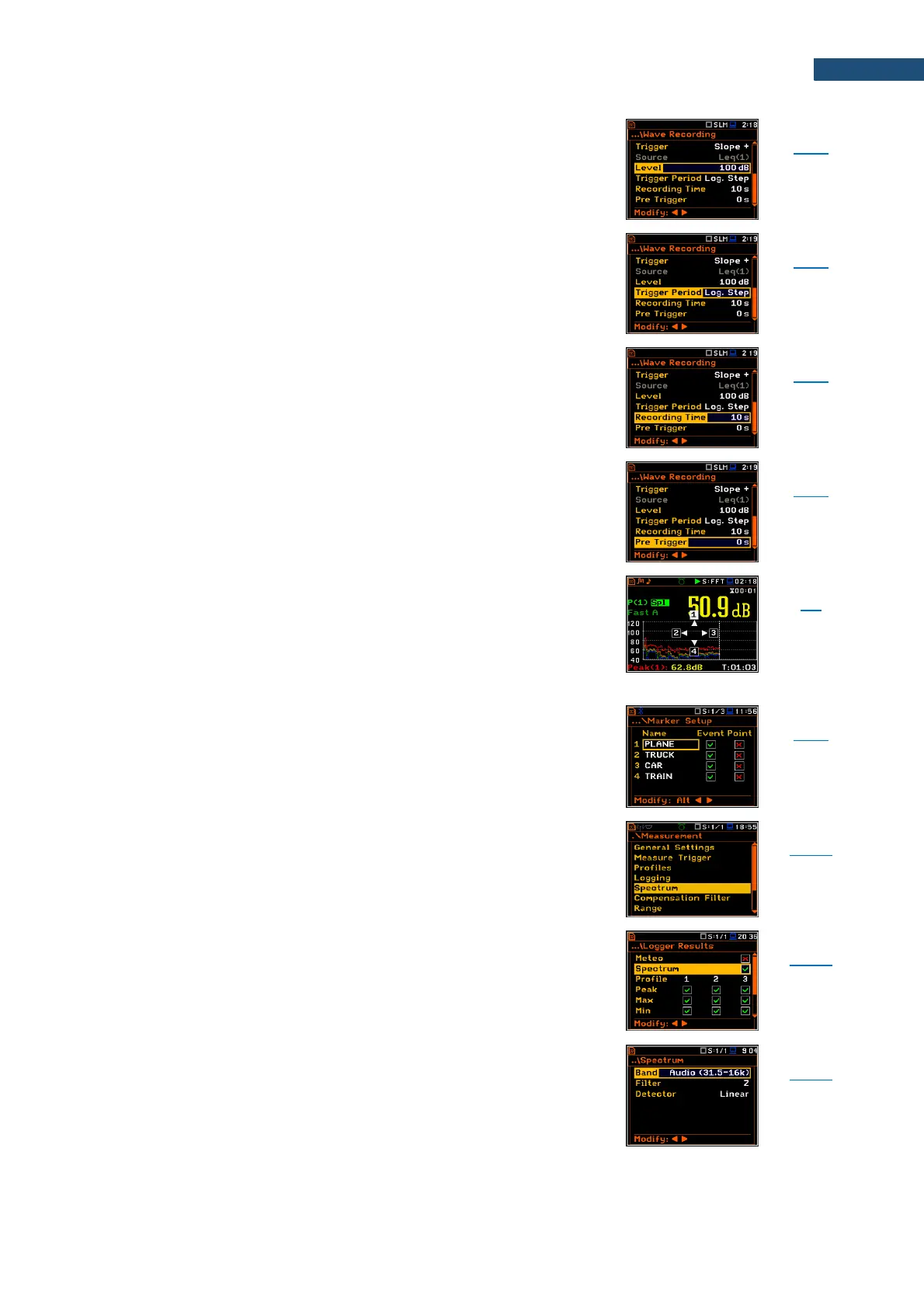
Threshold level of the trigger condition.
Time interval of checking the triggering conditions. This
parameter can be set as: Log. Step (same as
Logger Step value), 0.5ms, 100.0ms and 1s.
Time of signal recording after meeting every trigger
condition. The available values can be selected from 1s
to 8h or Infinite. Recording stops after Recording Time or
earlier if the measurement is stopped manually.
Period of signal recording before the first trigger condition
fulfilment. The length of pre-recording depends on
sampling rate.
Marker is used to mark (or highlight) special point or
event during the measurement. For example, for an
airplane flight it can be marked the beginning and end of
the block of logger results in which this event occurred.
In case of point markers there is only one record (start)
in the logger file. Markers are activated in the result
presentation screen by pressing the arrow keys.
Position in the Menu that enables to set up the markers
– name them and define them as Event or Point type.
Screen that enables setting the 1/1 Octave, 1/3 Octave
spectrum parameters: Band, Filter and Detector.
Position in the Logger Results screen that switches on /
off spectra saving as a time-history in a logger file.
Frequency range of 1/1 or 1/3 spectrum. Depending on
the function and mode of the instrument the frequency
range can be selected for sound measurements: Audio
(31.5-16k), Ultra (1-31.5k) for 1/1 Octave and Audio (20-
20k), Ultra (0.8-40k) for 1/3 Octave; and for vibration
measurements: Full (1-16k), Ultra (1-31.5k) for
1/1 Octave and Full (0.8-20k), Ultra (0.8-40k) for
1/3 Octave.



 To Next Page