The <Info> key (simultaneous pressing the ◄ and ►
keys) opens the screen with the help information in the
measurement display modes. Press <ESC> or
<ENTER> to exit the Info screen.
To enter the marker mode, press the <Shift> and <Alt> keys simultaneously
during the measurement. Then four available markers will appear on the screen.
To switch on marker no. 1, press the ▲ key (no. 2 - ◄, no. 3 - ► and no. 4 - ▼).
Active marker number will be highlighted. To switch off the marker, press the
appropriate arrow-key second time.
Markers disappear from the screen after pressing <Shift> and <Alt>, but their
status doesn’t change. To continue working with markers, press <Shift> and
<Alt> again.
Markers are saved in the logger file (cf. App. B for details) and can be studied
with the help of the SvanPC++ software.
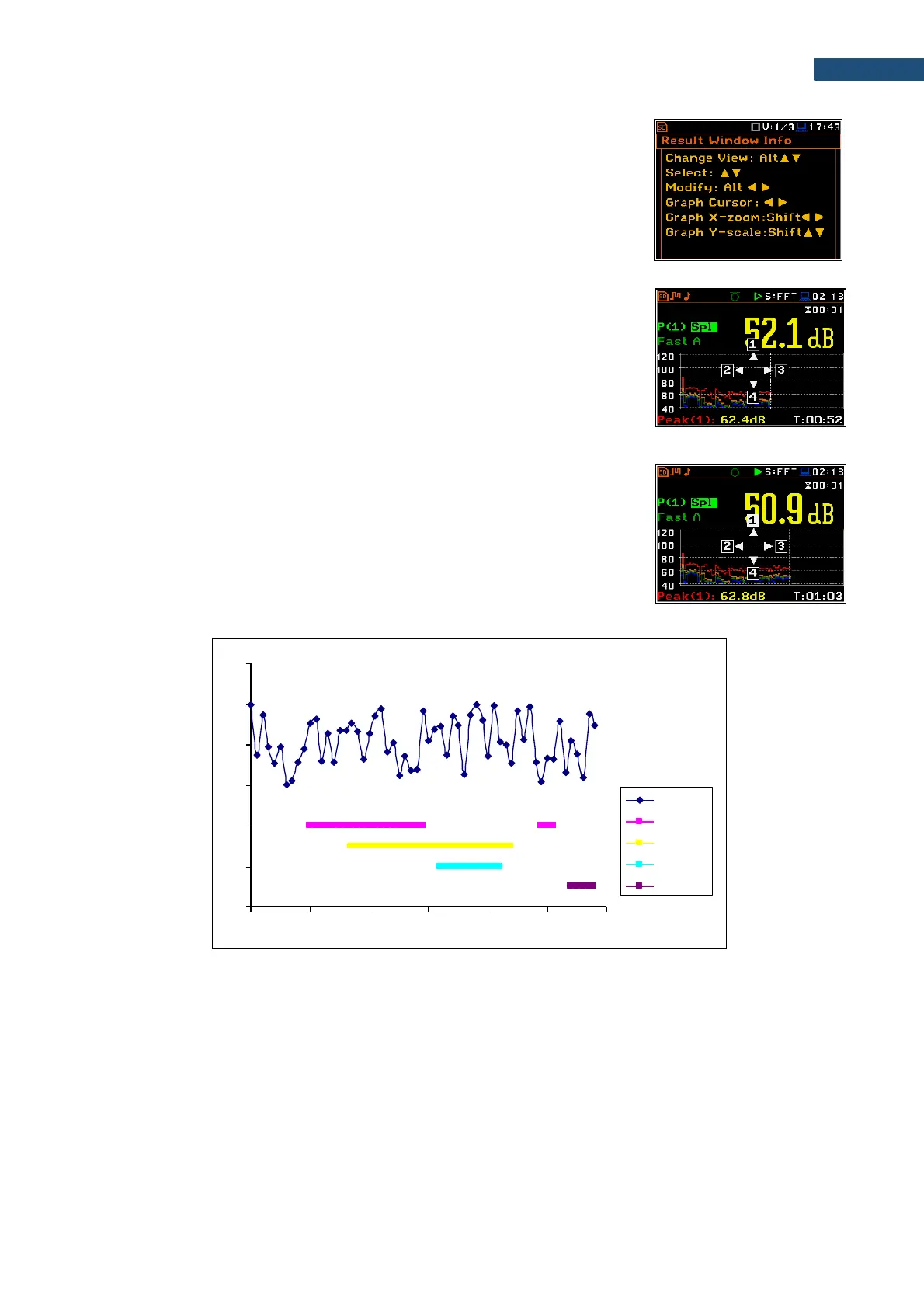
An example presentation of the markers on the time history plot is shown below.



 To Next Page