4.1.9.3.6 Save the configuration to the drive
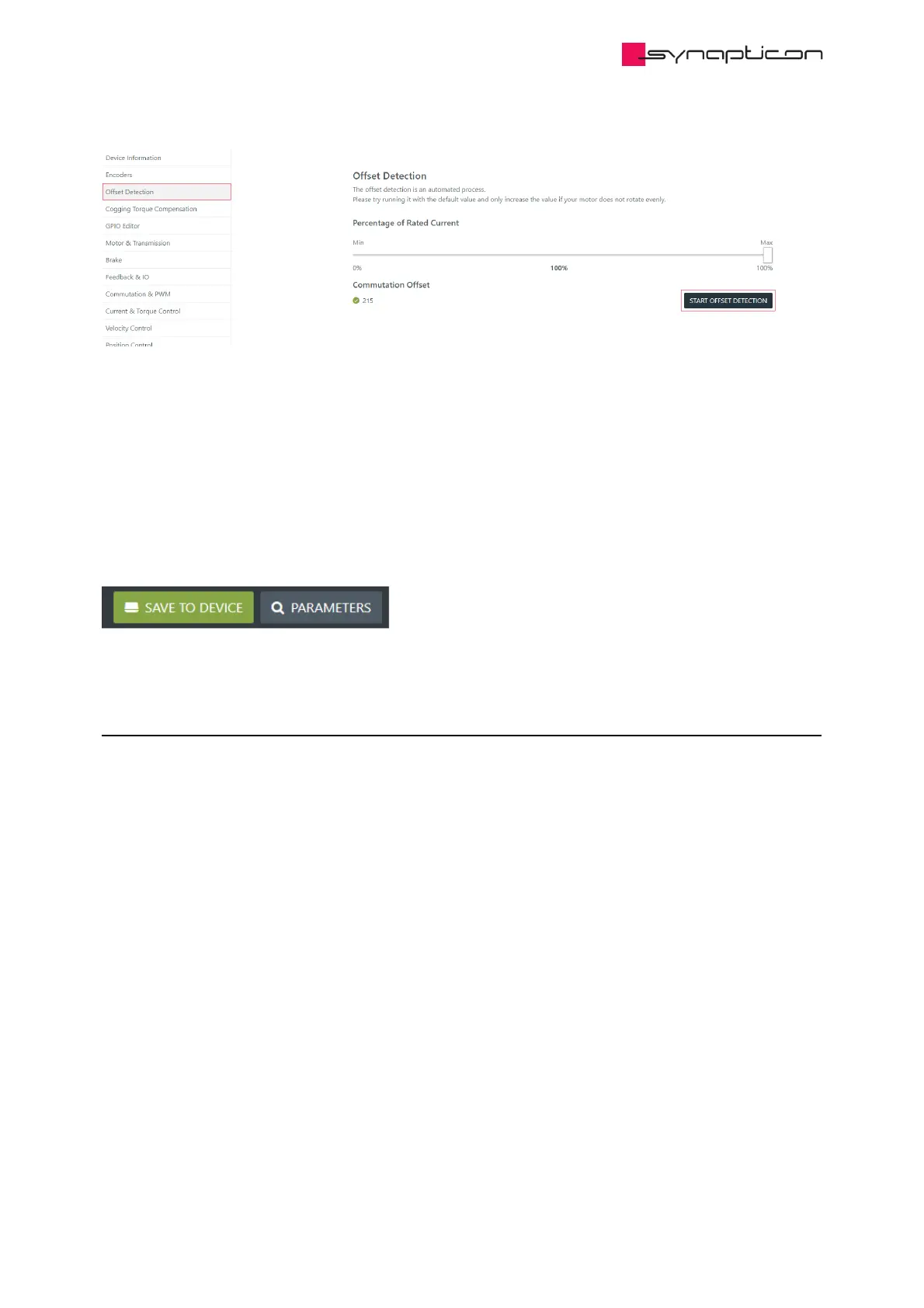
This step can be skipped if the previous step (Run offset detection) was skipped as well.
In case the offset detection was executed, please make sure to save the new parameters to the drive.
Saving configuration is done through the “SAVE TO DEVICE” green button in the top right corner of OBLAC
Drives.
4.1.9.4 SOMANET Circulo with at least one internal encoder
4.1.9.4.1 Save the configuration file
Underneath the drive’s picture on the main page of OBLAC Drives, different actions can be performed.
When clicking on “Save configuration file” a .csv file will be saved on the user’s PC that contains different
EtherCAT SDO objects with their actual values.
This file can be used to back up a specific configuration.



 To Next Page