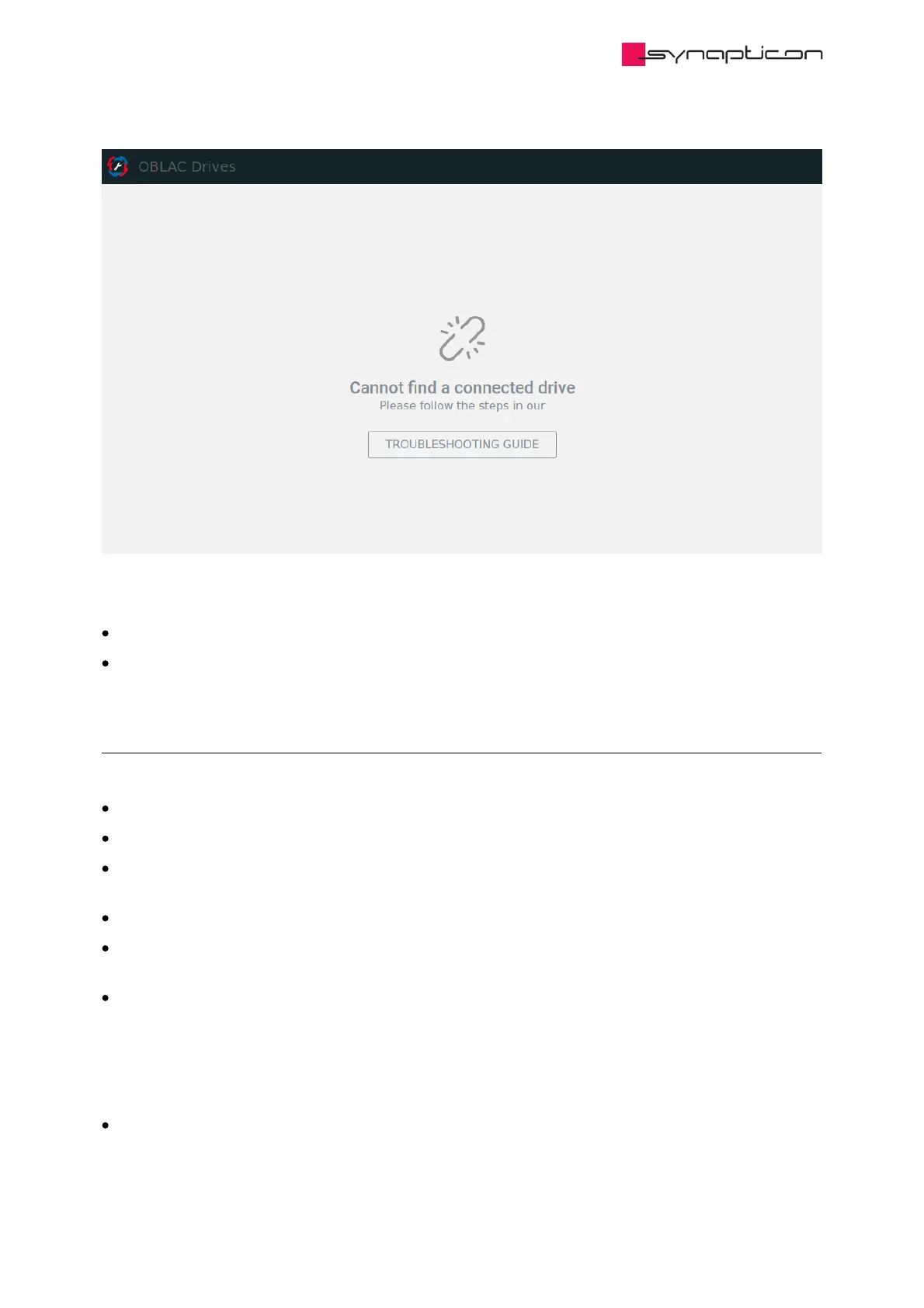
There are several reasons that will inevitably lead to this problem:
you did not power on the drive before starting OBLAC Drives
you selected the wrong network port while configuring the VMware settings (check out our Setup Guide)
2.7.4 Other Issues
If the application does not behave properly in any other way than described above, try the following:
Refresh the OBLAC Drives web page
Make sure no native EtherCAT master is running on the host machine or in the same network
Make sure that none of the Synapticon tool components (OBLAC Drives, motion master bridge or motion-
master) are already running on the host machine as a native installation
If your laptop is connected to a docking station, undock and restart it, then try to run OBLAC Drives again
Other installed or running software on the PC is occupying the Ethernet port.
If possible, stop or uninstall this software or try it with a fresh PC.
Not all network adapters are able to perform the real-time requirements for OBLAC drives. In our
experience, network cards inside laptops and computers work most reliably. Docking stations (if not
connected via USB) are also often reliable.
A network connection via USB is difficult to predict. Some adapters work very well, others not at all. If USB
is the only option, you may have to try several adapters or even a different PC. This is most likely the cause
if you can establish a connection to a drive, but the connection is interrupted frequently.
Limited performance of the host PC. If the general performance of the PC is too weak (less than 8 GB RAM,
low frequency) or too many other software is running on the PC, there is not enough power left for the
virtual machine.



 To Next Page