your PC and connect it to the servo drive on EtherCAT port IN.
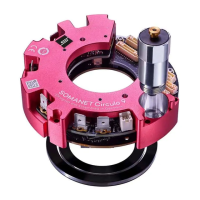
Details about this connector for SOMANET Node and SOMANET Circulo.
8. Play the virtual machine
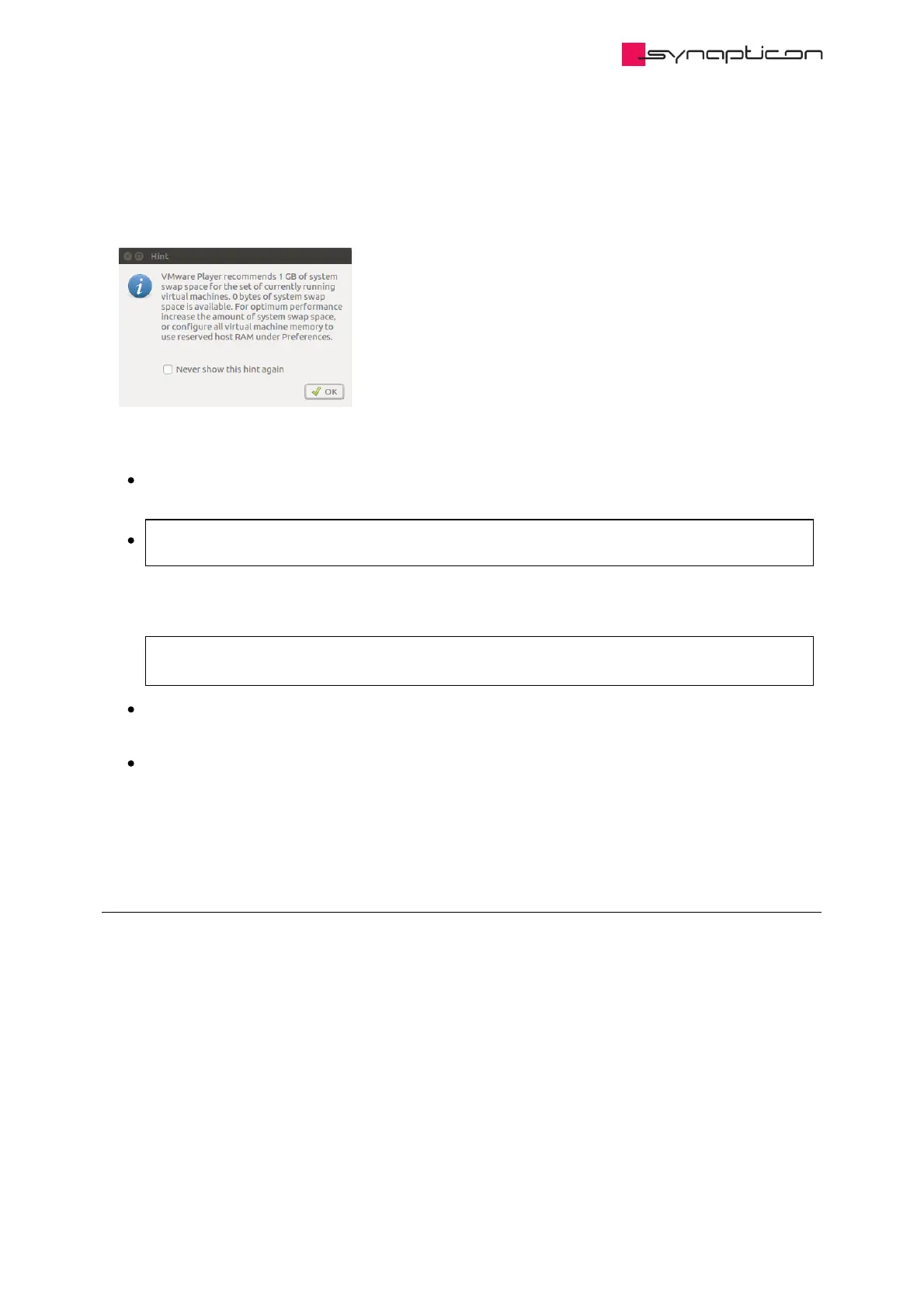
9. In case your systems hints that a swap partition is needed:
instead of creating such a partition you can also use this workaround:
Close the VMware Player
Run
sudo gedit /etc/vmware/config
prefvmx.minVmMemPct = "100"
at the end of the file and save
Restart the VMware Player
2.1.2.3 Connecting to OBLAC Drives
Once your virtual machine is powered up, you will find the IP address of OBLAC Drives at the top of the
screen. Enter this IP address in your browser and wait for OBLAC Drives to show the connected drives.
© 2021 Synapticon GmbH | Daimlerstraße 26 | D-71101 Schönaich Documentation v 4.19.0 | Built 2022-02-01 463/1031



 To Next Page