To adjust finishing of embroidering
105
Chapter 5
1
2
3
4
5
6
7
8
9
10
11
7-1-2. How to operate
The following is an example that correcting value of horizontal direction is set to "0.3".
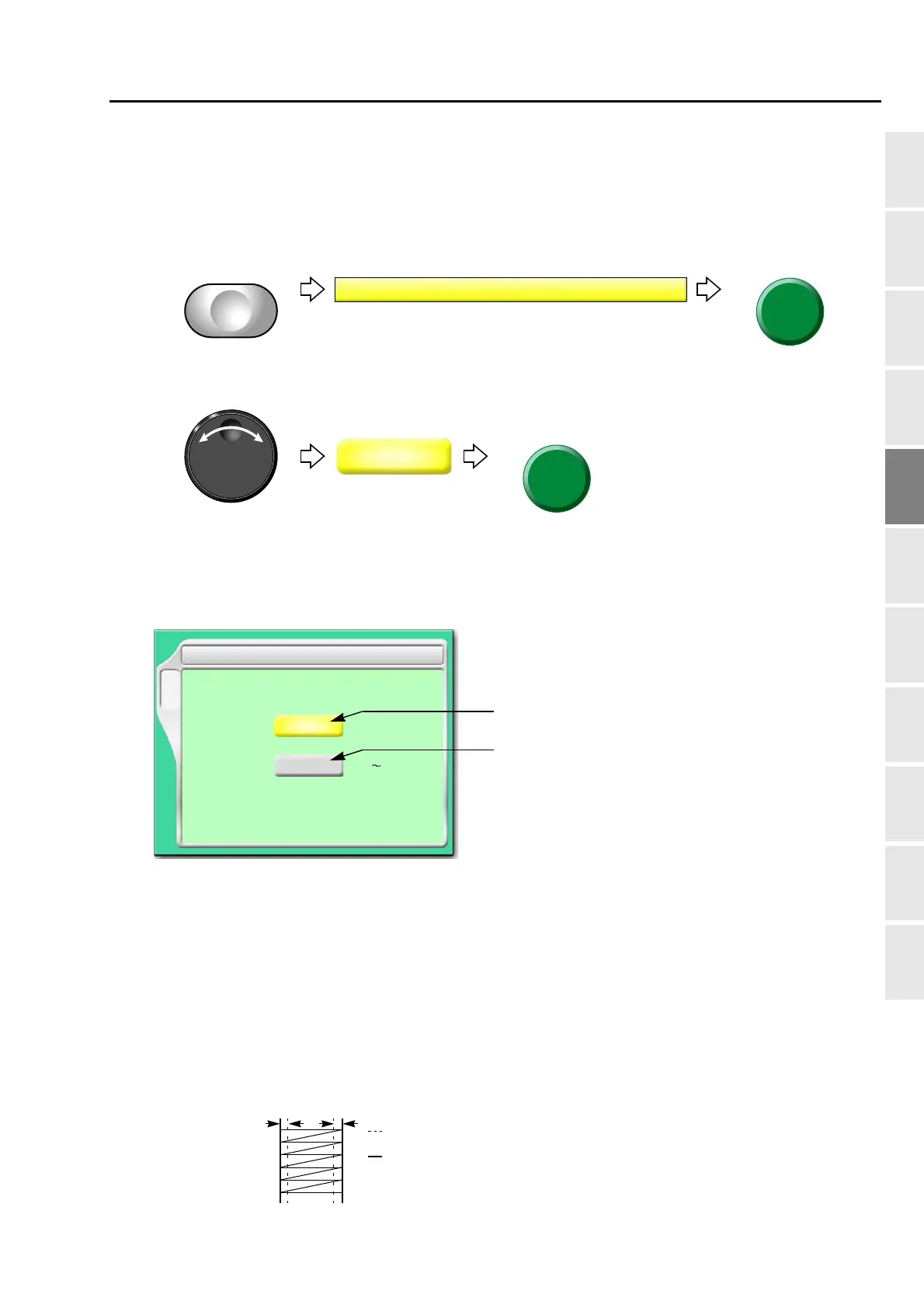
(1) To open screen
(2) To select correcting value in horizontal
7-2. To adjust stitch length of satin stitch (Satin Stitch)
7-2-1. Screen
[a] Applicable range
Whole: All satin stitches in the design are targets.
Part:
Satin stitches of the section surrounded by satin stitch codes (Satin_S to Satin _E) are
targets. It is necessary to add the satin stitch code if it is not in the design.
[b] Adding amount
1/2 of the value will be added to both sides of stitch length.
)
3 Satin Stitch
F1
Whole
Expansion
0.0
Range Whole/Part
-1.0
+1.0
[mm]
[b]
[a]
Before enlargement
After enlargement
0.2
Example of the value in +0.4 mm
0.2



 To Next Page