To set details of optional device
200
Chapter 8
2. To set details of optional device
2-1. Sequin Device III
The detail of the device will be set.
2-1-1. Explanation on the screen
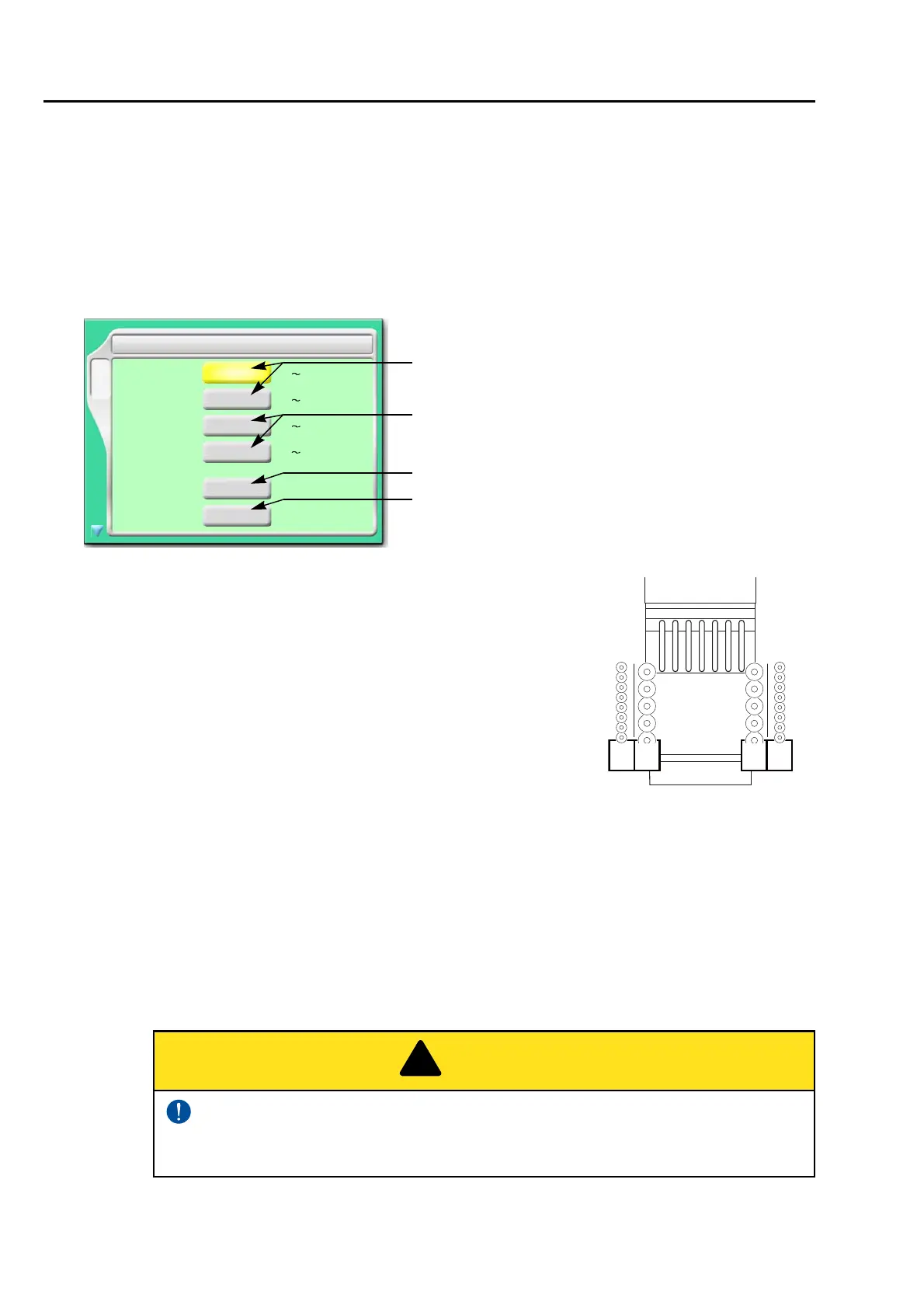
[a] Feed amount of sequin chips for each device L1 and L2 at
the left side (refer to the right figure)
Select a value that adds about 1.0 to an external diameter of
chip as a rough standard.
[b] Feed amount of sequin chips for each device R1 and R2 at
the right side (refer to the right figure)
Select a value that adds about 1.0 to an external diameter of
chip as a rough standard.
[c] Insertion of jump data when a sequin chip is sewn on
Select "YES" when sequin chips are not sewn effectually. However, productivity will be
decreased.
YES: To perform
NO: Not to perform
[d] Moving up of device at frame stepping
YES: To perform
NO: Not to perform
Selecting "NO" will increase manufacturing efficiency. However, the device
could interfere with the frame resulting in its breakage depending on design or
frame type to use.
[a]
F3
2.0
4.0
4.0
---L1------
2 Sequin
9.9 [mm]
NO
YES/NO
Jump Insertion
YES
Device Up at
YES/NO
L2---------
4.0
------R1---
4.0
---------R2
2.0
9.9 [mm]
2.0
9.9 [mm]
2.0
9.9 [mm]
[b]
[c]
[d]
frame stepping
Left side
L1L2
Right side
R2R1



 To Next Page